
Much of the time, the smartphone is in the lock screen mode. However, this screen contains relatively little useful information.
Dennis Gandasubrata
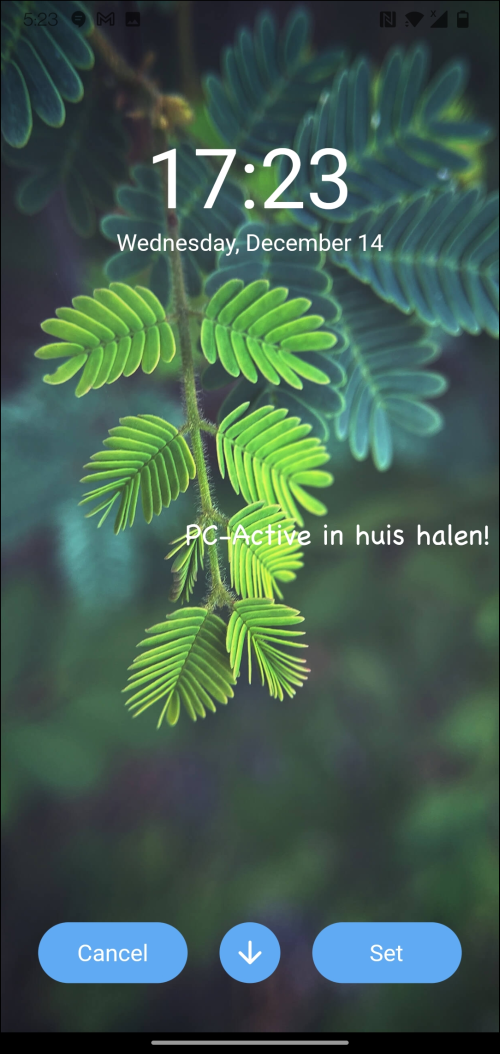
With X WallNotes you can create a note and add it directly to the screen background. Handy: this way the note is always visible.
Via X WallNotes you choose a background from the offered collection. If you are not satisfied with this, you can also select your own background. Then a simple editor appears, in which you can compose the note.
It is of course primarily about the message, but the makers have also added simple formatting options. You can choose your own font and color for the message.
Then you determine where the note should appear. You can choose from the home screen, lock screen or on both screens. The image is visible. Do not expect any other features from the program.
X WallNotes (via Google Play)

Price: Free
System requirements: Android 4.4 and above
Language: English