
In the field of wireless networks, things can go wrong, but there is often room for optimization.
Dennis Gandasubrata
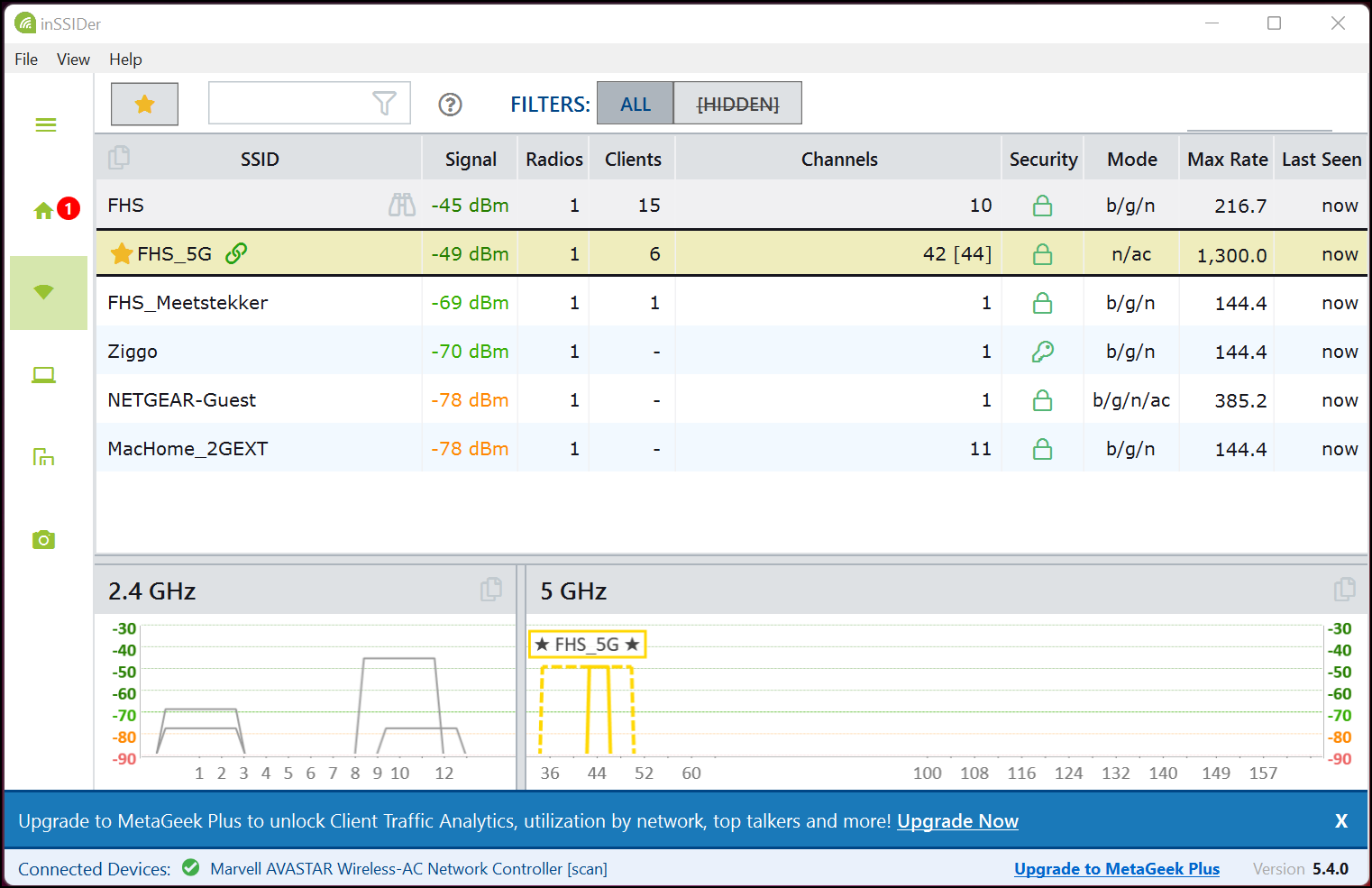
In the field of wireless networks, things can go wrong, but there is often room for optimization. You can use all the help with this. InSSIDer provides insight into the components of your wireless network: the app shows, among other things, the WiFi channel, channel width, signal strength and WiFi mode used. On the left you will find the different sections. Choose See all networks for a complete overview.
After clicking the binoculars button, the details of the selected network will appear. View at Signal Strength how strong the signal is being received. Bee Wi-Fi Utilization you can read the occupancy per channel: a valuable insight, with which you can choose the best channel for the situation. In the next column you can read the name of the network with the strongest signal.
In addition to simply showing these ‘statistics’, the makers have also paid attention to explaining the situation in plain language. For example, you can read when the network is not optimally configured or which improvement point you can use for even better performance. You will also find a number of step-by-step plans and videos in which the steps are explained.
Before you can get started with the app, you need an account. You can create the account for free.
InSSIDer (www.metageek.com/inssider)

Price: Free
System Requirements: Windows 11
Language: English