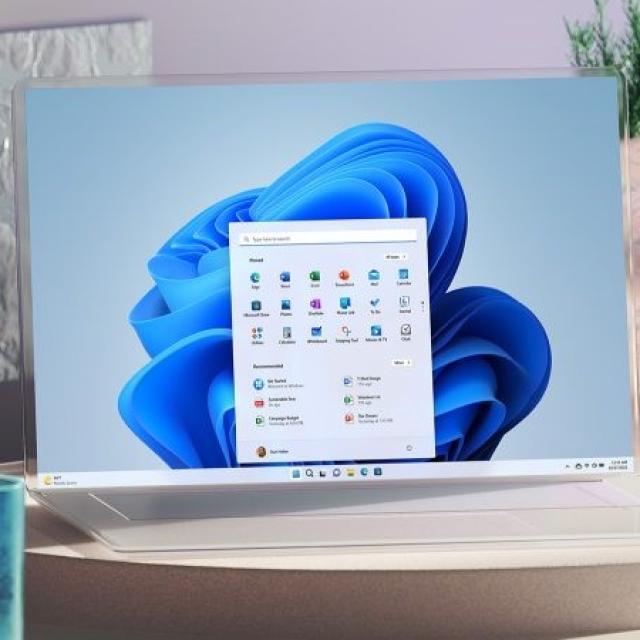
Soon, with the release of Windows 11 23H2, the latest update of Microsoft’s latest operating system will appear. Read here what you can expect new in, among other things, the Taskbar settings, Explorer and Photo gallery.
In the fall of 2023, Microsoft’s Windows 11 operating system will receive an update called Windows 11 23H2. In this article, we will discuss these changes and/or improvements in the Taskbar settings, File Explorer, Photo Gallery, and other minor changes, among others. A number of changes are already visible via Windows 11 Insider, but they are not yet final. Finally, based on, among other things, feedback from users, Microsoft can decide whether or not to include the changes in the Windows 11 23H2 update.
Windows 11 23H2 Taskbar Settings
The very first change within Windows 11 is within the Taskbar settings and one that is desired by many users. This is partly due to the fact that this option is/was already present in Windows 10 and earlier versions, but not yet in Windows 11: showing icons of multiple open instances of the same program side by side. In Windows 11, these are still merged into one icon.
This (new) option should increase your productivity when working with multiple spreadsheets and browser windows, for example. New here is that you can now also label the icons of pinned, but not yet launched programs.
Windows 11 23H2 Explorer
The widely used File Explorer is also modified with a custom details pane that appears on the right side when you ‘activate’ it. If you use that for photo folders, for example, you will immediately see metadata such as recording and camera data. Now you have to do it first Detailsopen the file properties tab.
Also new is that the thumbnails of photos now use the full width and additional meta information about the file is displayed. But the classic camera parameters are no longer present in the current beta version.
In addition, Microsoft seems to be planning to Displaytab in the OptionsFile Explorer menu. Some options will be removed, such as Always show icons, never thumbnails and Show file icon on thumbnailsand also other options like Hide protected operating system files.
Microsoft does report that the associated registry settings will remain functional.
Windows 11 23H2 Photo Gallery
The Explorer element Gallery also gets a new look and shows the photo collection in a modern format, similar to that of the Windows Photos app. Photos are arranged chronologically (with the newest on top) and the file names are hidden. The spacing between thumbnails has also been reduced and the display follows a mosaic pattern combining both portrait and landscape formats. There’s also a timeline on the right side of the window, a feature similar to that found in Google Photos, for example.
The classic view of the folder Pictures co-exists with the Gallery view and is not intended to replace it. Which view is preferred depends on the specific application. If you want to search by file names or specific attributes, the classic folder view remains the most suitable. If you want to quickly browse through your holiday photos chronologically, the Gallery view offers a solution.
Smaller changes
In addition to the mentioned changes to the Taskbar settings, File Explorer, and Photo Gallery, other minor changes are coming. So you can in the spotlightfunction at the top right to choose directly from four different backgrounds. Furthermore, the widgets expanded with a version for Facebook notifications.
Finally, if you have an input device or similar devices with adjustable LED lighting, you can now directly manage the lighting effects through the Windows settings. At the moment this option is still referred to as Dynamic Lighting. However, this feature is only available for devices that are compatible with the open HID standard called LampArray.
Source: c’t