
BatchPhoto lets you apply edits to a set of photos at once.
By: Dennis Gandasoebrata
Just returned from your holiday with a large photo collection? Or do you simply have a large amount of photos on the drive? BatchPhoto lets you apply common tasks and edits to a set of multiple photos at once. This saves you manual work. The presentation of the promotions is particularly striking: the user interface is neat and puts the photos center stage.
In all actions, the program uses a wizard that consists of three steps. In the first folder, select the folder or individual photos that you want to work on. You can adjust that selection later, for example if you want to leave out specific photos. In the second step you choose the desired operation. In a collection of filters, the app provides various options, such as retouching the photo or adding texts.
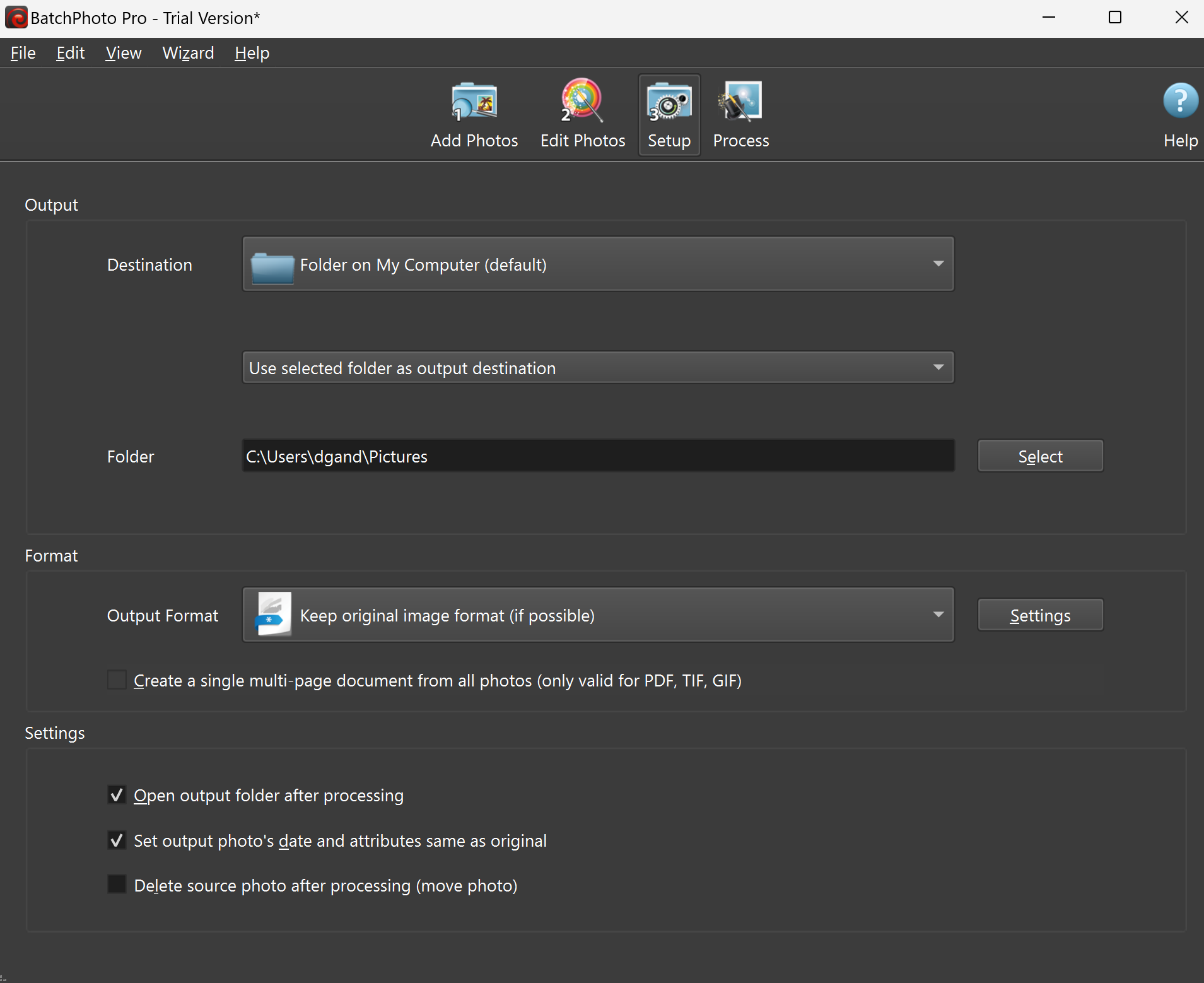
Before you apply the edits, they are shown in a preview view. In the last step you determine where the images will be saved and what format will be used.
The ability to collect all photos in one document is useful, something reminiscent of a contact sheet for photos. In addition, you will find the option to give the photos a different date or delete the source photos after editing.
We could not find an option to change the name of the photos at once: something that is a welcome addition within such a program.
.
Product: BatchPhoto www.batchphoto.com

Platform: Windows 10, Windows 11
Pros:
* Simple setup via three-step plan
* Support for automation via scripts
Negatives:
* File names cannot be changed in batch