

The growing interest in the Linux operating system as an alternative to Windows has led to the establishment of our own Interest Group. HCC!linux got off to a flying start during the last HCC! knowledge day in Houten. Get involved and join us!

Walter Wijnhoven
The creation of HCC!linux was only a matter of time. “There has always been an interest in Linux within HCC,” says co-initiator Ton Valkenburgh. “For example, HCC!opensource has many experts and HCC!compusers has a Linux platform. Members in the regions are also actively working on Linux. Cees Heij and Peter de Bruin from the Brabant region therefore asked the Association Office in Haarlem to pay more attention to Linux nationally. They had already managed to get Linux Mint Cinnamon on the agenda as a seasonal theme. Anyone who wants to get involved with Linux at an accessible and slightly advanced level is welcome at HCC!linux. If you are a Linux expert, then HCC!open source is more suitable for you.”
Why Linux?
Ton has been a member of HCC and also of HCC!compusers for many years. How did he become a fan of Linux? “My interest in Linux arose with the introduction of Windows 7. With the 64-bit version I encountered problems with drivers for my existing audio interfaces. They turned out to be usable under Linux. The introduction of Windows 10 prompted me to convert all laptops and PCs – including my wife’s – to Linux.” Much to the satisfaction of his wife and Ton himself. “Windows 11 with its stringent hardware requirements has further increased interest among members.”
To work!
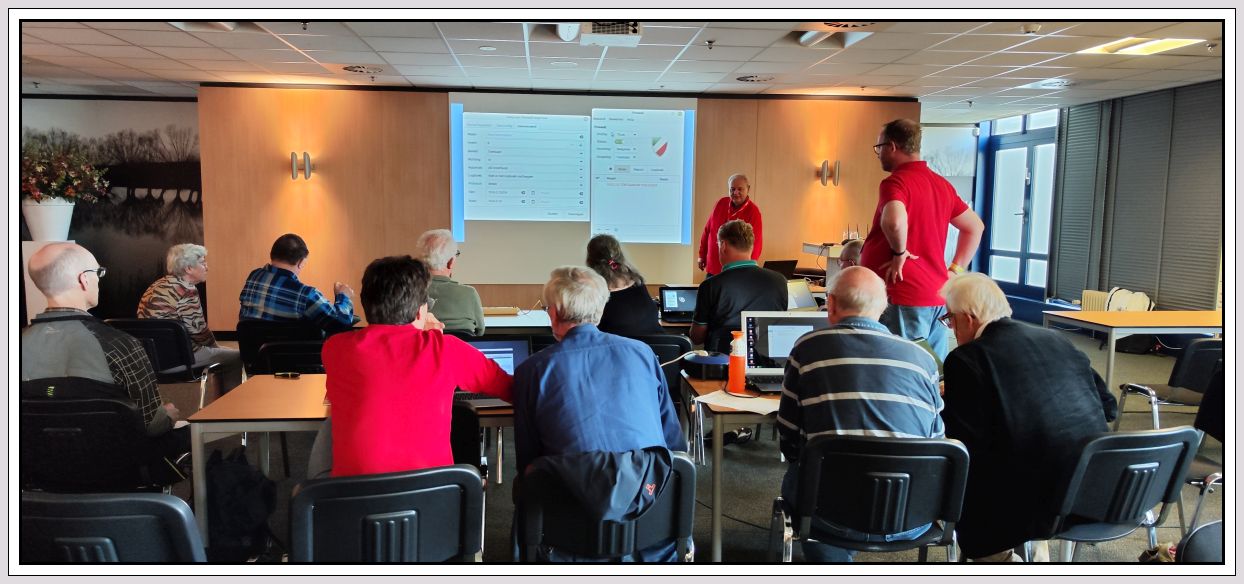
Together with Cees Heij, Peter de Bruin, Hans Lunsing, Johan van den Berg, Ger Stok and Rob Coenraads, Ton started organizing workshops for installing Linux Mint Cinnamon. There appeared to be a great deal of interest in this, as was evident at various Linux meetings during the HCC! knowledge days and the CompUfairs of HCC!compusers. There is no formal board yet, but everyone picks up what they are good at. The only ‘official’ position is that of Rob as interim treasurer.
So far presentations have been given by Peter de Bruin, Ger Stok, Piet Kooijman and Ton Valkenburg
 |
Who is HCC!linux for?
HCC!linux is interesting for computer users who want to get acquainted with Linux or who have been using Linux for years, but are not Linux experts. It offers the opportunity to exchange experiences and make nice contacts, to gain knowledge, but also to help others with Linux. Of course, anyone who is looking for an alternative to Windows or another operating system is also welcome. Ton: “Linux is inherently safe. If privacy and security on the internet is important to you, then you should really look into Linux and join HCC!linux!” The brand new interest group wants to be accessible. “The workshops were attended by members with no experience with Linux. The nicest comment I heard: ‘That’s easy to use!’. The nice thing about Linux is that there are many variants. You choose a variant that best suits you or your hobbies. You get the applications (apps) for free.”
Linux Mint Cinnamon
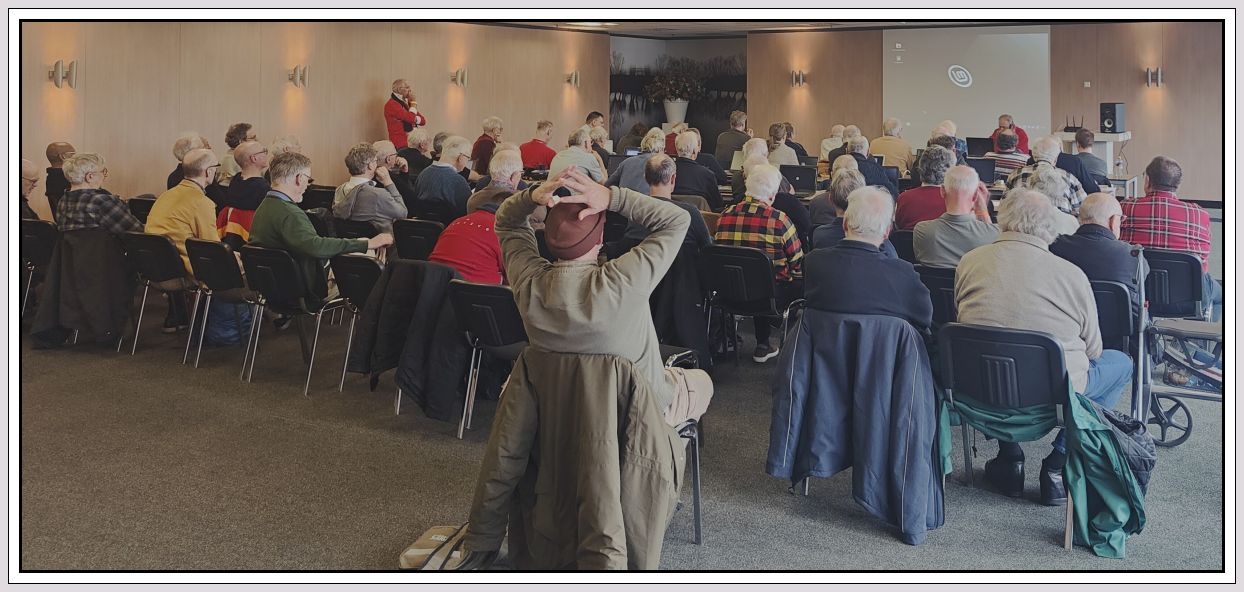
At the HCC! knowledge day in June, two workshops on Linux Mint Cinnamon were given, which already received attention in PC-Active 332. At the HCC! knowledge day of October 7, a new workshop on Linux Mint was given by Peter de Bruin, where those present could also ask questions. Why choose Mint Cinnamon? Ton: “That is an easy switch for Windows users. I would even say easier than between the various Windows versions. Of course you have to get used to it, but you quickly find your way and then simply work with e-mail, surf the web and create documents. Then you can try out the other applications, such as photo and video editing, music and much more. Linux Mint has the advantage that it is based on Ubuntu, which in turn has the Debian variant as its basis. Ubuntu is well distributed, which means that commercial parties can quickly find an application there driver for making. All Linux variants based on Ubuntu benefit from this.” Linux Mint has now become more popular than Ubuntu itself, with ease of installation being one of the reasons.
Cloud connection
After installing Linux Mint Cinnamon on your computer, the question may arise whether it is possible to… cloudstorage to use in your Linux environment. Which can! How to do that was the subject of one of the workshops. It was explained step by step how you can realize the connection with various Drives. Microsoft OneDrive, Google Drive and the Swiss pCloud can be linked (mount), making them accessible in the Linux file management program NEMO. This again shows that Linux Mint is a great option for computer users looking for a user-friendly and visually appealing operating system that is easy to use and customize.
Distributions
The basis of every Linux variant (distribution) is the kernel (central part of the operating system). What exactly are distributions or distros and which are the most popular? Ton takes the desktop user as an example. “For the user, the distributions differ from each other by the method of installation and configuration, the software management system (also called package management system), the standard desktop environment and the nature and number of software packages offered. Fragmentation is prevented because distributions adhere to the Linux Standard Base (LSB). This is a collection of interrelated standards that ensures that Linux programs can work without major problems in any distribution.”
Ubuntu and more
Ton: “For every distribution there are servers on which the software packages are stored. These servers are located all over the world at universities and IT companies, among others. Many distributions have the same kernel; sometimes with adjustments, but they mainly differ in the user interface and the applications provided. We call this the desktop pen. The best-known variant for the desktop is Ubuntu. There are many derivatives such as Mint, Kubuntu, Lubuntu, Xbuntu. Other well-known distributions are Fedora, Suse, A(A)rch and the derivative Manjaro. A good overview can be found at https://www.compusers.nl/linux/deel-2- Distributions-desktopOmgevingen. However, there are many more for the desktop. We want to make this kind of information available on our website as quickly as possible.”
| |
|
|

Start with browser, email, office and photos
As a browser, Firefox is installed by default in Linux, which is recommended for privacy and security reasons. Google Chrome or Opera are also good browsers that can be installed on Linux. Thunderbird is recommended instead of Outlook and Outlook Express, but there are also good alternatives. LibreOffice (formerly OpenOffice) is an excellent office program. This allows you to simply open, edit and save Microsoft Office documents. It offers all the functionality that Microsoft Office also offers. A very versatile drawing and photo editing program is the well-known GIMP. There’s even a GIMP with the look & feel from Photoshop: GIMPshop. RawTherapee is available for raw photo editing. These programs are also available on Windows, making the transition to Linux easier for Windows users. Of course, there are also more alternatives available in these areas.
Cross-pollination
Some HCC members are members of multiple Interest Groups and/or CompUsers, which naturally creates ‘cross-pollination’. Ton: “HCC!opensource has a lot of in-depth Linux expertise. HCC!linux is aimed at the novice and advanced Linux user. It is quite possible that there are members who will grow to HCC!open source and perhaps also want to use their knowledge at HCC!hobbynet. We will be happy to support that, because it concerns HCC. Until now, HCC!opensource has not taken any actions to facilitate the novice Linux user on a large scale. Home automation applications also often use Linux, but this also applies to Robotics and areas of interest of other Interest Groups. Knowledge exchange and collaboration is always possible, but now our focus is on building a viable HCC!linux.”
 Future
“Our attention now turns to the novice user and Linux Mint Cinnamon. At a later stage, other distributions will also be discussed and of course Linux on ARM processors. It is up to the members to determine what they consider important. At the founding meeting there was already a lively discussion about what we should focus on and that is good. There have been online sessions as part of the seasonal theme. We are now focusing mainly on physical meetings. This will be centrally four times at the CompUfairs and Knowledge Days, but there are also activities in the regions of South Holland and Brabant. We want to expand this to all regions. That will be possible as we get more ‘hands’ to arrange things.”
Call!
The many activities of HCC!linux cannot continue without the valued efforts of volunteers. “Volunteers are essential for an association,” says Ton. “They keep things running. At the moment we only have a temporary treasurer, but we are working on organizing our activities in a structured way. There are already a number of enthusiasts who want to take on tasks. Whether we need a ‘real’ board will become clear in the future. We now need members who want to coordinate activities, arrange practical things such as rooms, give presentations, manage the website and write articles. We now have two members for the website, for the other matters we hope to form a small team soon. The more volunteers the better, but also the easier the work!” You can register at verenigingszaken@hcc.nl with the title ‘Linux’. This also applies to anyone who wants to become a member of HCC!linux. Are you interested in Linux or are you already working with it? Join us. Welcome!
‘Bye Bye’ command line
“People often think that with Linux you have to do a lot with the command line,” says Ton. “However, that has not been the case for years. There is a good graphical user interface, which in some variants can be completely adjusted to your own wishes. You can then easily make it look like a Windows or Apple machine. There are variants that perform updates and upgrades seamlessly. The adjustments were actively made at the next start.”
agenda
As for meetings, HCC!linux starts centrally at the CompUfairs in De Bilt and during the HCC! knowledge days in Houten. Besides being educational, they are also pleasant meeting places.
Put the following dates in your calendar for 2024: February 3, March 30 and October 5. Hope to see you again!