
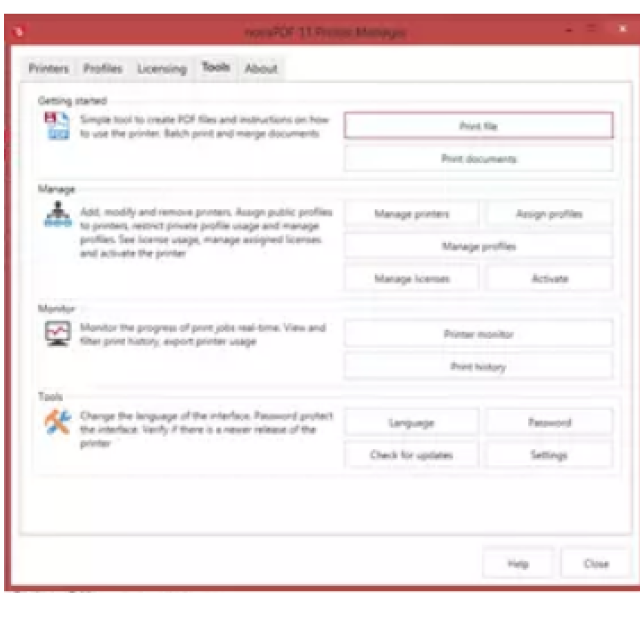
NovaPDF adds the ability to create PDFs to your operating system.
By: Dennis Gandasoebrata
If you often use PDF documents and want to easily create them yourself, you can use NovaPDF. This program adds the ability to create PDFs to your operating system and offers extensive support. For example, the makers indicate that you can install NovaPDF in Windows 8, Windows 10 and Windows 11.
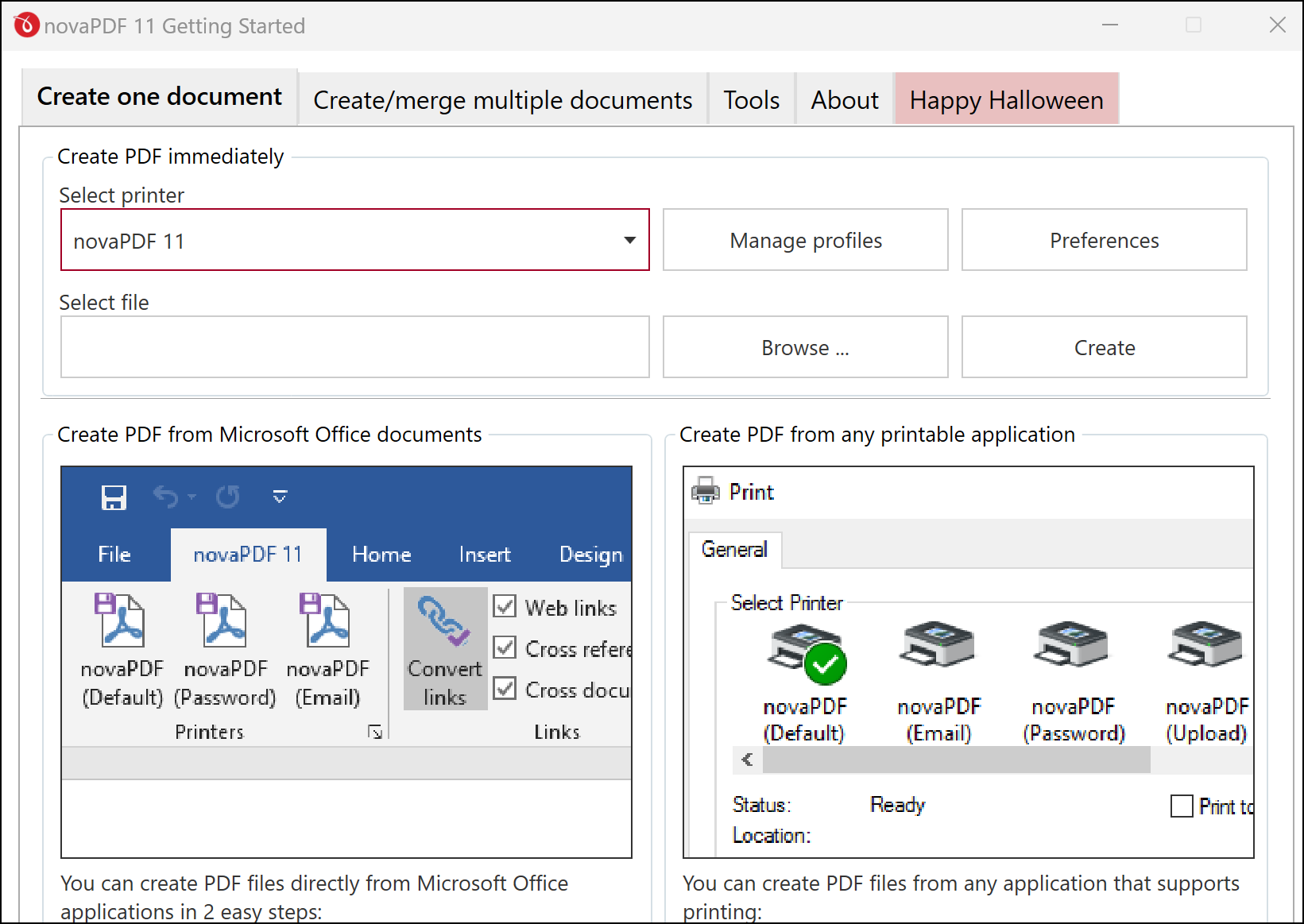
You can use the entry-level version for free. It allows you to create PDF files, as well as convert existing PDF documents to other formats, including DOCX, PPTX and HTML files. The function to combine multiple PDF documents into one document is useful.
To make the functionality quickly accessible, NovaPDF plugins in-house, with which you add the functions directly to Microsoft Office and create and modify PDF documents from that environment. A Pro edition is also available. This allows you, among other things, to protect PDF documents with a password and indicate what rights another user has with the document. Useful if, for example, you want to prevent a PDF from being printed or edited.
You can prove the authenticity of a document by linking a digital signature to it. Moreover, you can add a watermark to any page. You choose between a number of standard watermarks or a homemade version (based on your own image).
.
Product: NovaPDF www.novapdf.com/novapdf.html

Platform: Windows 8, Windows 10, Windows 11
Pros:
* convert pdf to other formats
*plugin available for Microsoft Office
Negatives:
* advanced features only in Pro variant