
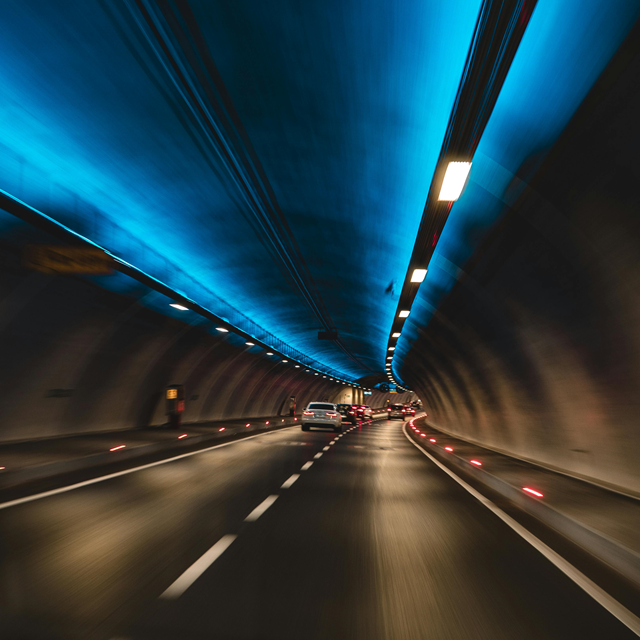
Google Maps works well in the Netherlands, except when you enter a long tunnel. Why doesn’t this work in the Netherlands and in other countries, but then you have to enable a function there…
Bram Veldt
Over the years, Google Maps has replaced TomTom as the most used navigation system in the world. There are now 1 billion monthly users and more than 58% of all Dutch people use Google Maps while on the road. Google regularly releases new features for Google Maps, such as new functions for electric cars that incorporate Google, or an update that makes navigation clearer.
But navigation does not always work well, because the GPS signal and therefore Google Maps do not work in tunnels in the Netherlands.
Bluetooth beacons in tunnels
Waze Beacons have been installed in tunnels in various tunnels in countries such as France, Belgium, Mexico and the US. These are small Bluetooth devices about the size of your hand and these boxes ensure that navigation in the tunnel runs smoothly, even if the GPS signal fails. Initially, these devices only worked with Waze navigation, but after an update they now also work with Google Maps. However, in the Netherlands these beacons cannot be found in the tunnels. This has been determined by Rijkswaterstaat, which is responsible for road management. Perhaps in the future work will be done to improve the signal in the tunnels.
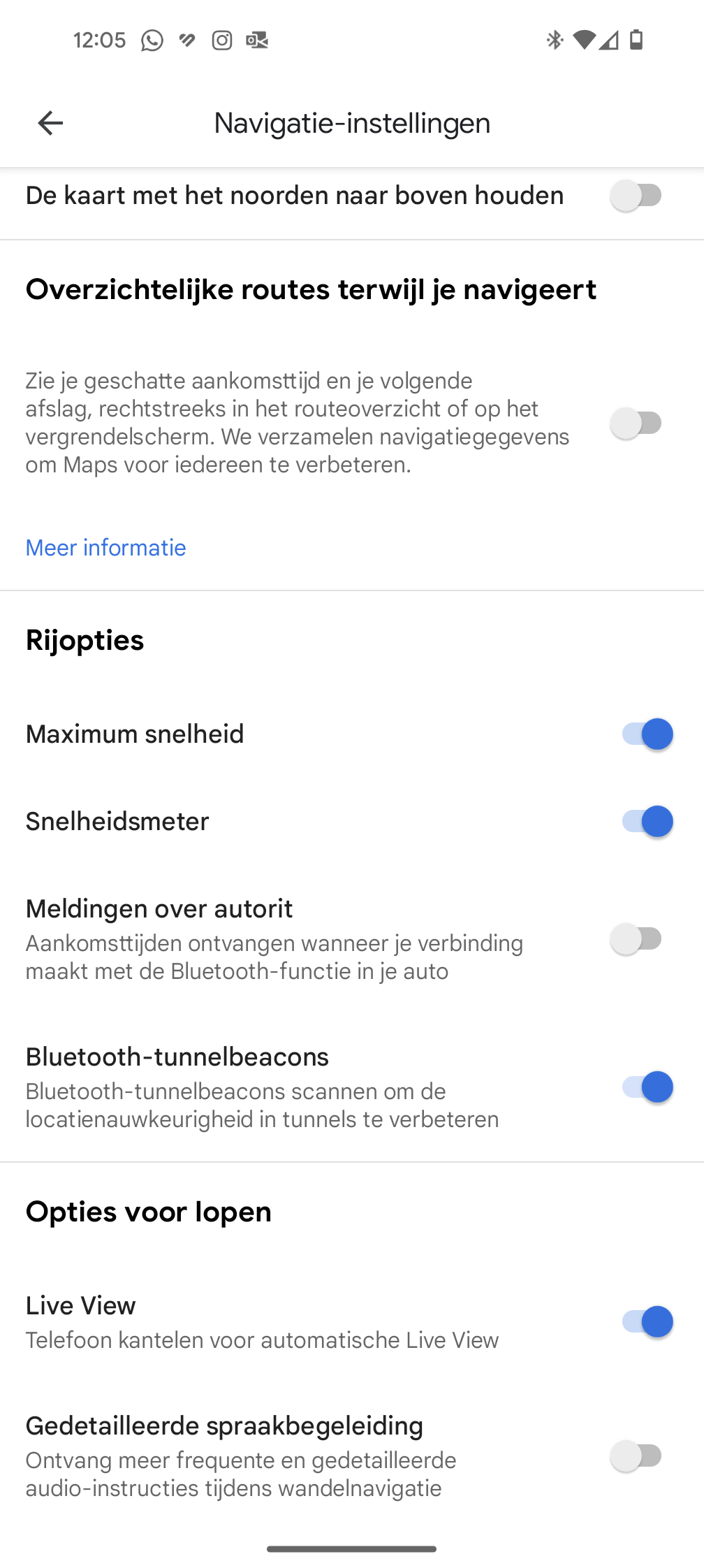
This is how you use Bluetooth tunnel beacons abroad
If you are abroad, it is useful to use those Beacons. To do this, you must enable the Beacons function, because it is not enabled by default on your smartphone. By the way, this function within Google Maps is only available on Android smartphones. iPhone users will have to wait a little longer so…
You can activate the Beacons function by clicking on your profile photo at the top right of the Google Maps app. Then click Institutions and once in the settings scroll down and click Navigation settings. Scroll down again and slide under Driving options at the box Bluetooth tunnel beacons the circle to the right. Once you have done this, this feature will be enabled and you can use it in those countries where these beacons are present.