
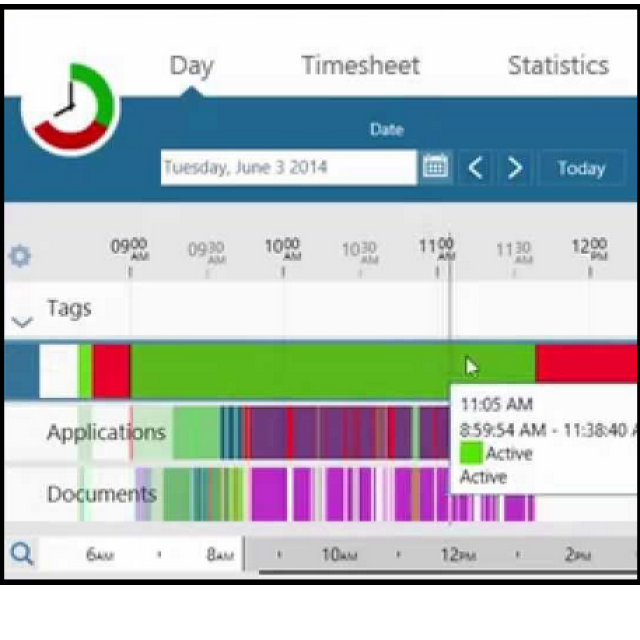
ManicTime focuses on accurate time registration for jobs. The app keeps track of which apps are used for a job and how long you spend with each app.
By: Dennis Gandasoebrata
Keeping track of how long you spend on a job, for example for work or as a hobby: for many of us a necessary, but irritating activity. ManicTime tries to help you with this. This app focuses on accurate time registration. The app offers automatic registration. This means that it keeps track of which apps are used and how long you spend with each app.
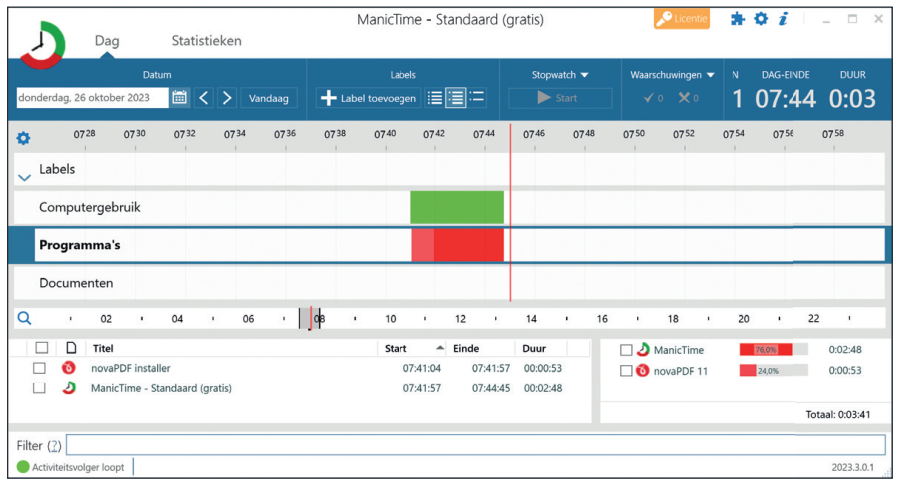
ManicTime does not just limit itself to the apps, but also takes deeper details into account. For example, you record which documents you have worked with and which websites you have visited.
The app works offline and records the data on the local machine. This has several advantages. First of all, you are not dependent on an internet connection to use the app. Moreover, the data remains internal and this (sensitive) data is not shared externally. You can ultimately create multiple reports, for example to share with clients or for your own administration. To further refine reporting, you can attach custom labels to activities so you can categorize your work and view the division of tasks. In addition to the automatic mode, you can use manual tracking and set the start and stop times yourself.
A trial version of ManicTime is available. The makers ask for a one-off payment of approximately €60 for a license.
.
Product: ManicTime www.manictime.com/pricing

Platform: Windows 10, Windows 11
Pros:
* automatic time registration
*multiple platforms
Negatives:
* busy user environment