
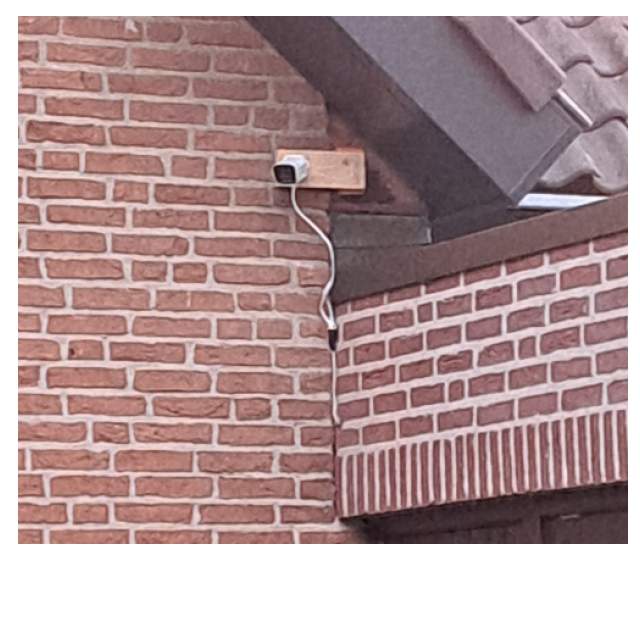
A number of readers were allowed to test the Foscam V8EP 8 MP outdoor camera. Read the findings of 3 testers here.
EDITED BY ROB COENRAADS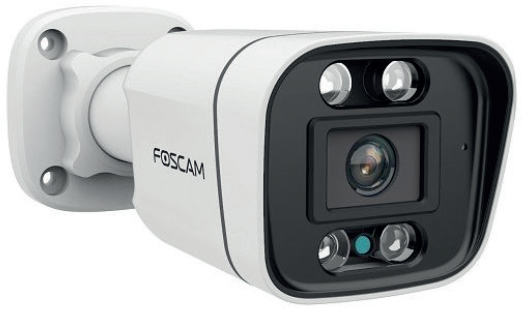
 Michel Kierkels Excellent image
The Foscam V8EP is supplied without an adapter. Logical in itself, because it does not have WiFi and is therefore dependent on an Ethernet connection where PoE is possible (100Mbit-RJ45). The supplied security sticker is useful, which is mandatory for camera surveillance: if it is not clear to ‘visitors’ that they can be visible, this can lead to unlawfully obtained evidence.
The message sounds after connection via a PoE switch wired connection succeeded as a sign that the connection is correct. The smartphone app is installed via the QR code on the camera. Then a (basically free) account with Foscam is required and can be arranged via the same app. Adding the camera is then a piece of cake; If necessary, the clear step-by-step installation manual can help.
The Foscam V8EP is supplied without an adapter. Logical in itself, because it does not have WiFi and is therefore dependent on an Ethernet connection where PoE is possible (100Mbit-RJ45). The supplied security sticker is useful, which is mandatory for camera surveillance: if it is not clear to ‘visitors’ that they can be visible, this can lead to unlawfully obtained evidence.
The message sounds after connection via a PoE switch wired connection succeeded as a sign that the connection is correct. The smartphone app is installed via the QR code on the camera. Then a (basically free) account with Foscam is required and can be arranged via the same app. Adding the camera is then a piece of cake; If necessary, the clear step-by-step installation manual can help.
Local storage is done on a micro SD card (not included). You can then record continuously, which is not possible with a cloud subscription. Due to the high resolution of the images (3840 × 2160 pixels), a lot of space is required. The camera has many setting options. However, the advanced detection options (in terms of recognition, privacy protection, storage, notifications) only become available with a subscription.
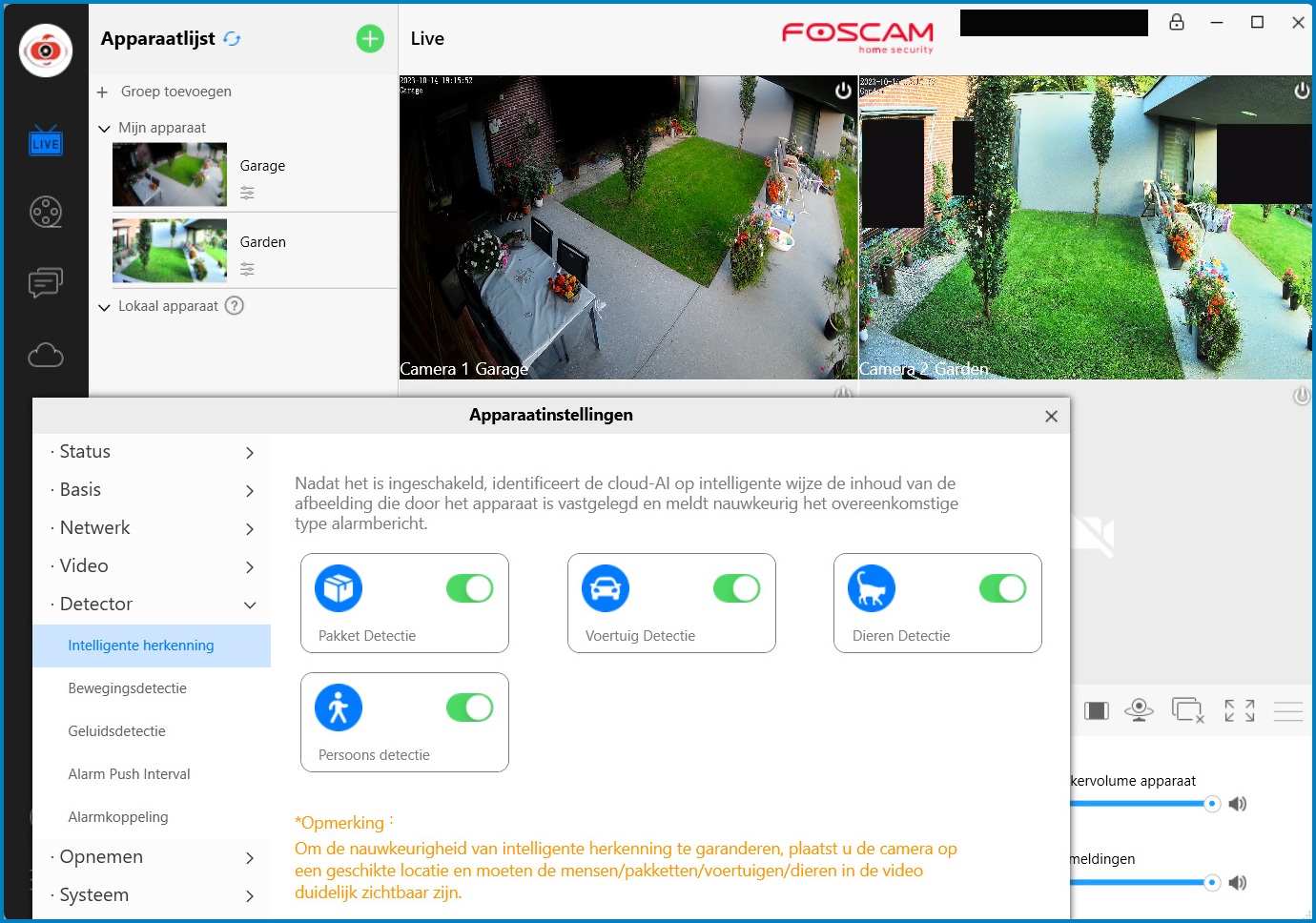
You get even more setting options than via the app with the Windows application Foscam VMS. You can then adjust the IP address and DNS, among other things. Very detailed settings of the various detection forms with associated follow-up actions are also possible.
The camera is suitable for Google Home. The video stream can then be viewed via a Chromecast or a Google Nest Hub with a very nice image and via voice command Hey Google… can be called up quickly. However, viewing via the Google Home app on the smartphone is not possible.
The Foscam V8EP is compatible with a Synology NAS. There is no specific configuration file available yet, so experiment with the settings. Initially it was not possible to activate it, but only restarting the camera solved this. The possibilities of it Synology Surveillance System are more extensive, but here too the AI detection only works with a subscription.
Conclusion: if you combine the continuous storage on an internal micro SD card with the advanced detection options of the subscription, this camera is highly recommended with an excellent image. If you do not want a subscription and you have a compatible NAS or you find internal SD storage sufficiently secure, a camera without the extensive options will also suffice.

| plus: |
high resolution |
| minus: |
subscription required |
Aad Cable Meets expectations
After reading it Importantsheet with instructions for installation and how to get help then the Quick Setup Guide and followed it step by step. This also applies to the installation of the app on the phone (Android) and the PC application (Windows 64 bit). The camera displayed the ‘predicted’ texts and the Android app and the PC application automatically recognized the camera; your own login for the camera is necessary. There are many setting options via the applications, for which it is important to read the entire manual.
 |
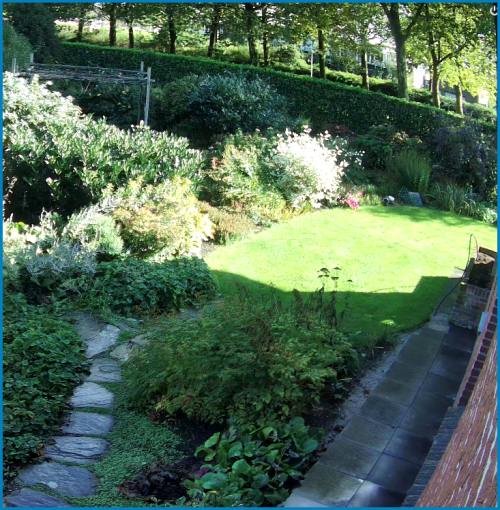 |
The Android app and PC application are simple and easy to use and give a good clear camera image, although the PC application gave a gray image for the first hour
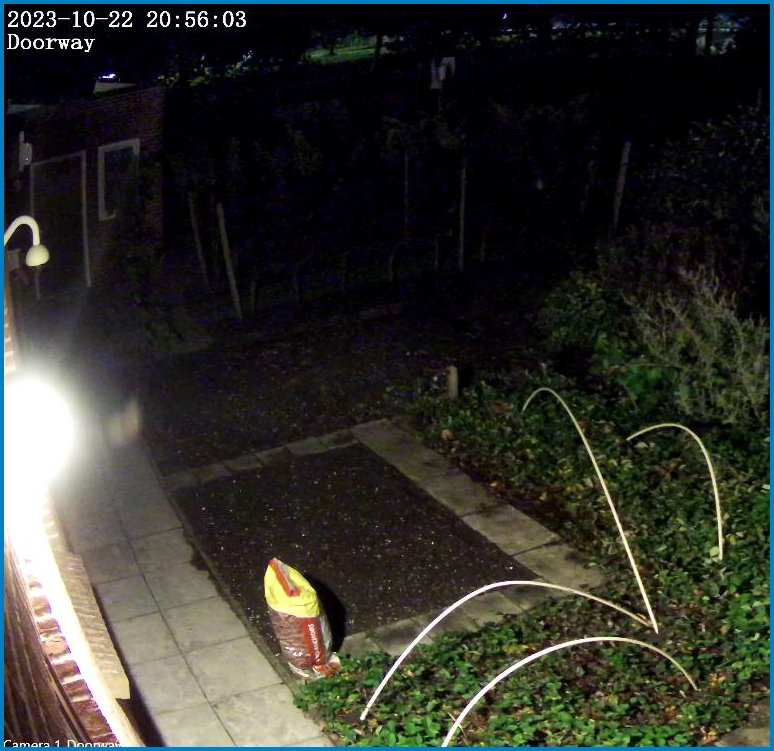
The camera image is very clear and sharp. Also in the evening with the available light (without Night vision and spotlight) there is a good color image, where a person can be easily recognized at a distance of 15 meters. The brightness of the camera is very high, at dusk there is still a very clear camera image of the applications. Using it Spotlight and Night vision (infrared) there is a very clear image in ‘complete’ darkness, with the Night visionmode, due to the infrared there is less good recognition of people. Persons who enter the camera image are detected and recorded and can be reported by e-mail. With only ambient light, perception of people in darkness becomes less good.
…
| plus: |
simplicity |
| minus: |
gray image in PC-C application |
Tonny de Hooge Recommended
The QR codes on the box help you find the right app
install for both iOS and Android. The QR code on
the camera is for quick connection in the Foscam app, 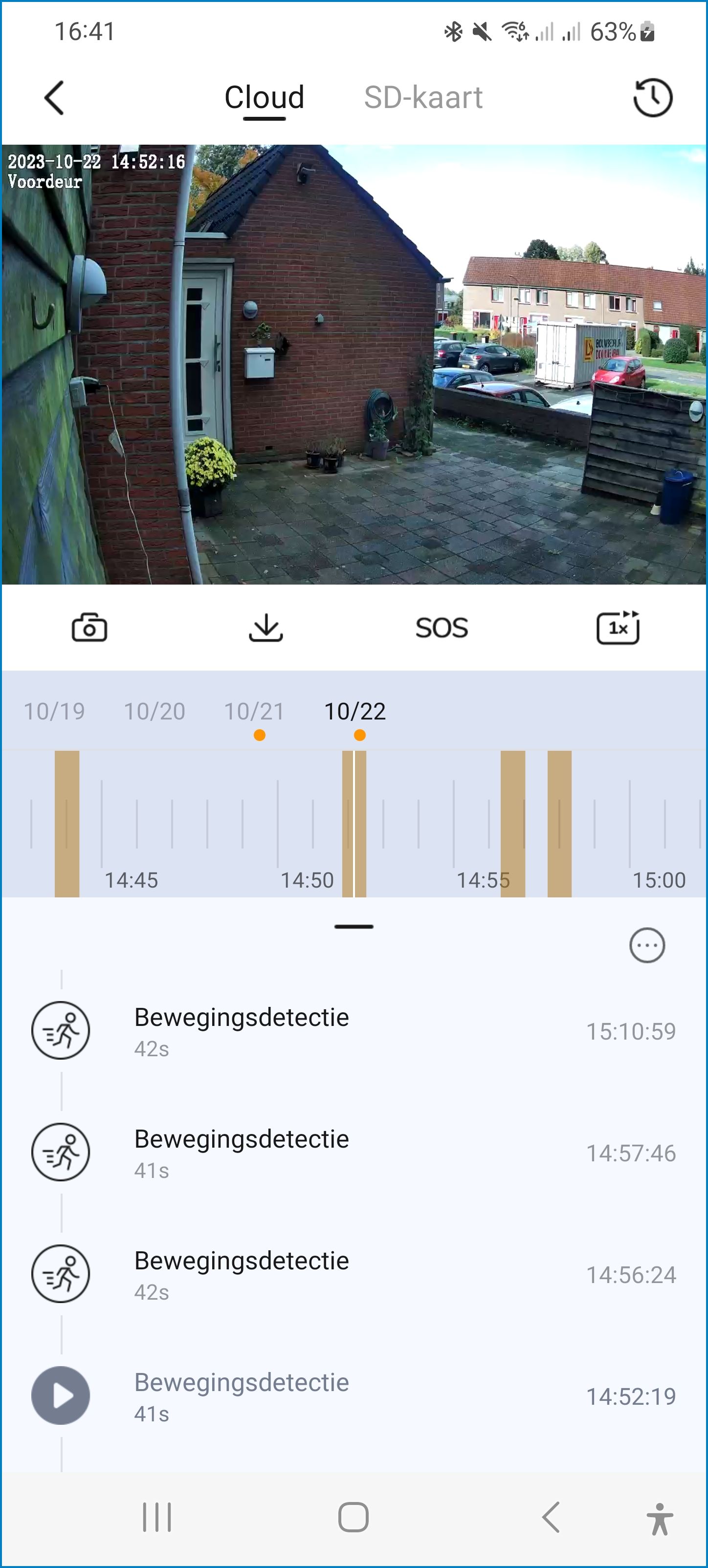 once you have registered in the Foscam app. The Foscam app is well and clearly designed and the gear at the top right provides access to all kinds of setting options, such as setting objects that the camera can recognize as soon as it comes into view for recording. This AI smart recognition detection comes into clear view, as does the logic bar at the top for subscription, alarm, SD card and firmware.
You can use the cloud services for free for a month, so you can access images anywhere. After that, the cheapest subscription is € 17.99 per year with 3 days of online image storage.
The use is otherwise fine and easy. A notification will appear on your smartphone that something has been detected. You can call up the notification with video in the Foscam app by clicking the recording bar below the live image and viewing the recorded image of each detection.
It is a camera with many possibilities. It makes you feel safe, partly because the recording automatically disappears in the cloud. The user-friendliness also makes it recommended to purchase this camera.

| plus: |
the installation goes very smoothly |
| minus: |
no WiFi always means an internet cable |