Since the pandemic, many people have been working from home. This has created many opportunities for people to move home from their current job. We’ve put together the apps we think are the best for working from home.
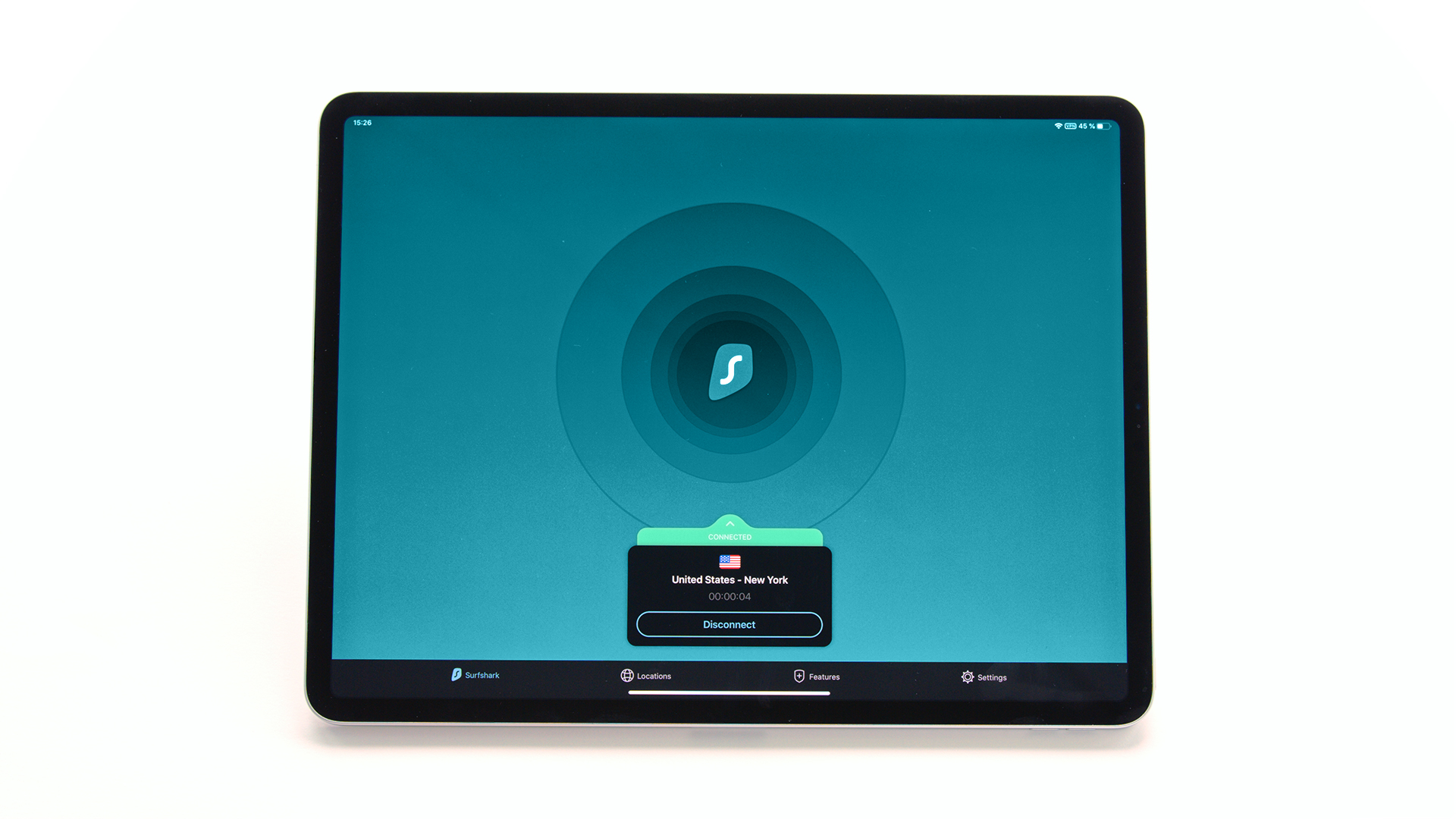
Of course, it’s important to stay safe when doing something online. A VPN can help with this by hiding your identity, information and more. It can encrypt your data and move it through a tunnel to another location to protect you. In our opinion, Surfshark is the top rated, but of course it’s up to you to do your own research to see which one best suits your needs. But for now on to the apps.
Zoom
Zoom is one of the most popular meeting apps that allows people to conduct meetings, webinars, and training either in a group or one-on-one. While the free version generally gives you everything you need, it allows up to 100 participants in a conference for 40 minutes. After this, everyone is ejected and must dial in again. It is up to you whether you want the paid or free version based on your own needs.
slack
Slack is a communication app that makes it very easy for teams to stay connected. You can send instant messages directly to one person or to a group, publicly or privately. You can also set your status so your team knows whether you are “at work” or “out of the office”, which is useful when working from home. While the free version has everything you need, you can get some extra features with the paid version.
Google Drive
Of course, Google Drive cannot be missing from the list. It’s a tool that lets you share and store your files, and collaborate on those documents directly with your team. It is extremely useful when you need to work on something with a team member while you are not together. Your first 15 GB of storage is free, but you can choose to pay if you want to add extra storage.
Spotify
This is often left out of lists for productivity, but we’ve added it because for many people music is important for productivity. Spotify is a music streaming service and not only has music but also great podcasts, ambient sounds and much more. The free version will contain some ads, or you can opt for the paid version.
todoist
Finally we have Todoist. This is a task manager app that makes it easy to track everything you need to do throughout the day and tick it off when it’s done. You can even set your incoming emails from a particular address to convert to tasks. It’s free for up to 5 active tasks, but if you’re really busy, opt for a paid plan.
In conclusion
The pandemic has made working from home very common. It can be hard to stay focused when you’re in your comfortable place. Hopefully, these apps will help you get and stay on track while working from home. Buy one or buy them all and get productive.
This article was produced in collaboration with surfshark.com/nl/