
Do you work a lot with PDF documents, but you don’t feel the need to use Adobe software? There are plenty of alternative PDF viewers, and Sumatra PDF is a good example.
By: Dennis Gandasoebrata
You can use this viewer for free. The program includes support for PDF, eBook and XPS documents. The starting point for the development of Sumatra PDF was to develop a viewer that was as compact as possible. Moreover, this is portable software, so you are not forced to install it on the computer. 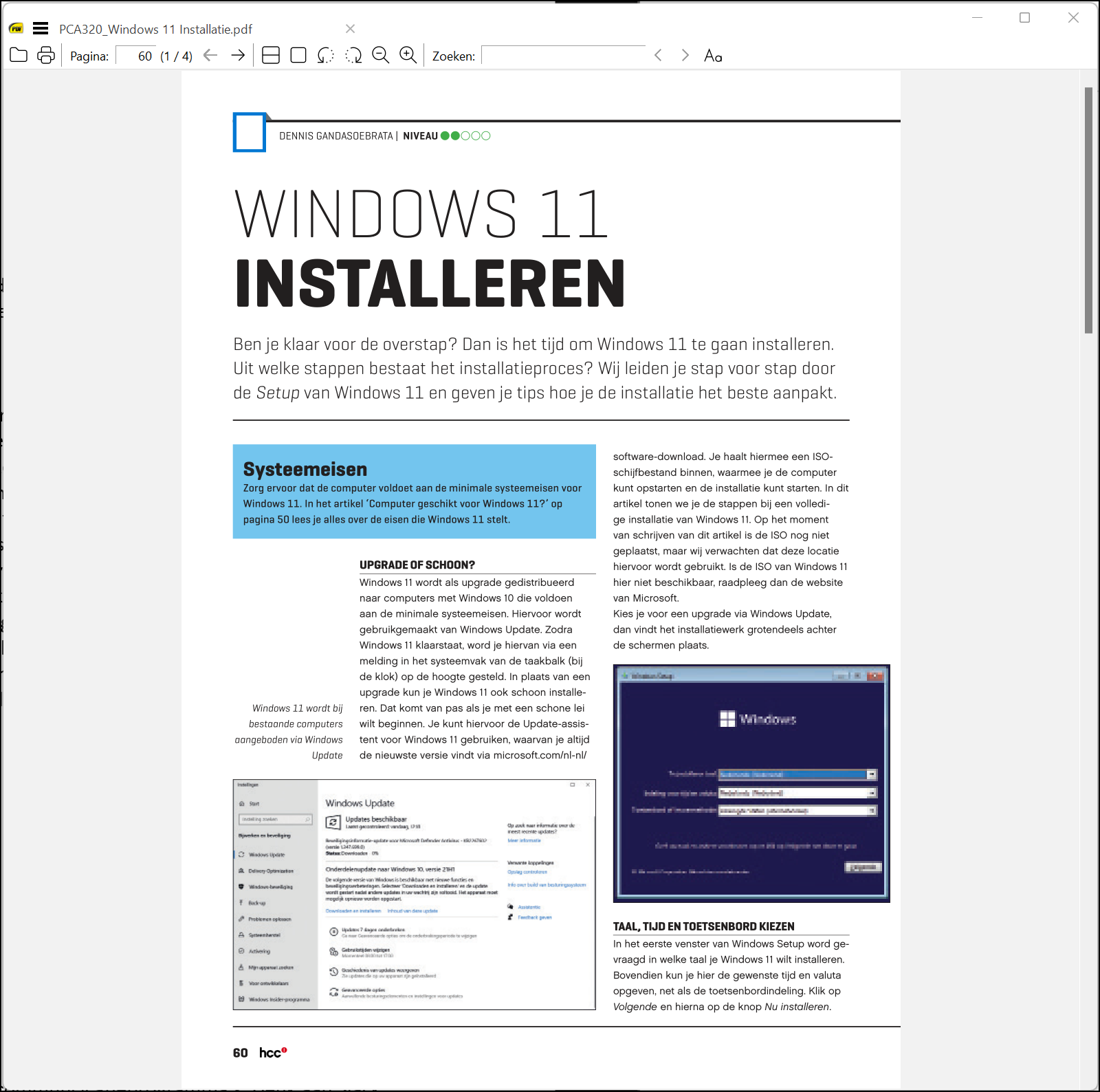
In the left part of the window you will find an overview of the different chapters of the PDF document. Tabs are supported, so you can open multiple documents side by side.
Furthermore, the number of additional options is limited: you can change the file name, annotate the document, print the document and share it via email. The user interface has a simple design, but its layout can be adapted. For example, you can show PDFs as a book, but also view them per page. You can disable the small number of toolbars, so that you can fully focus on the content of the document.
On the website of the makers we find an overview of keyboard shortcuts, for those who prefer not to use the mouse. Furthermore, the makers have paid a lot of attention to the manual, something that is unfortunately no longer self-evident for software lately.
Product: Sumatra PDFsumatrapdfreader.org

System Requirements: Windows
Pros:
* simple user environment
* environment adaptable to user needs
* tabs
* extensive manual
Negatives:-