
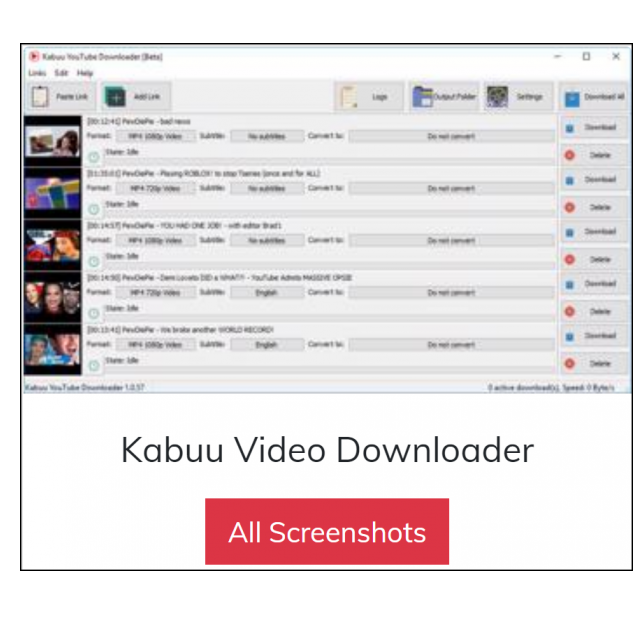
Did you come across a video on YouTube that you would like to download? Various programs are available for this, such as Kabuu Video Downloader.
By: Dennis Gandasoebrata
The program downloads video and audio files from YouTube and supports different resolutions (up to 4K). You don’t have to download them individually, but you can also download entire playlists or all videos from a particular user account. 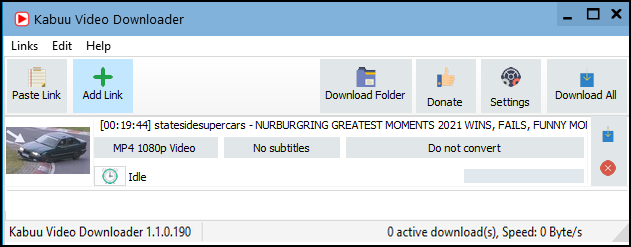
The creators also support downloading shielded videos. After you sign in with your YouTube account, those videos will be available. You can also provide that information (if you rely on it) in Kabuu Video Downloader, so it will be automatically signed up for you.
In addition, it is possible to batchdownload, which downloads multiple, individual videos at once. The software supports downloading several videos simultaneously. On the main screen you can see an overview of all downloads and the status.
Once downloaded, Kabuu Video Downloader offers the option to convert the material to another format. For example, you can convert the files to MP4, Webm, MKV and AVI. You can determine which file formats (and resolutions) are preferred via the settings window. You can indicate a priority here.
You can use the software for free.
Product: Kabuu Video Downloaderkabuusoft.com/product/detail/1/kabuu-video-downloader


System Requirements: Windows
Pros:
* download individual videos or via playlist or user account
* convert material to other format
* support for downloading shielded videos
Negatives:-