
Could a large premium tablet be a worthy alternative to a luxury laptop? PC-Active tests three expensive tablets and laptops.
Rens Blom, Aad Munsterman and Jan Poppelier
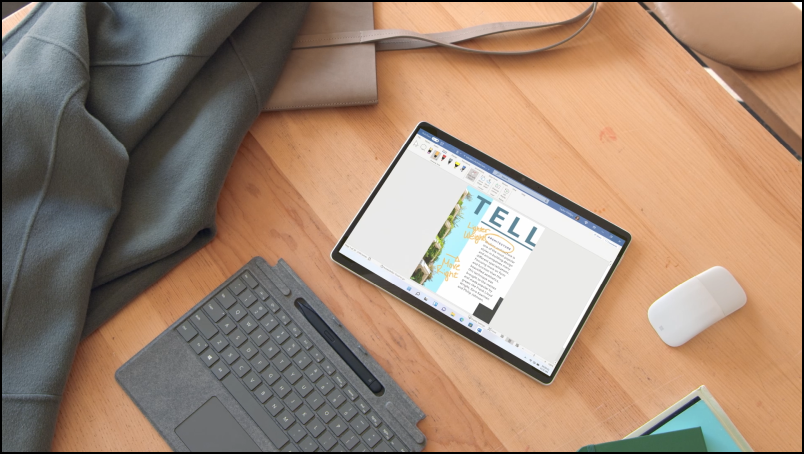
Are you looking for a device to work on and to entertain yourself with, for example, a game? Then a laptop sounds like a logical choice. Can a premium tablet be a worthy replacement, for example for use on the couch or on the train? PC-Active tests three luxury tablets with a large screen and three laptops. We pay attention to all kinds of things in the design, specifications and software. For example, we look at the build quality, the connections, the screen quality and the option to use accessories. Some tablets come with an accessory such as a stylus pen or keyboard cover, whereas with other models you have to buy all the accessories yourself. A point of attention, because this makes a premium tablet even (much) more expensive. You don’t have that point with a laptop, because the keyboard is built-in. But that is not removable, making the device heavier and less flexible. A tablet with a separate keyboard weighs less and you can hold it more comfortably on your lap.
 |
SPECIFICATIONS
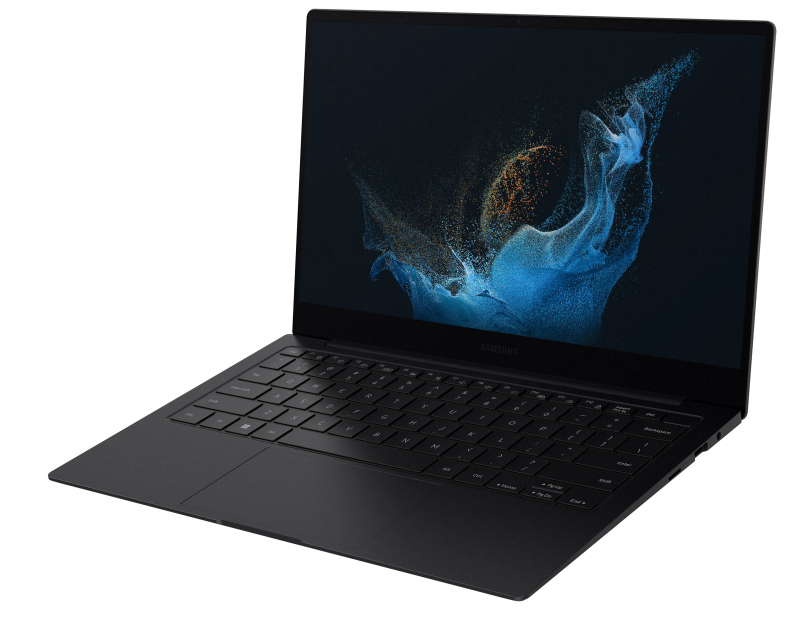
During the test, we also pay attention to the speed of the device, the amount of working and storage memory and whether it is possible to increase the storage memory. This is not possible with one tablet, while the other offers a micro-SD card slot and yet another has an SSD that you can replace. In addition, we look at the battery life and the charging speed. After our test, we can say that the three tablets tested all survive an office day without any problems. They are energy efficient and quiet, simply because they do not have an active fan. Some laptops with a fan hum with more intensive use, but are also more powerful.
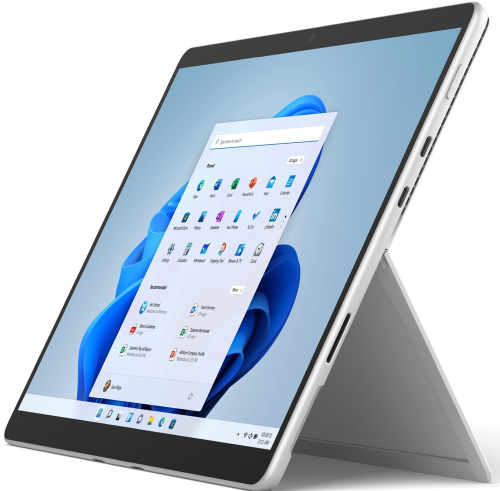
Certain tablets do not appear to have a charger in the box, according to the manufacturer for environmental reasons. This means that you have to arrange a charging adapter yourself. Less convenient and also striking given the high prices of the tested equipment. With a laptop there is always a charger in the box. This is often a charger with a USB-C connection. The three tested tablets also have a USB-c port for charging. The Microsoft Surface Pro 8 is the only one of the three with more than one USB-C port. The device is therefore more versatile. Also note that some devices support Thunderbolt 3 or 4, which indicates the capabilities of the USB-C port. The Samsung Galaxy Tab S8 Ultra does not support Thunderbolt.
SOFTWARE
Of course we also pay a lot of attention to the software in this test. Because a tablet can have such a beautiful screen or be flexible in use, the user experience stands or falls with the operating system. After all, the software determines what you can do with the device.
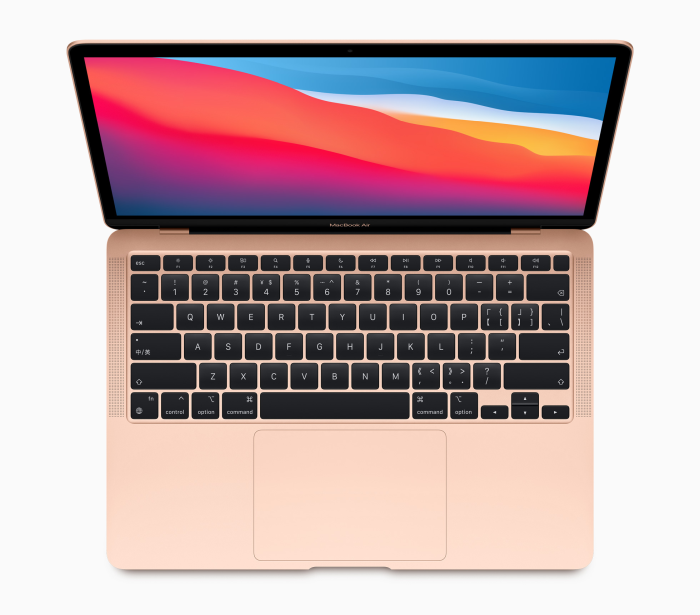
We are used to laptops that can do almost anything thanks to the preinstalled Windows (Microsoft) or macOS (Apple).
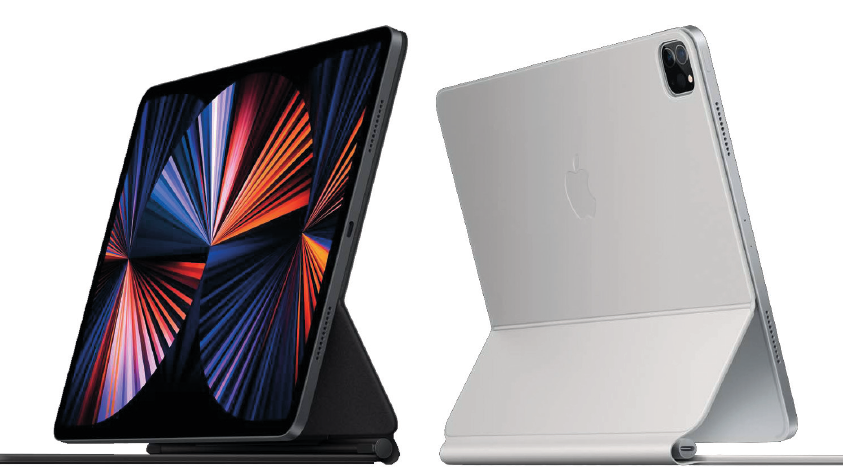
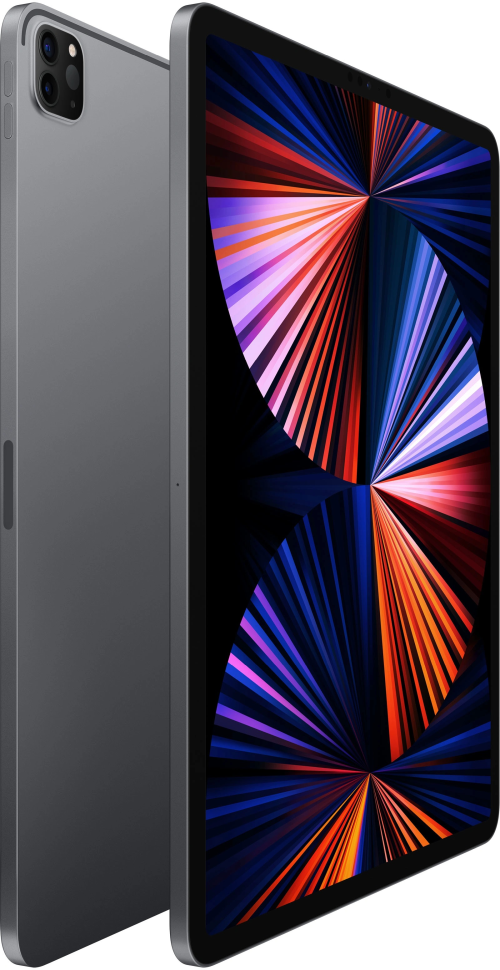
In this test we discuss three tablets with three different operating systems. We’ll cover the Surface Pro 8 running Windows 11 from Microsoft, the Samsung Galaxy Tab S8 Ultra running Google’s Android, and a 2021 Apple iPad Pro running Apple’s iPadOS 15. Windows 11 on the Surface Pro 8 feels familiar if you know Windows and appears to work well on the touch-sensitive screen. Certainly in combination with a keyboard cover, the Surface is just like a regular laptop. The downside is that Windows 11 is less intended for entertainment. In that respect, iPadOS wins because of its App Store, which is packed with good games and useful apps. iPadOS also has the advantage that it works well with other gadgets from Apple. That is especially a plus if you use more Apple equipment, for example AirPods earbuds or an iPhone. The good integration is also noticeable on the computer level. An iPad is very easy to use as a second screen next to a MacBook or Mac computer. That makes it even more interesting if, for example, you have an iMac at home and are looking for a tablet or laptop to go with it. Android in turn integrates better with Windows, also thanks to help from Microsoft. Android also has an extensive Google Play Store store full of apps and games.
SCREEN QUALITY
Laptops are focused less on entertainment and more on productive use. That can be a plus if you mainly work on the device, where a tablet has an advantage if you like to relax with, for example, a movie after work.
Asus Vivobook Pro 14 OLED |
|||
|
On pcactive.nl you will find more tablets and laptops that we have tested, such as the Asus Vivobook Pro 14 OLED with a suggested retail price of € 1149. |
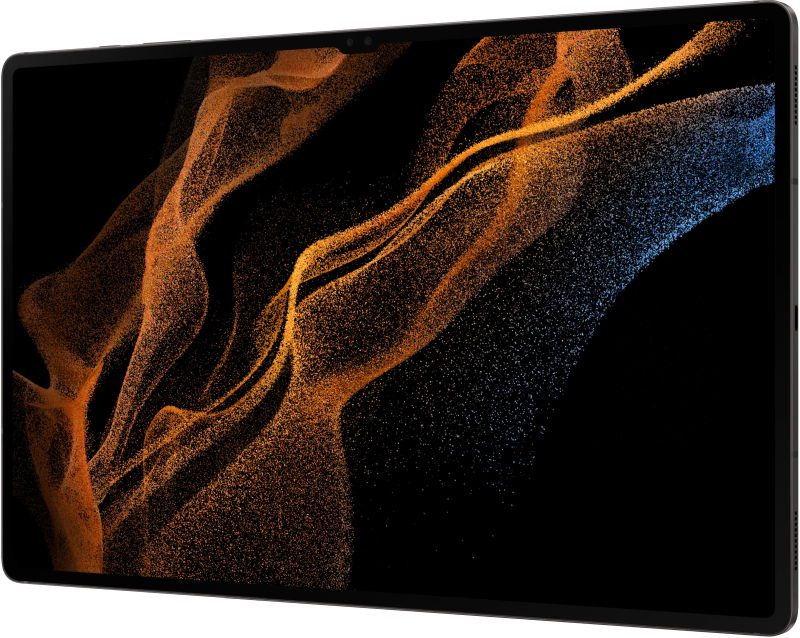
Our test shows that the tablets discussed have a nicer screen than the laptops. That is not necessarily due to the sharp image resolution or the high refresh rate, but mainly to the display used. For example, the Samsung Galaxy Tab S8 Ultra has an OLED screen that really shows black as black and displays vibrant colors. Apple’s iPad Pro 2021 uses a mini LED screen, which can be remarkably bright and therefore very easy to read, both on your lap in the train and on the terrace of a coffee shop. Some laptops have a screen that can be set less bright and is therefore difficult to read in such situations.
REVIEWS
In this test, we first discuss the three tablets that we have used in recent times for entertainment purposes and work. This is followed by the three tested laptops.
large tablets |
||
 |
 |
 |
|
Samsung Galaxy |
Apple iPad |
Microsoft Surface |
laptops |
||
 |
 |
 |
|
Samsung Galaxy |
MacBook |
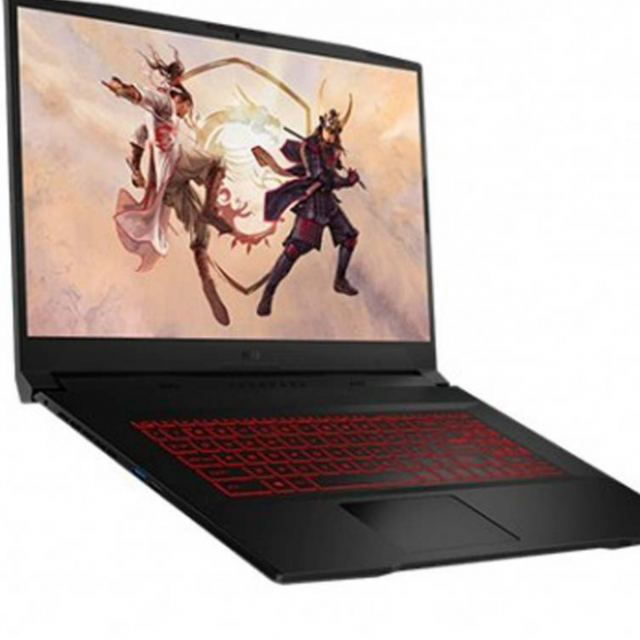
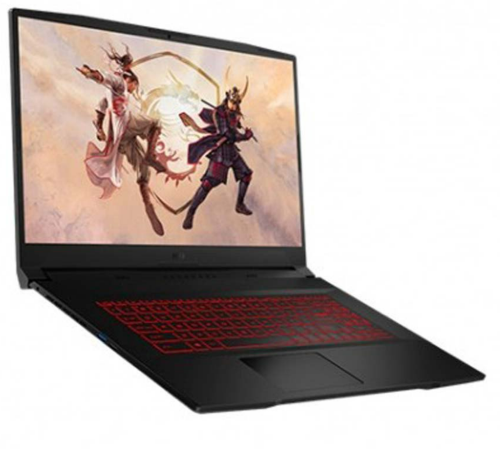
MSI Katana |