As soon as you open your browser, you enter a world full of possibilities and valuable information. Cybercrime has only increased recently, making the world wide web look more and more like the wild west. Yet you don’t have to be a seasoned adventurer to surf carefree. With these tools, you can easily distinguish a safe website from a fake friend.
When you visit a website, you don’t have to download anything yet. And if you don’t download anything on your device, PC or laptop, you don’t run the risk of installing malware and viruses, do you? That is partly correct, but a mistake is easily made. A link to a PDF file will soon open if the website looks legitimate at first glance. But if it turns out to be a fake website, there could be something much more annoying under that link than an innocent read file.
A fake website looks almost exactly like the official website. With such a website, cyber criminals try to steal your money and data or trick you into installing a virus. They work very slyly. A professional looking website can be quickly put together thanks to many templates and software programs. The fact that the website looks professional does not necessarily mean that there is also a reliable organization or person behind it. Fortunately, there are a number of characteristics that you can pay attention to when assessing whether a website is safe and authentic.
Prevention is better than cure
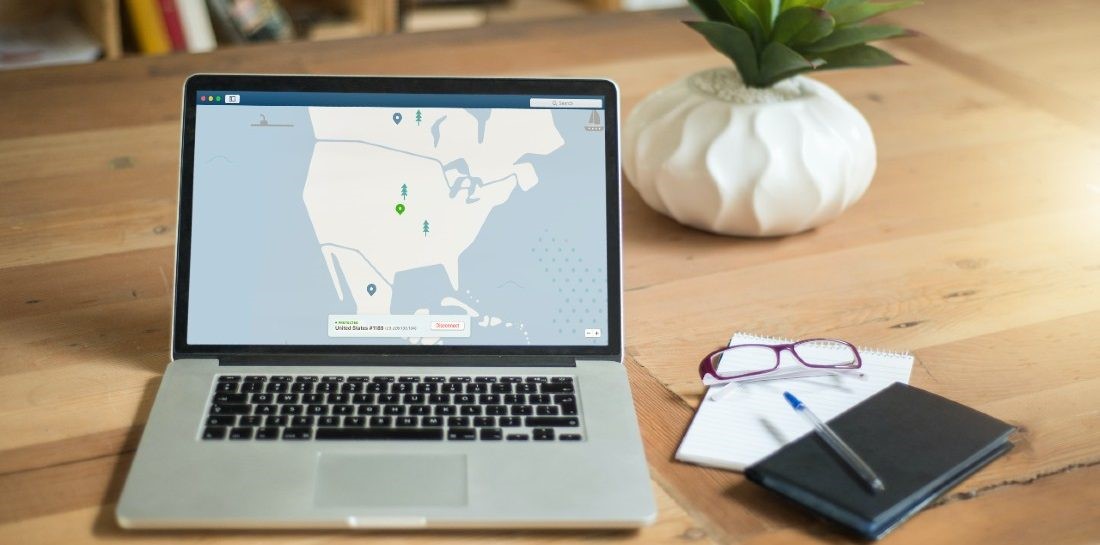
Chances are that you visit a large number of websites on a daily basis. Whether you are interested in the latest games, the latest technological developments, sports, news or lifestyle. Maybe you don’t always feel like checking all those websites for their security. If you want to play it safe, use a VPN before surfing.
What is VPN? VPN is the abbreviation for virtual private network. Instead of exchanging your internet traffic directly with a public server or your internet provider’s server, you enable an intermediate station. That’s the VPN server. You add an extra layer of protection, because the VPN server encrypts your data and shields your IP address. This way you are better protected against hackers, malware, viruses and tracking.
Checklist
To make sure you are dealing with a secure website, pay attention to the following points:
1. SSL Certificate
An SSL certificate means that the website encrypts your data. Another word for this is encryption. You can recognize an SSL certificate by the lock in front of the url in the address bar. Also, the URL starts with ‘https://’.
2. URL
The URL of a fake website is similar to the official website, but there is a difference. You can only use a URL once. So pay attention to extra punctuation marks or small spelling mistakes in the address of the website. Fake websites may also use other extensions, such as .org, .eu or .net.
3. Privacy Statement
In the EU, all companies and organizations with a website are required to publish a privacy statement on their site. This states which data is collected, how and for what purpose.
4. Contact details
Legitimate websites like to propagate this to their visitors. A telephone number, e-mail address, business address or social media profile increases transparency and reliability.
5. Reviews
Did you find a nice offer at an online store that you were not yet familiar with? Then first read a number of reviews on Trustpilot, for example. This way you find out whether customers who came before you actually received what they paid for.
6. Approvals
If a website has a quality mark, it will be visibly displayed on the site. So you don’t have to search long if you are curious if a website has one. Quality marks that make you happy include ‘Thuiswinkel Waarborg’ and ‘Webshop Keurmerk’. With these quality marks you know that the webshop meets the legal requirements and that you can go somewhere with any complaints. A quality mark from Norton, for example, also indicates the security of the website.
7. Sloppiness
Serious companies invest a lot of money in the look and feel of their website. It is not only about the design, but also about the content. Many spelling mistakes are therefore often a wipe on the wall.
This article was created in collaboration with NordVPN