
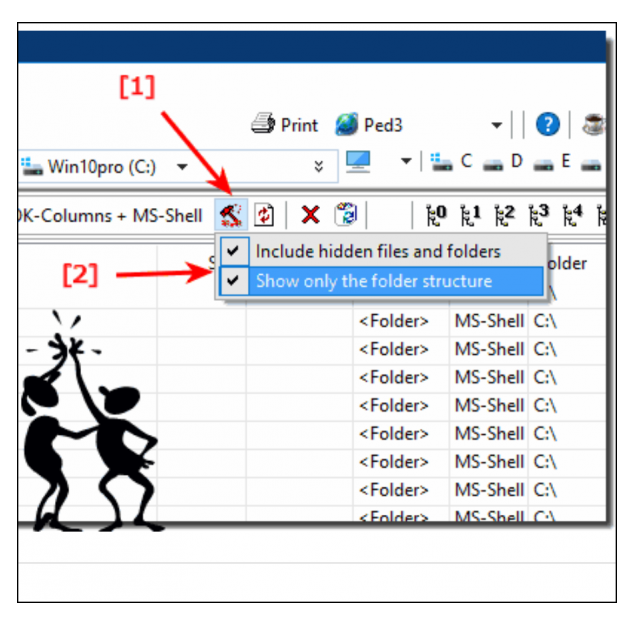
Do you work a lot with different folders and large amounts of files? Sometimes it is useful to make a printout of this.
By: Dennis Gandasoebrata
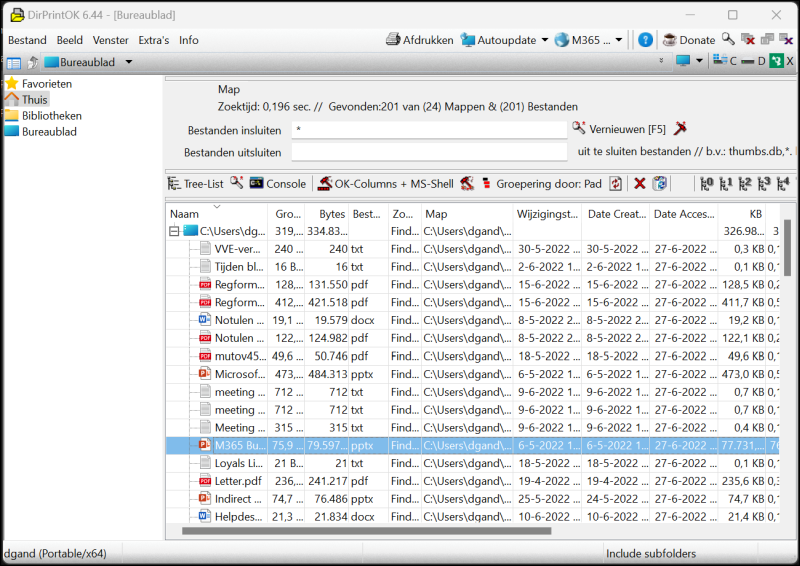
A good example is a folder with music tracks, from which you want to make a playlist. Instead of making a cumbersome screenshot, there is also a neater solution thanks to DirPrintOK: with this you print the contents of a folder in a well-arranged form.
Workable format
In addition to printing on paper, you can also print the content in a PDF document. You use the built-in Windows function to print to a PDF file instead of to a printer. At least as useful is the option to export the folder contents via PrintDirOK to a format that you can then edit. This is how you can directory listing save as excel document. You can then adjust the structured data. In addition, there is the option to save the data as HTML, CSV and TXT file. You can of course also use these file formats in other apps (such as Word) for further editing. You can use the software for free and are not obliged to install it: the developers also make a ‘portable’ version available, which does not put any installation files on the disc.
Product: DirPrintOK https://www.softwareok.com/?Download=DirPrintOK

Platform: Windows
Pros:
* Support for different formats
* Available in ‘portable’ version
Cons:
* Limited filtering options
* Messy user environment