
Not satisfied with Windows 11’s built-in File Explorer? The creator of Files has developed an alternative Explorer that offers a combination of appearance and functionality
By: Dennis Gandasubrata
At first glance, the file explorer looks a lot like the standard variant, but when you take a closer look at the window, the differences become apparent. First, we see the support for tabs (which also comes standard to Windows in later versions). Tabs prove to be very powerful in practice when you work with different sources at the same time. The operation is similar to the browser.
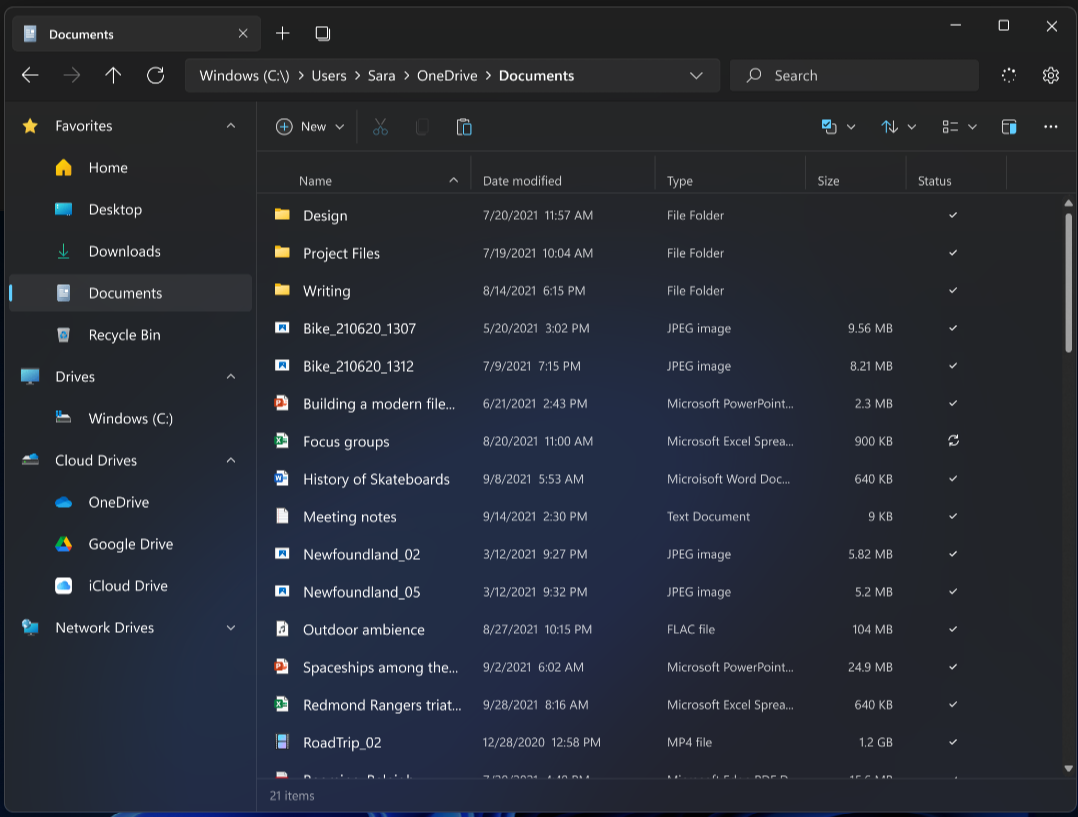
In Files you can use tags: labels that allow you to assign a custom color to files and folders, as well as an alternative name. You can use standard labels, but you can also create your own labels.
That personalization is also reflected in theme support; you can adjust the user environment to your personal wishes. This is based on predefined themes or homemade variants. The maker has also paid a lot of attention to the preview for files: for example, you can play videos directly from Files, but you also see many file characteristics by default when selecting a folder.
You can use Files for free. It is open source and makes smart use of the community to add new functionalities.
Product: Traffic jams https://files.community/

Platform: Windows
Pros:
* Tab support
* Built-in file viewers
* Customize with themes
Negatives:
* Slower than built-in Explorer