
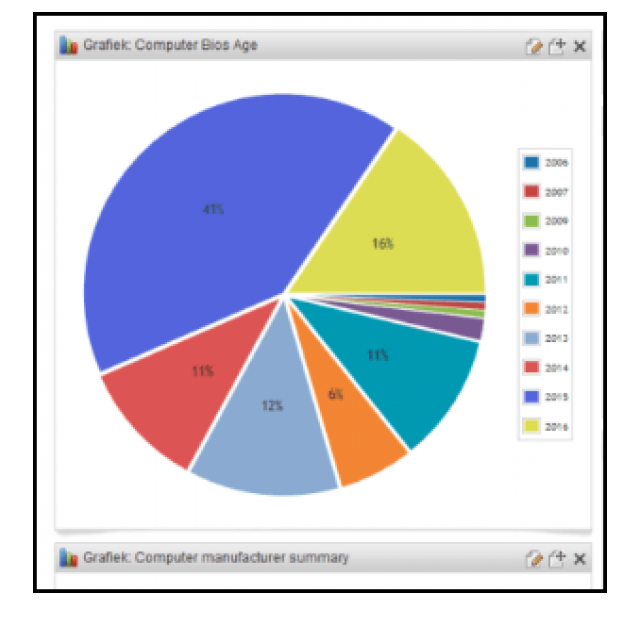
This handy program makes an overview of hardware and software within your network. You will then see the information in a report.
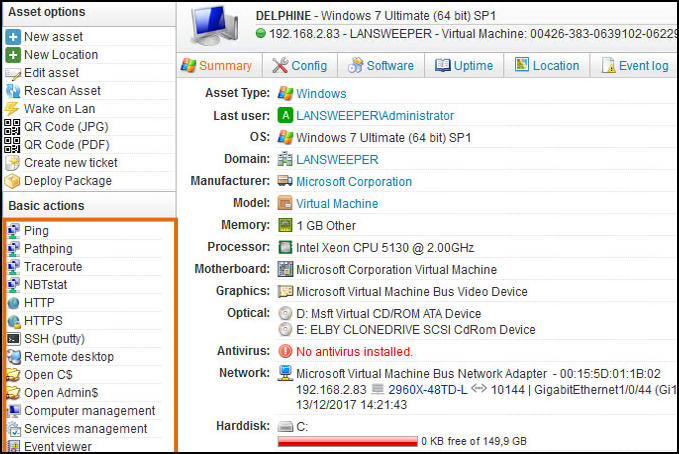
The program is particularly notable for its operation: you don’t have to click on every one client install a separate program within your network. The information from the analysis is then displayed in various reports via the central dashboard. A distinction is made here between several observations: you see notifications with a high priority, important notifications and informative notifications. If something needs to be done – for example cleaning a hard disk that is about to fill up – the action is immediately shown in the report.
On the left side we find the section reporting, where you can also zoom in on specific areas of analysis. The section below is less relevant for home use (Domain Overview), but in the last and third section, Lansweeper lists network devices. Here you will find, among other things, the number of switches, peripherals (such as printers) and computers. At the very top of the main window you can also read which operating systems are active: useful to see which Windows versions may need an upgrade.

Product: Lansweeperhttps://www.lansweeper.com
Platform: Windows
Pros:
* No separate clients to install
* Report with priorities
* Free for personal use
Negatives:
* Not all parts suitable for home use