The Microsoft CoPilot is now also available for iPhone and Android and has the free chatbot GPT-4 and the image generator Dall-E3.
Bert van Dijk

At the end of 2023, Microsoft launched the handy new smart search app CoPilot, which you can see as a further development of the Bing Chat assistant. After the introduction of this helper in Windows 11 and the Edge browser, you can now also use the latest GPT 4 chatbot for free with the Microsoft CoPilot app on iPhone, iPad and Android devices. The letters GPT stand for Generative Pre-trained Transformers where artificial intelligence is used to provide complex answers to open questions.
It’s nice that you can also use the iPad app on a Mac that has Apple’s own M processor. You can also easily create beautiful images in the CoPilot app via Dall-E3, as shown here.CoPilot
Benefits of Microsoft CoPilot
An advantage of the CoPilot app is that the sources consulted are also clearly stated in the answers. You can then easily copy it to another document using the button behind the thumbs up or down.
In Windows 11, you start the free basic version of CoPilot via an icon in the taskbar or by simultaneously pressing the Windowskey + c and it is a replacement for Cortana. Within Windows, CoPilot can also help you adjust your settings, take screenshots, and organize Windows screens.
With a Microsoft 365 account, CoPilot also helps you with feedback and suggestions within Word, Excel, Powerpoint, Outlook and Teams. For business users, there is a more extensive Microsoft 365 CoPilot version with support for work-oriented tasks, protection of your data and within GitHub CoPilot can help developers write code. With this business version you can also connect the chatbot with many different files, but you cannot use these files: startup files, images, audio and video files. You can try these features for free with the Microsoft CoPilot studio at copilotstudio.microsoft.com. If you are using the free version of CoPilot, we recommend that you do not share confidential information with the CoPilot.
 Use CoPilot app
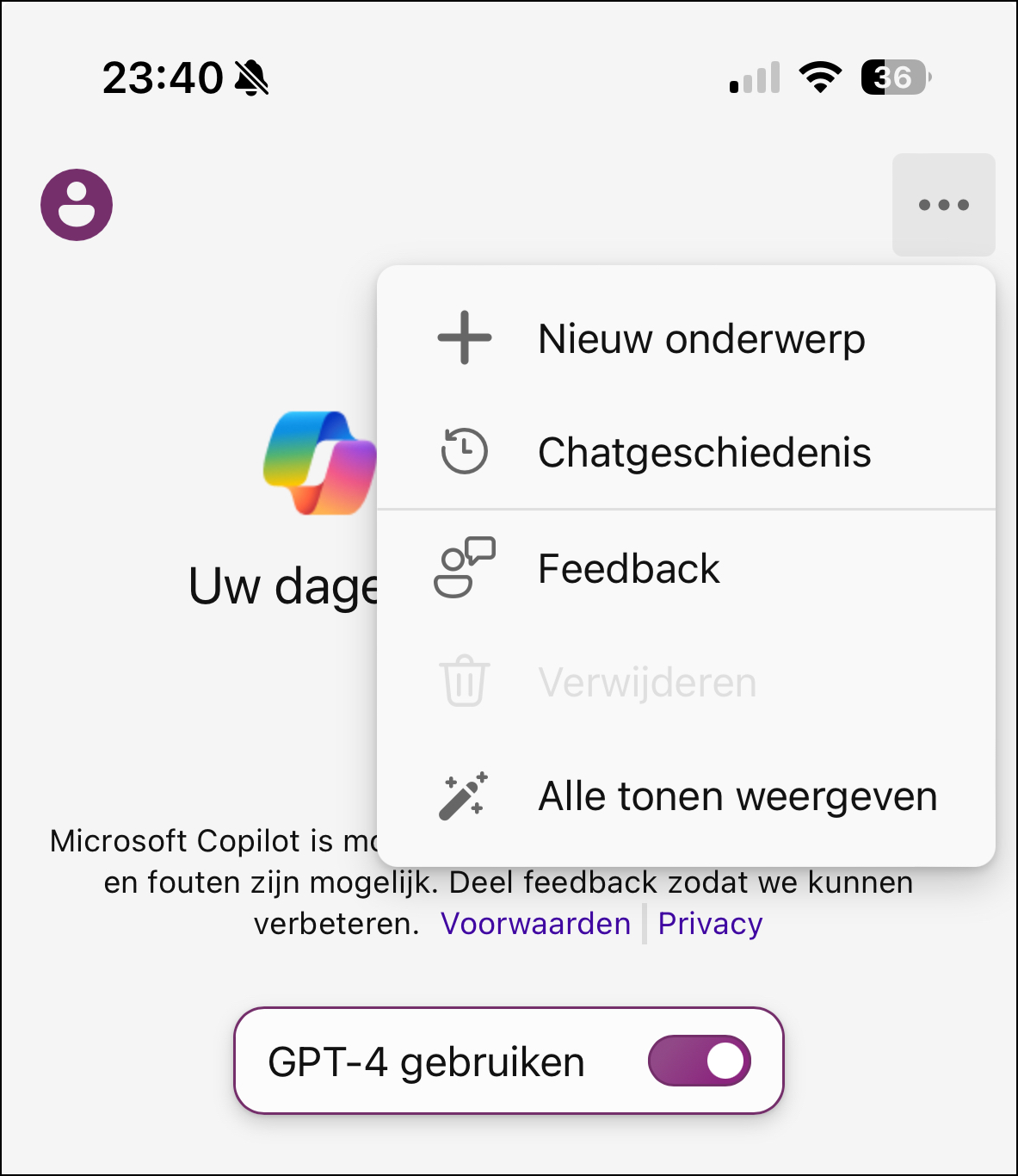
With the CoPilot app, you can flip a switch when opening a chat on a new topic (see image above).
This way you can work for free with the latest GPT 4.0 version of OpenAI with a much larger language model. Anyone who uses ChatGPT for free still has to make do with the older version GPT 3.5. Only with the paid ChatGPT Plus version you work with GPT 4.0.
With GPT 4.0 you get better answers to your questions and better summaries of long texts. This improved AI assistant also writes better stories/scripts and you can request sample texts for certain situations, such as applying for a job, asking for a raise and making an invitation. You do not need to log in with a Microsoft account for these options. If you log in with such an account, you can continue asking questions for longer and your chat history will be better preserved. This way you can continue with it later on another device. Via the menu selection Show all tones you can choose between a looser creative chat style and a more balanced or precise chat style.
Create images
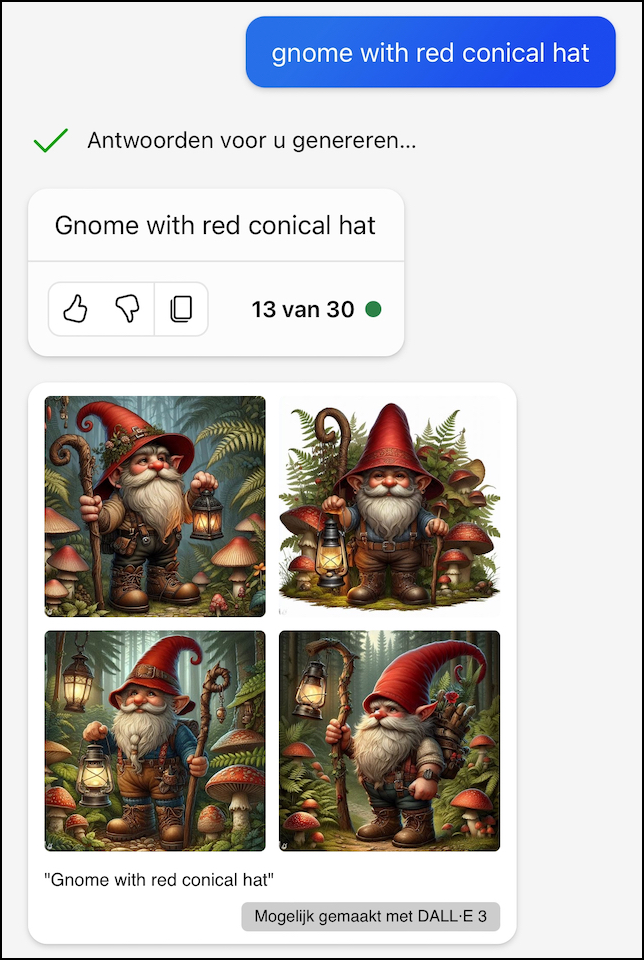 The integration with the image generator DALL-E3 gives CoPilot a big advantage over Google. With Dall-E you can’t make pictures of celebrities or pictures of violence. After each description, four images with a resolution of 1024 x 1024 pixels appear.
You have to hold the images you want to save for a moment, after which you can choose for an iPhone Save to photos. In the CoPilot app you can ask questions without having to log in with a Microsoft account first. To create images, you must first log in at the top left of the app with a Microsoft account. This way, in just a few hours, I could use Dutch descriptions to create these beautiful images for a gnome trail that will be opened later this year.
Additional options in CoPilot
Typing on a smartphone is a bit more difficult and it is very useful to speak the command after pressing the microphone. A disadvantage is that the answer is always read out. At the bottom, to the left of the microphone, you will also see a camera button, so that you can ask what is in the photo you are taking or have previously saved. Before the CoPilot app can use the microphone and camera, you must agree.
Conclusion
The combination of all these useful options makes the Microsoft CoPilot app a very useful app that will probably be used more and more and has a good chance of being named app of the year.
You can download Microsoft Copilot for free from the AppStore and Google Playstore.
|