
For business use, you cannot ignore an e-mail address with its own domain name. Instead of, say, @ziggo.nl, @gmail.com or @outlook.com, your email address will end with the name of your company, foundation or association. For personal use you can also take your own name! In this way, arouse the trust of every (future) contact person.
An email address with a webmail provider such as Outlook.com and Gmail.com is fine for private purposes. Family and friends will probably find you even at an exotic e-mail address with a combination of (nickname) names, numbers and strange characters. You can’t get away with that with professional use. An email address like jan@jansen.nl looks much nicer. In addition, contacts can remember it more easily. Therefore, create your own mail domain now. With the well-known hosting provider STRATO, this takes hardly any effort. We’ll take you in tow.
Order mail package
A domain name and server space. That’s all you need to create an e-mail address with your own e-mail domain. That sounds simpler than it actually is. There are all kinds of things to consider, such as strict security, a spam filter and the management of multiple mailboxes. The mail service of hosting provider STRATO takes all the worries off your hands. The rates are also low. For example, the Mail Plus package costs only one euro per month for the first year. For this small fee, manage 25 mailboxes with a maximum capacity of 5 GB per inbox. After the first year, users pay three euros per month for the Mail Plus package. Order a cheap mail package with a few clicks at www.strato.nl/mail. (text continues below the image)
Offer
Take the STRATO Mail Plus package including 25 mailboxes and your own domain name, and pay only €1 per month for the first year. Look at strato.nl/mail
Add up to 25 own email addresses with a STRATO Mail Plus package
Choose domain name
You first choose a suitable domain name during the ordering process. That choice is important, because this part of the e-mail address is, after all, fixed. Would you like an email address with your first and last name, for example jan@jansen.nl? Check in this example whether www.jansen.nl is still available. The STRATO website provides immediate answers. The extensions .nl and .com are already included in the price. Good to know is that you can choose from more than 350 alternative domain extensions. For example, let your chosen e-mail address end with .tech, .games, .amsterdam, .restaurant, .blog or .computer. With an alternative domain extension, keep in mind a small surcharge. As soon as you have chosen a mail domain, the costs appear clearly on the screen. So you will never be faced with financial surprises. After submitting your personal and payment details, you will soon receive the login details by e-mail. The domain name is registered and in your name.
Create email address
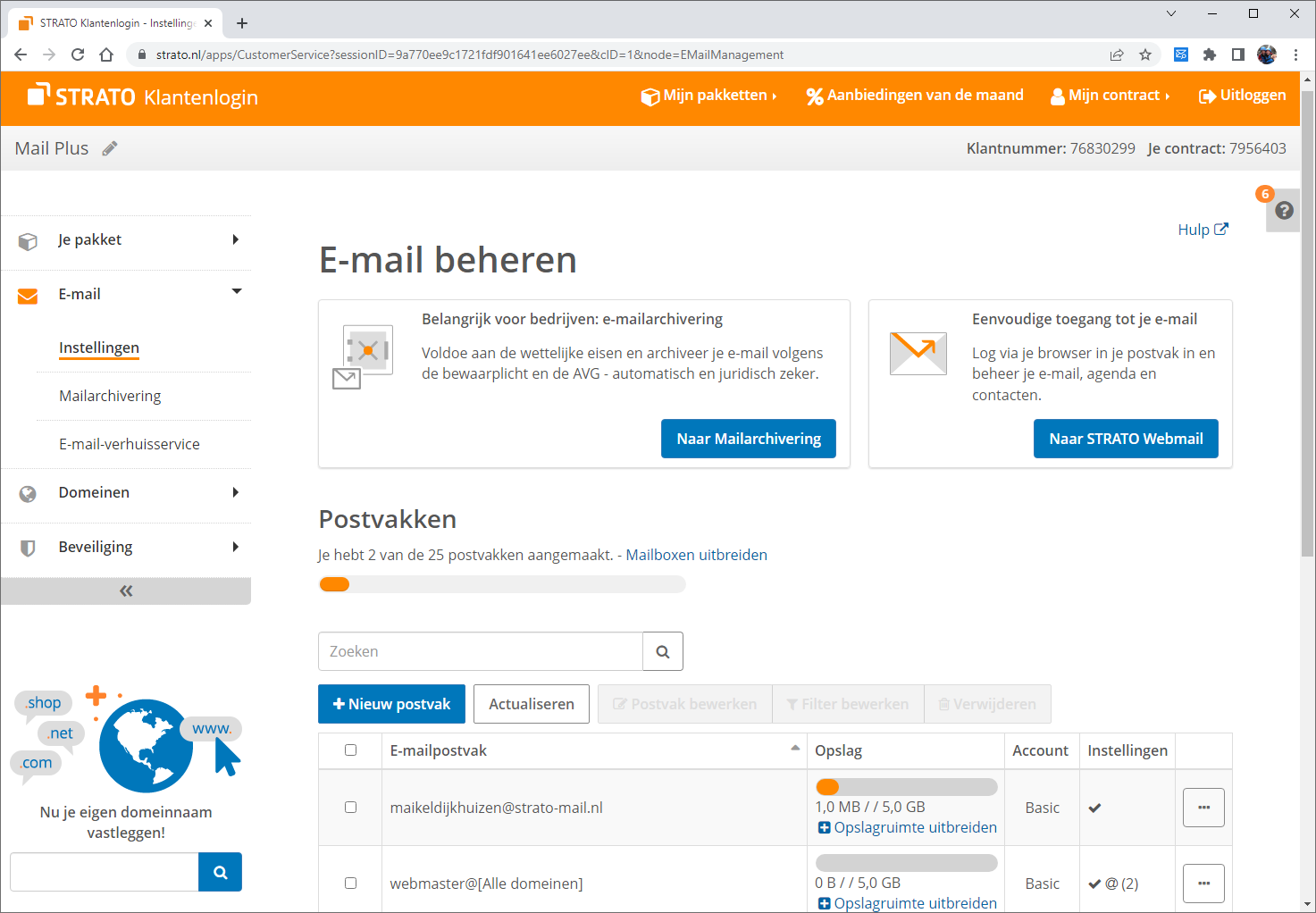
Now is the time to create your own email address. Surf to www.strato.nl/login and sign up. You will arrive at the STRATO Customer Login. View the contract details and e-mail settings, among other things. In the menu on the left go to E-mail and Settings† Note that a mailbox has already been created, which is webmaster@ [domeinnaam]† Through New mailbox and Create basic mailboxn think of a new e-mail address. To do this, type the first part of the intended address, before the at sign. The domain name and extension are already fixed. You also enter a strong password of at least ten characters. Finally, confirm with Create mailbox† The brand new e-mail address is immediately active. (article continues below the image)
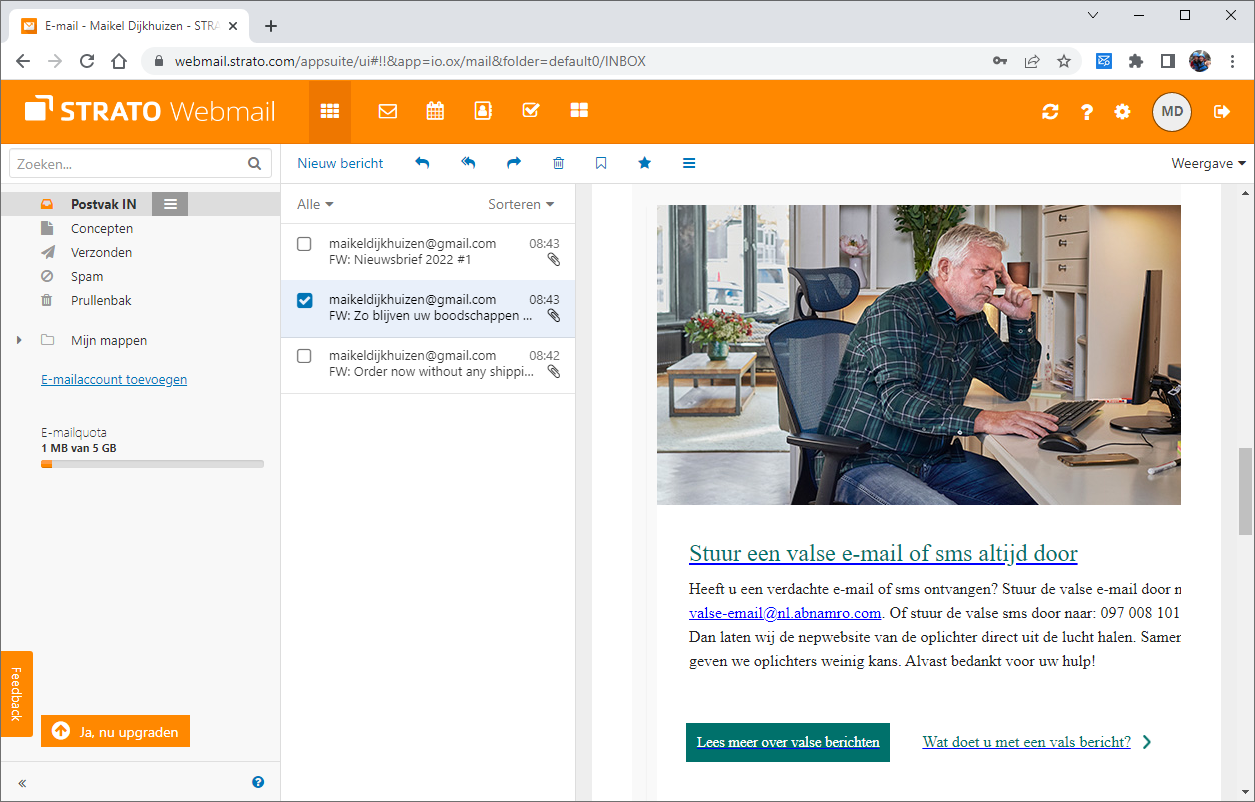
STRATO’s webmail application has an ad-free user environment in which you can read incoming messages
webmail
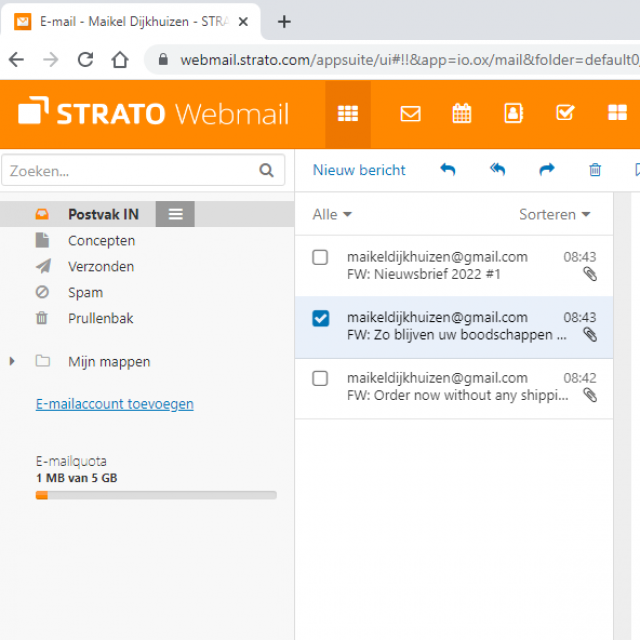
STRATO has its own webmail module. It works broadly the same as you may be used to from Gmail or Outlook.com. An important difference is that you will not encounter advertisements anywhere. In addition, all e-mail data is located on highly secured European servers. Log in to a website and read incoming messages. To do this, go to webmail.strato.com, after which you enter the e-mail address and password you just created. Through Sign Up and Next one the webmail application asks for some information. That only needs to be done the first time. Enter your first and last name. In the next screen, select the correct time zone. Confirm with Complete† If desired, a guided tour will guide you through the main functions. When finished, the mailbox will appear. You can read, reply to, and compose new messages, among other things. You also have access to an address book, calendar and to-do list.
Set Up Mail App
For example, you can also configure the new email address in the Mail app on your smartphone, tablet or computer. When using such a so-called e-mail client, you can manage digital mail from multiple e-mail addresses. Just open the Mail program on a Windows machine. You then successively click on Settings (gear icon), Manage accounts and Add Account† Choose Advanced configuration and Internet email† Fill in all fields, such as email address, username (equivalent to email address), password, and account name. It is important that you specify the correct incoming and outgoing mail server. That is imap.strato.com and smtp.strato.com respectively. Select further IMAP4 as account type. It is also a requirement that SSL is enabled. Confirm with Sign Up and Ready† The mailbox name and all received emails appear in Mail. Test operation by sending an email. In a similar way, you also add the email address to other mail programs, for example Microsoft Outlook, Mozilla Thunderbird and the default mail app on your smartphone. Sometimes you need to fill in the correct email ports. For IMAP this is port number 993 and for SMTP port number 465. Some mail programs get the correct data from the STRATO server themselves. You’re in luck, because you don’t have to enter everything manually. Have fun mailing!
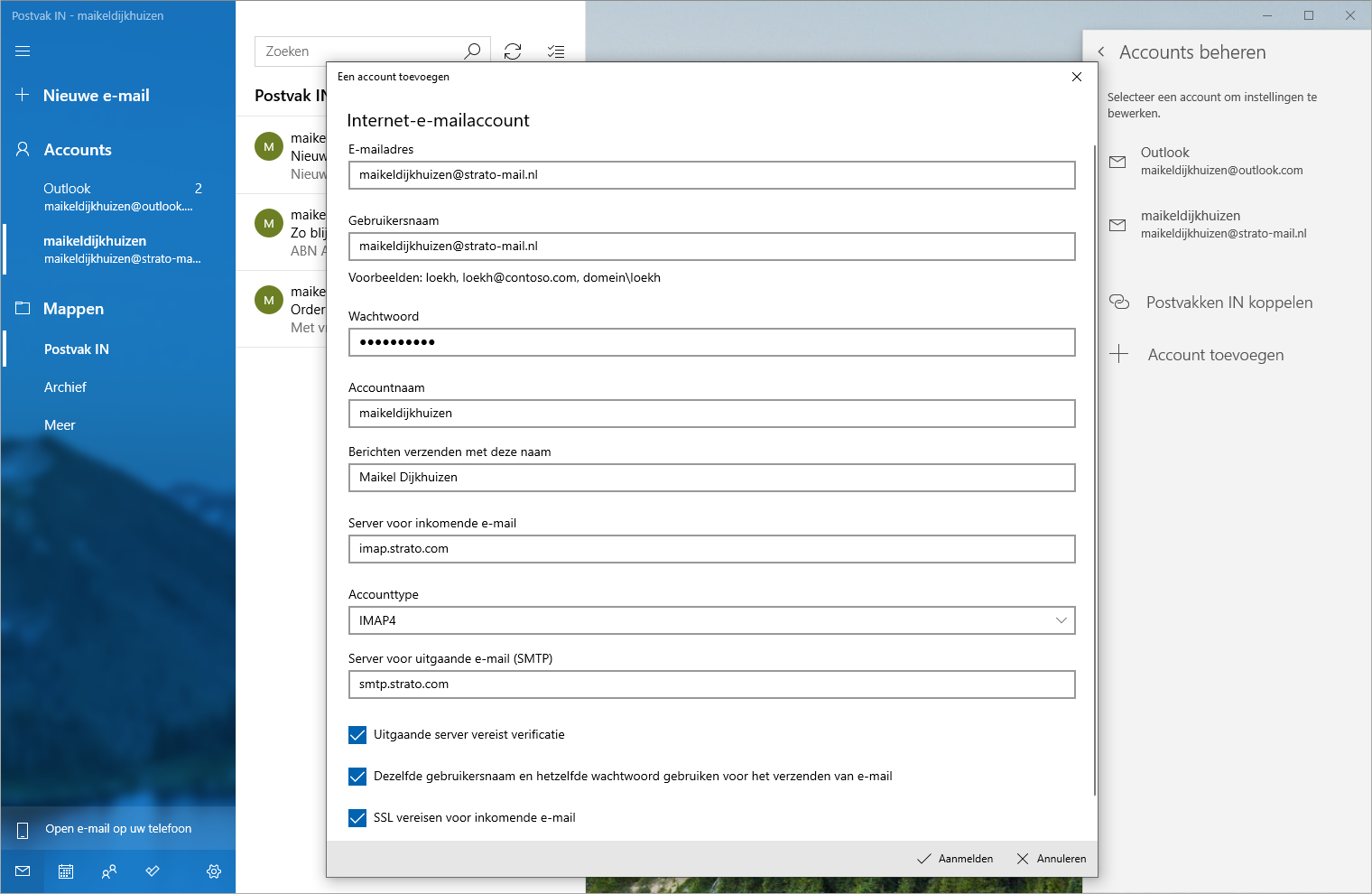
With the correct data you add an e-mail account from your own domain to an e-mail program