

John Vanderaart answers a question every day on pcactive.nl. Today he discusses installing Windows 11 from a USB stick.
I am unable to install Windows 11 from a USB stick. What am I doing wrong?
Sander V.
Yesterday, John Vanderaart answered the question of how to open a Word file on a Linux computer. Today he shows you how to install Windows 11 from a USB stick.
To get started, of course, you need to download an ISO file with a Windows 11 installation procedure ‘in it’ (see the picture). You should not transfer that ISO file as a file, but as an image to a USB stick. For example, you can use the Rufus tool for this: rufus.ie/nl. Then you can boot from the USB stick and install Windows 11. Of course make sure that the option Boot from USB in the BIOS setup on Enabled state. Then pay attention, because if the hard drive is added, you can remove all existing partitions to ensure a really clean installation. Of course you ensure a good backup and an upgrade installation is also possible…
Link: https://www.microsoft.com/nl-nl/software-download/windows11
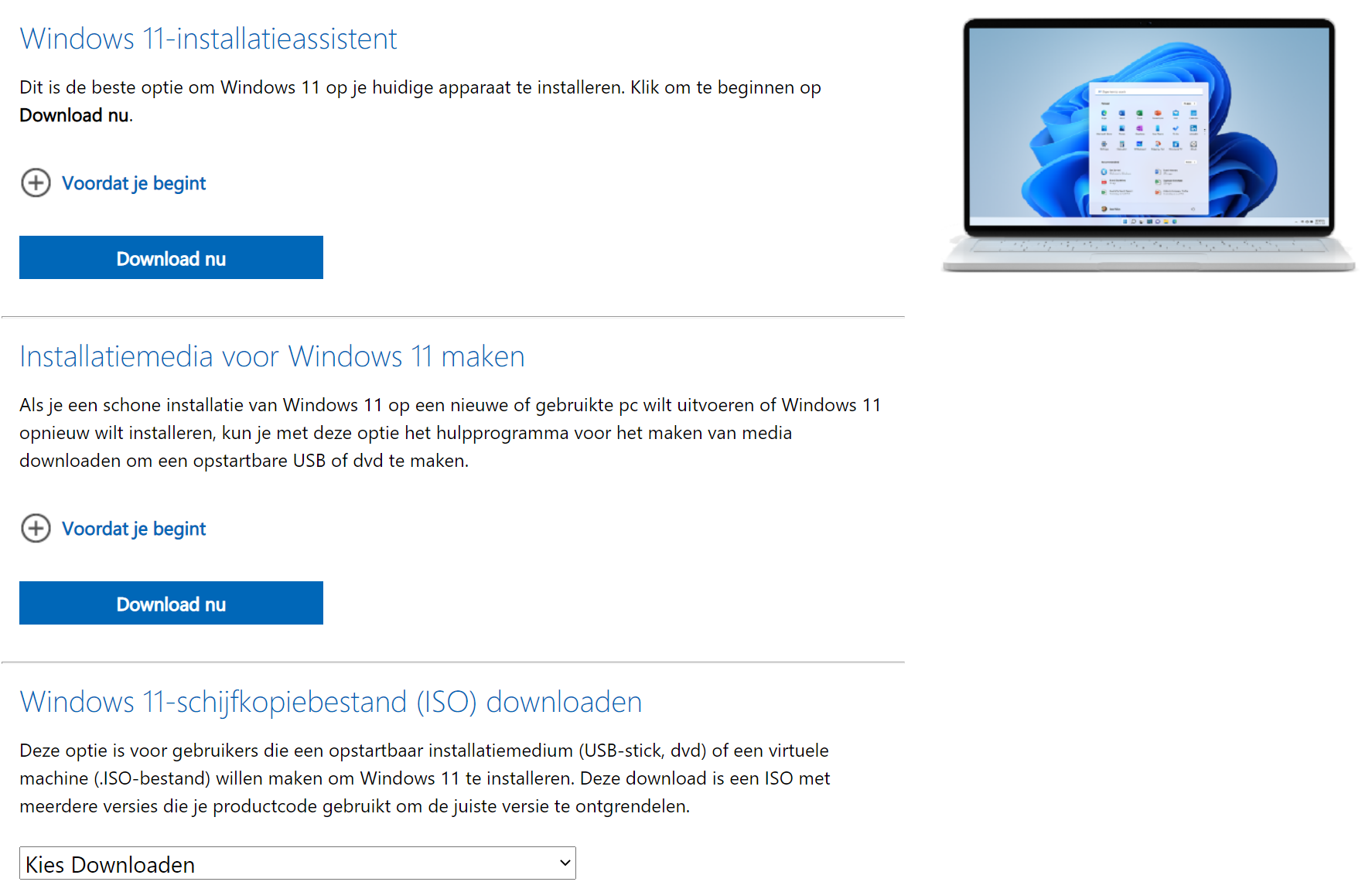
As you can see, there are several options for starting a Windows 11 installation. The choice is yours!