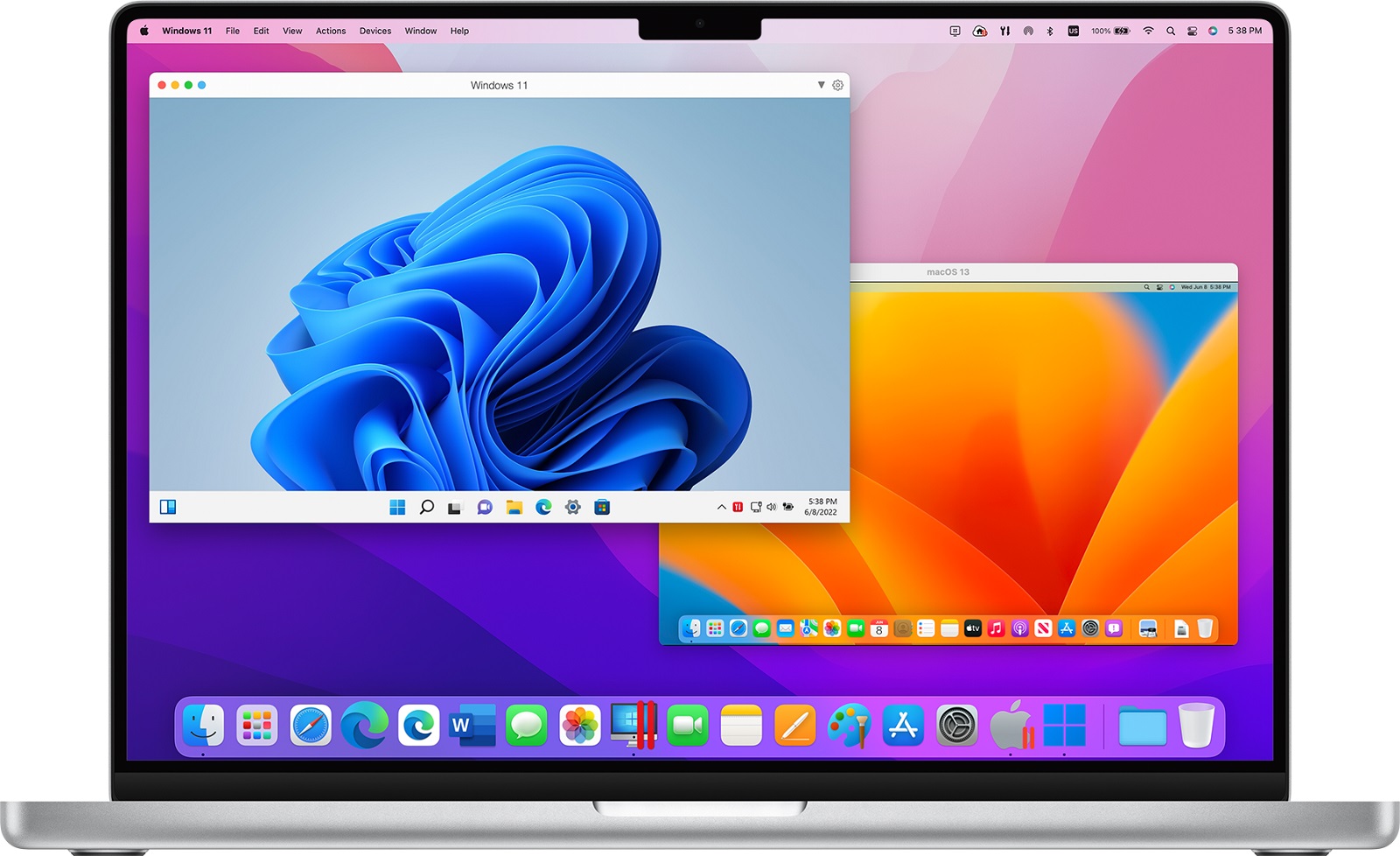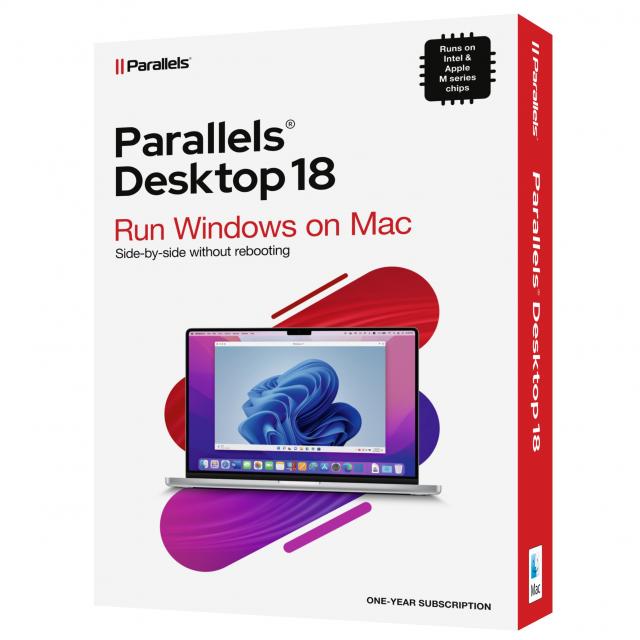
Parallels today announced the release of Parallels Desktop 18 for Mac. It allows users to optimize the latest Apple hardware, boost performance and streamline gaming updates for greater freedom and flexibility. In addition, the new release of Parallels Desktop 18 for Mac includes several benefits for consumers and professionals.
With the new release of Parallels Desktop 18 for Mac as the successor to Parallels Desktop 17, there are several benefits for consumers and professionals.
- Optimal performance: Users can run more than 200,000 Windows apps and classic games on their Mac;
- Continuous integration: Parallels Desktop 18 is optimized for the latest Apple hardware. The new version is compatible with Apple’s ProMotion display and the Apple M1 Ultra chip, which delivers Windows 11 up to 96% faster on a Mac Studio. In addition, users are continuously informed about the upcoming macOS upgrades;
- Easier Windows 11 installation: Users save time by downloading, installing and configuring Windows 11 with just one click. In addition, they can download several free ready-to-use Linux systems.
- Improved Windows gameplay on a Mac: Connect a game controller to your Mac, switch to Windows and start playing. Take advantage of the smoother user interface and video playback in Windows and the higher frame rate while playing games.
The new features in Parallels Desktop 18 for Mac are specifically designed to boost productivity through a powerful Windows operating system on Mac, which is easy to use and stays up-to-date even when new Apple hardware or a new macOS, Windows – or Linux version is released.
Main Features of Parallels Desktop 18
Parallels Desktop 18 for Mac Standard Edition:
- Optimized for the upcoming macOS release to support new features and functionality.
- Full support for Apple’s ProMotion display with automatic refresh rate and more powerful performance for Apple M1 Ultra. Users now get more resources, making Windows 11 run up to 96% faster.
- Optimal Windows gaming experience with Xbox or DualShock Bluetooth game controllers that are automatically shared with Windows and Linux.
- Improved compatibility of Intel (x86) applications. that run in Windows 11 on ARM, especially when saving and reading files on the Mac drive.
- Enhanced USB 3.0 to support live data streaming devices including Elgato HD60, Startech USB 3.0 Video Capture and more.
Parallels Desktop 18 for Mac Pro Edition (provides the features of the Standard Edition, plus the following features):
- Powerful network conditioner on Mac with Apple M1 allowing users to set different virtual machine network conditions (bandwidth, package loss, delay), similar to Windows and Linux virtual machines.
- Isolate the network of Mac virtual machines on Apple M1 Mac computers for better security and start a Minikube cluster with Parallels Desktop as the virtualization provider.
- Use network boot with Linux ARM virtual machines, now also available on Mac computers with Apple M1 chips.
- Easily analyze application performance in a separate VM through the enhanced Parallels plug-in for Visual Studio.
Parallels Desktop 18 for Mac Business Edition builds on the Pro Edition with additional functionality, including:
- Convenient SSO/SAML authentication so employees can log in and activate Parallels Desktop through a corporate account.
- Administrators can deploy, provision, or transfer a Windows 11 virtual machine to employees’ Mac computers.
- Centrally manage the Parallels Customer Experience program from the Parallels My Account.
For more information about the new features of Parallels Desktop 18 for Mac, visit: www.parallels.com/desktop.
Trial and availability:
All editions of Parallels Desktop 18 (Mac Standard Edition, Mac Pro Edition, and Mac Business Edition) are designed to provide an optimal experience on both M1 and Intel-based Mac computers. The versions are sold worldwide at parallels.com/desktop and from authorized resellers. Parallels Desktop plans include free plans for concurrent use of Parallels Access and Parallels Toolbox for Mac and Windows.
For more information about Parallels products, see parallels.com. You can also download a free trial or purchase a subscription here.