
Bitwarden is an open source password manager (see also the workshop in PC-Active 318).
By: Dennis Gandasoebrata
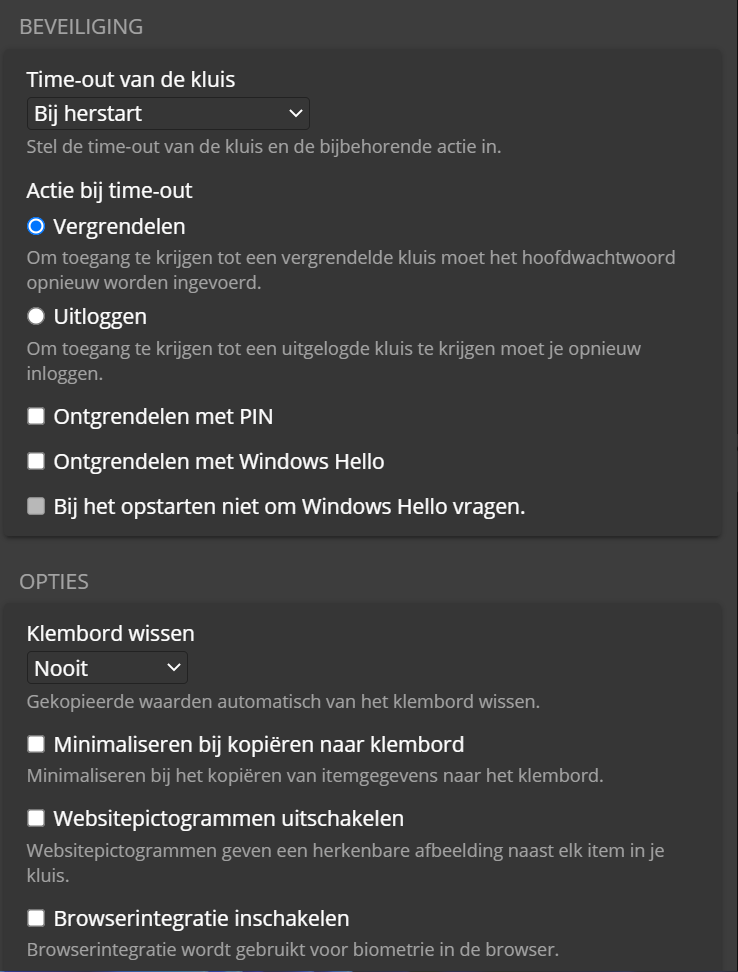
This makes the approach relatively transparent: anyone can view and evaluate the source code. The community can also actively contribute, for example for options.
You can purchase Bitwarden in the cloud in the form of a subscription, but you can also set it up locally. On the website of the makers you will find extensive documentation to use Bitwarden locally in a ‘self-hosting’ environment. There is support for all common platforms: we find apps for Windows, macOS and Linux.
In addition to a version that you install, the makers also offer a ‘portable app’. You can run this from a USB stick, for example, and it has the advantage that you don’t have to install the program. Handy if you need access to your passwords via a computer you temporarily use. Extensions are also available for the browser, with which passwords are filled in automatically.
There is a free version of Bitwarden, the paid version for home use costs approximately € 10 per year and offers additional functions, such as 2FA.
Product: Bitwardenbitwarden.com

Price: free/subscription about € 10 per year
System requirements: Windows 10, Windows 11. macOS, Linux
Language: English