
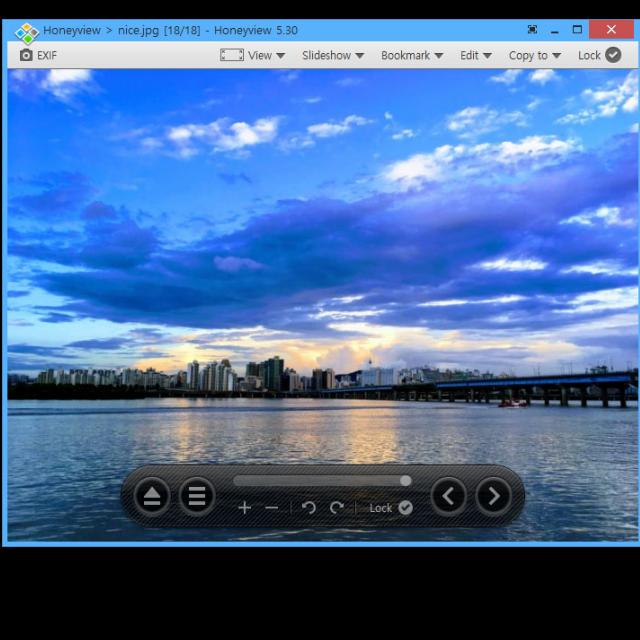
Some programs don’t need to be overly complex or bulky. Honeyview proves that. You use this program to view images.
By: Dennis Gandasubrata
The most important feature of Honeyview is the size of the program: it has a small footprint and therefore hardly takes up any space. That does not alter the fact that it is good with the support of image formats. All major formats are supported, including bmp, jpg, png and psd.
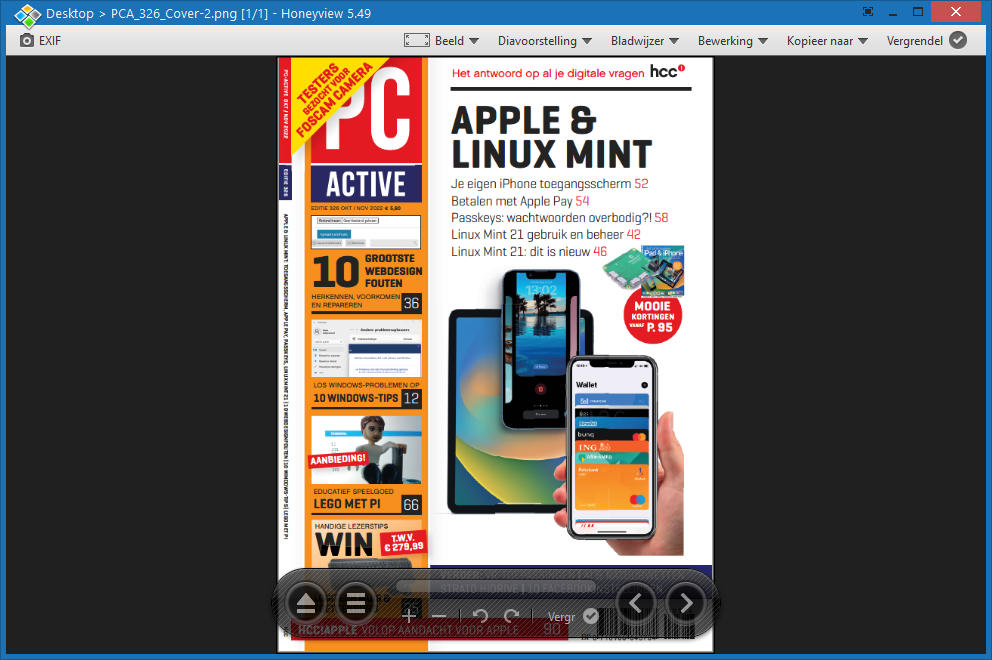
Packed files – for example images in a zip or rar file – can also be viewed directly via Honeyview. So you don’t have to unzip the file archive before you can see the images.
The software also contains some other extras. For example, you can convert a set of files to another image format at once using the batch conversion option. You can also view moving images, such as animated gif or png files, directly through the software. If you often work with photo files with associated meta information, you can also view the EXIF data directly.
Honeyview is also suitable for use on older systems due to the broad support of earlier Windows versions (support goes back to Windows 7). You can use the software for free.
Product: Honeyview www.bandisoft.com/honeyview

Platform: Windows
Pros:
* Compact program
* Support for popular file formats
* Support for compressed files
Negatives:
* Summary explanation per option