
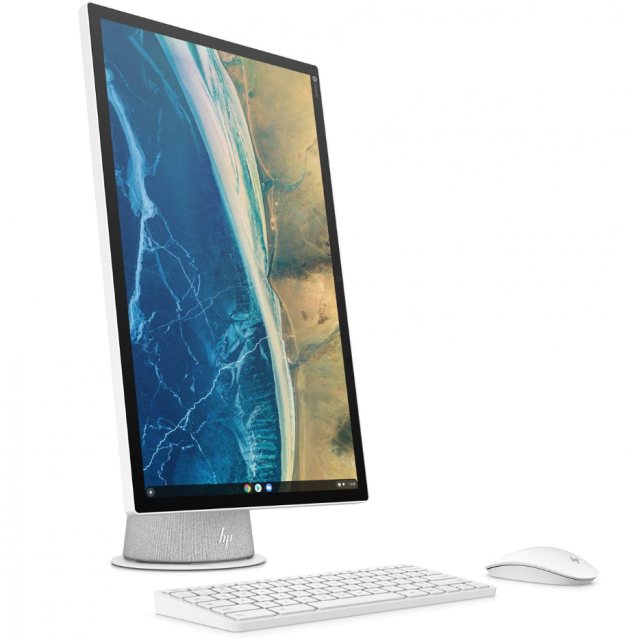
The HP Chromebase All-in-One Desktop is a computer running Chrome OS, so it works primarily with web apps, rather than applications installed on the device like a Windows PC. A stable internet connection is therefore required.
Aad Munsterman and Rob Coenraads
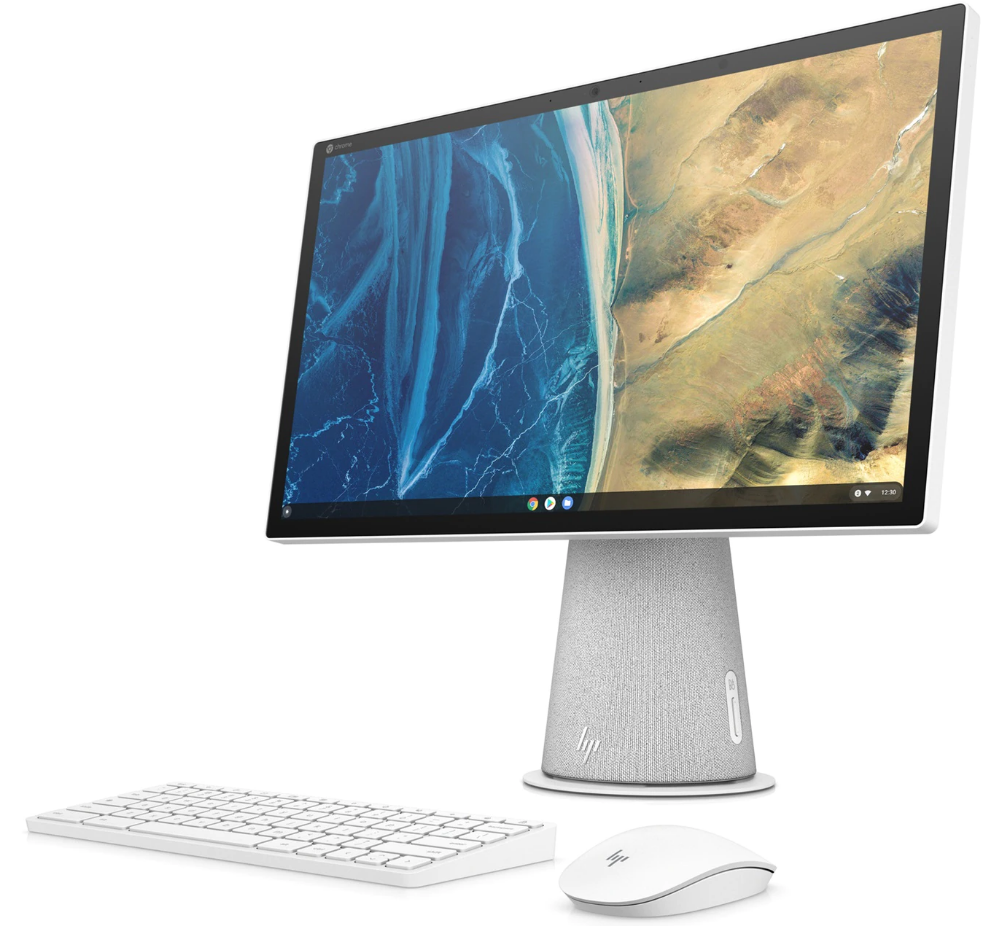
Advantages are the free apps from Google, your data is safe in the cloud, much less maintenance than with a Windows computer and it is much less susceptible to viruses and the like. However, it is not suitable for more demanding applications, such as extensive photo and video editing programs.
It is equipped with a tenth generation Intel i3 processor, 16GB RAM, 256GB SSD and Wi-Fi6, great for everyday use. The full-hd 16:9 IPS touch screen has a diameter of 21.5 inches and you can place the screen vertically, which is useful for long texts, among other things. The included keyboard and mouse communicate with the system via Bluetooth.
The preinstalled Chrome OS has many Google applications, including the Google Office applications. You can add additional Chrome applications via the Chrome Web Store. For the free online Microsoft Office 365 applications such as Word, Excel and Outlook you can install an extension for easy access. You can also install Android apps in the existing Android version 11. Finally, you can make files available offline if there is no internet connection.
The test results are positive. Not a super fast system, but when used for daily work such as mail, browsing and word processing, we recommend this Chromebase. A point of attention are the privacy settings; In mid-2023 there will be a new Chrome OS in which privacy will be further optimized.
Product: HP Chromebase 21.5inch All-in-One Desktop

MSRP: €718.99
Pros:
* good for daily computer work
* minimal maintenance and minimal risk of viruses
* complete configuration with touch screen
Negatives:
* limited functionality compared to Windows
* economical keyboard due to lack of numeric cluster and lighting