
The creator of InControl, Steve Gibson, is well known when it comes to making computing more secure.
By: Dennis Gandasoebrata
In recent years, Gibson has released several useful tools. With InControl, he adds an extra program to this: this allows you to exercise more control over the Windows update process. 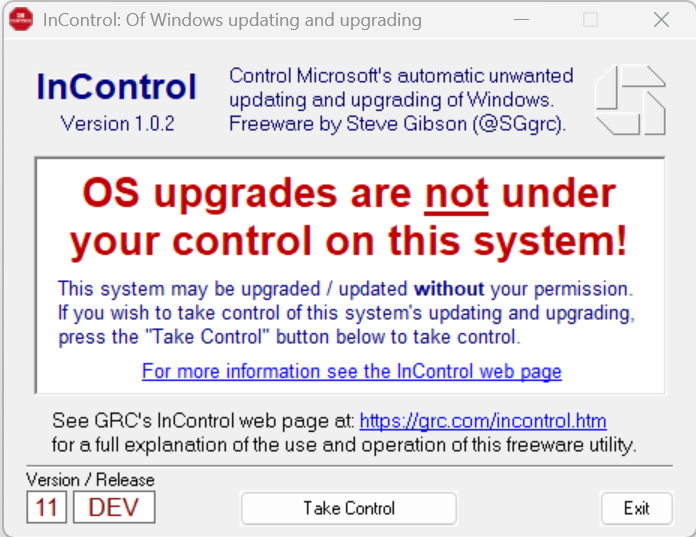
The operation of the program is very simple and has no further setting options: after installation, click on Take Control† After this, Windows will no longer update to a new version without prompting. below version and release do you see the version (for example 10 for Windows 10) and build (for example 21H2† This version is ‘clicked’ on Windows. The installation of future updates will then be limited to the monthly security updates. That is nice and, as far as we are concerned, a requirement: after all, you know for sure that the computer remains adequately protected.
If you want to update to a new version at a later time, click on Release Control and indicate in the aforementioned version which version Windows may install, for example 21H2† Then click again Take Control to actually update. It is important that you keep an eye on how long the Windows version you are using is still supported. Even after that period, you will continue to use that version without manual intervention.
Product: InControlgrc.com/incontrol.htm

System Requirements: Windows
Pros:
* disable unsolicited updates
* indicate to which build can be updated
* simple operation
Cons:
* check yourself whether the current build is still supported