
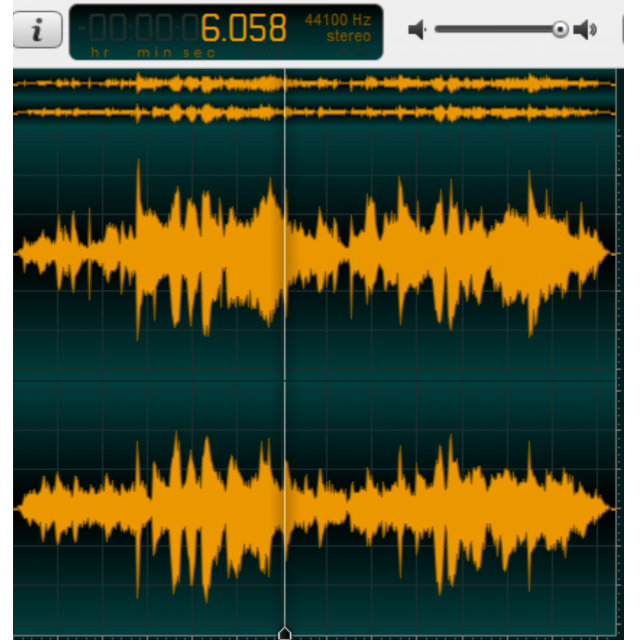
If you are busy with music editing or getting started with it, it is important to select the right software.
By: Dennis Gandasubrata
There is a wide choice in the field of audio programs, with the well-known Audacity as a good example. However, there is more under the sun. Especially if you are looking for an accessible program, Ocenaudio is an interesting candidate. The program is available for Windows, Linux and macOS
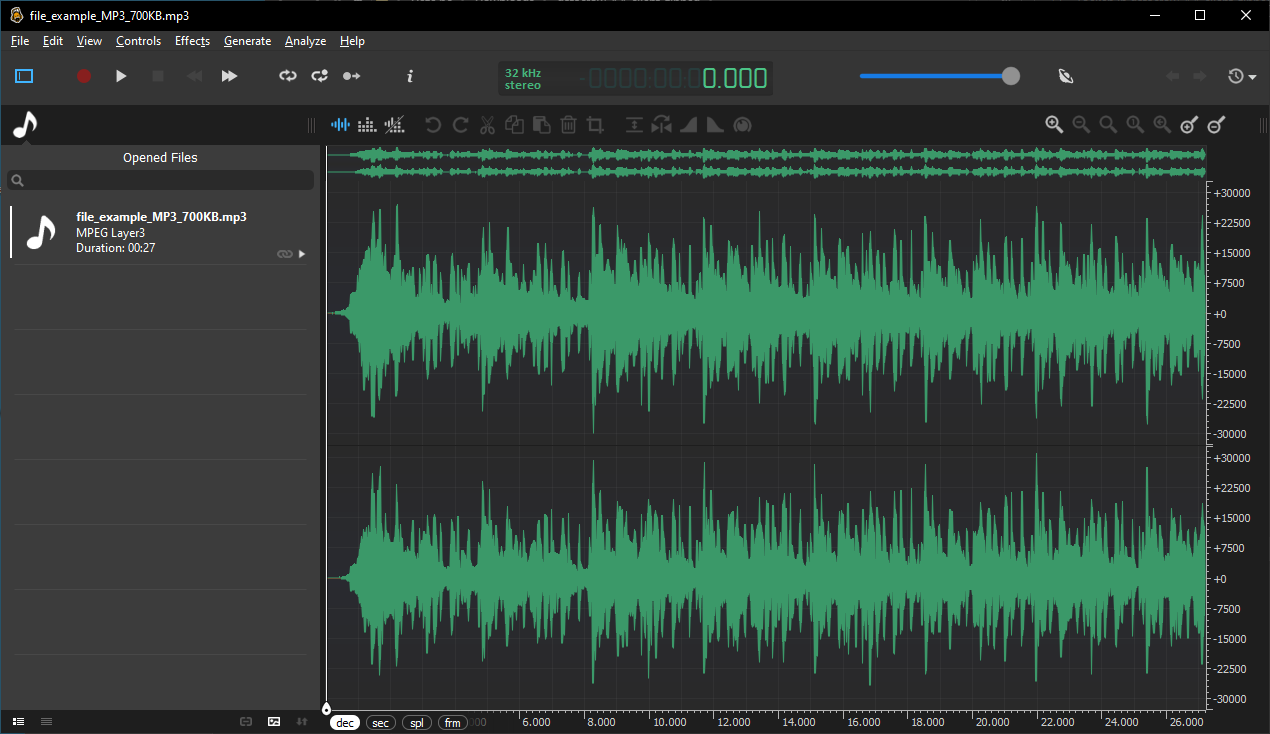
Good audio software naturally has the necessary facilities for sound effects. For effects, the makers have a real time built-in ‘preview’ function, so you can listen to the result immediately before applying it to the audio layer. The changes are also immediately audible while adjusting the effect. You can also make multiple selections at once and apply changes to all selected selections. Editing tasks are performed in the background whenever possible, so you can continue working on other audio tasks and not have to wait. In addition, the makers have made optimizations within the code, so that you have to wait less often for common tasks (such as cutting, copying and pasting). If you need more effects, you can expand the collection via so-called VST plugins.
You may use the software free of charge. Satisfied users are asked to pay a contribution.
Product: Ocenaudiohttps://www.ocenaudio.com

Platform: Windows, Linux, macOS
Pros:
* quick edits
* multiple selections at the same time
* effects expandable via plugins
Negatives:
* some options require additional explanation