
If you need a major spring cleaning of your computer, PrivaZer is a handy helper.
By: Dennis Gandasoebrata
With this program you can clean your computer and at the same time rid it of privacy-sensitive information. You can use the software for free. 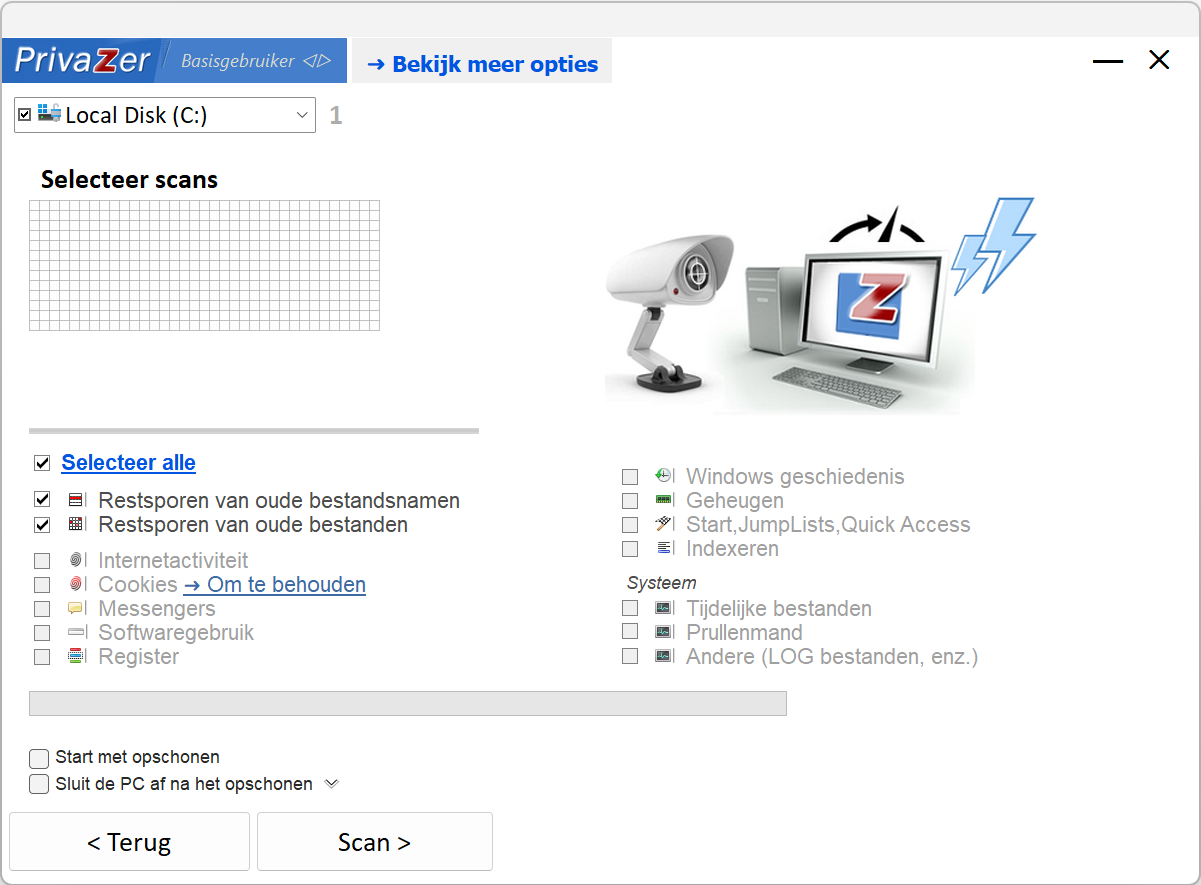
In the left part of the window we find the different parts. The first section allows you to search your computer for unwanted files. You use a filter to indicate which files may be deleted. This includes cookies, temporary files and outdated log files. It is nice to be able to create a restore point directly from the program, so that you always have a guarantee if the program has started cleaning too enthusiastically. You can also search for specific tracks via the main menu.
It pays to also take a look at the advanced options before the first use. Here you will find, among other things, the option to make a backup of the registry. You also indicate here how strict the program may be, for example by indicating which type of cookies may be deleted by default. Via the option Automatic Cleanups you can periodically check the computer for clutter.
Incidentally, the cleanup does not have to be limited to local sources: you can also sweep through external media (such as a USB stick or memory card).

Product: PrivaZerprivazer.com/nl

System Requirements: Windows
Pros:
* targeting privacy-sensitive files
* create automatic restore point
* local and external storage media
Cons:
* limited text and explanation per cleaning area