
Tired of the standard Notepad within Windows? RJ Texted is a comprehensive code and text editor.
By: Dennis Gandasubrata
In practice, the environment lends itself well to programmers. For example, there is support for CSS/HTML and the software has a preview for those projects. There is also HTML validation on board, whereby the HTML code is automatically checked for correctness. You can use the software for free, but a donation is appreciated.
You can also use RJ Texted as a Notepad. We find smart extras, including a built-in spell checker. You can add multiple languages for this, such as Dutch. Through the section addons you can activate additional functions. For example, additional dictionaries are available and you can do extra highlighters to install. These help to automatically underline specific values, for example during programming.
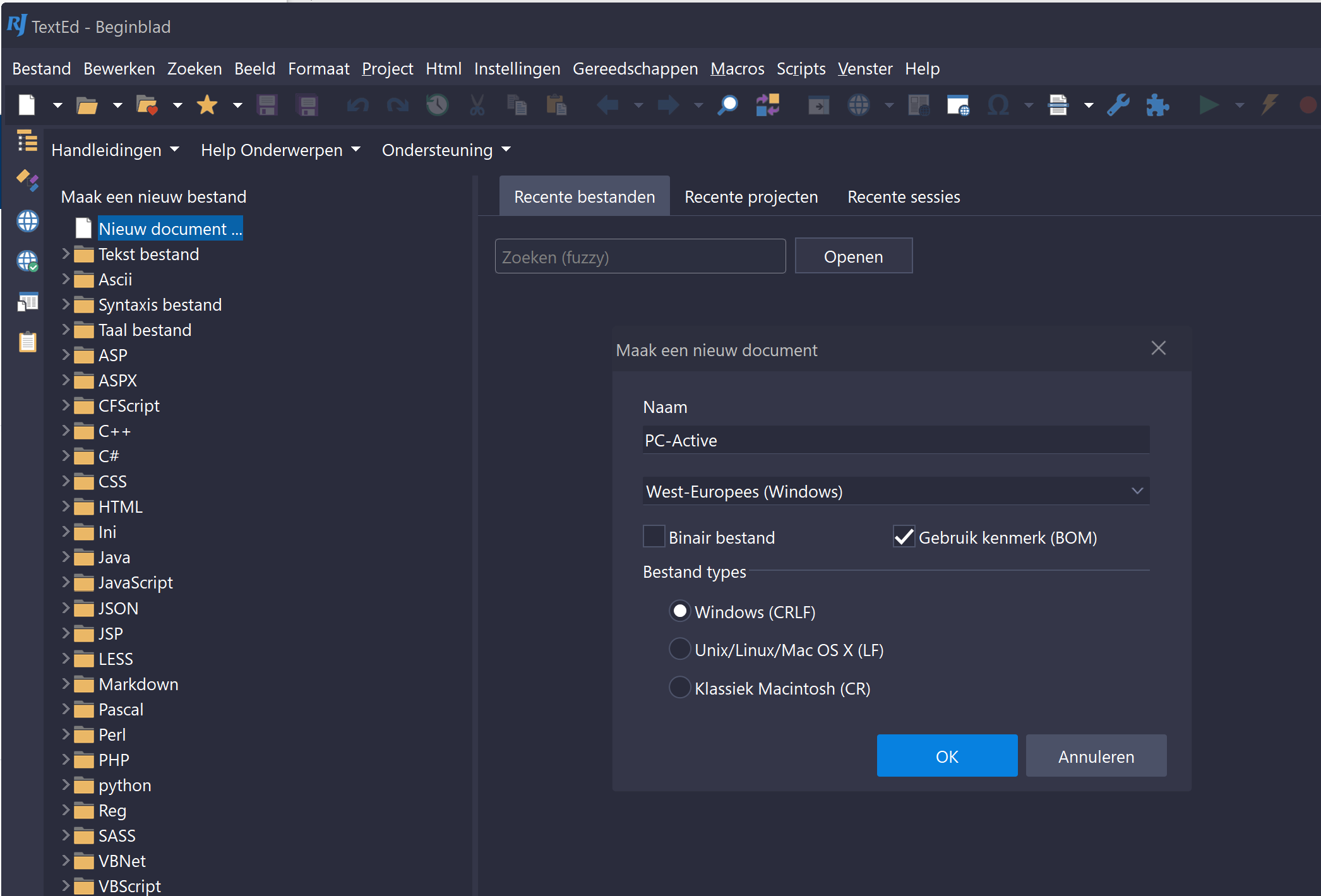
The environment may initially seem quite filled, but you can adjust the individual panels to your own wishes. Via the tabs at the bottom you can switch between the different elements, such as a preview of HTML code, the actual editor and an explorer mode, with which you can organize the files. In addition, RJ Texted supports the use of themes: this allows you to further customize the appearance.
 Product: RJ Textedwww.rj-texted.se

Platform: Windows
Pros:
* also suitable for programming
* extensible with add-ons
* environment customizable in detail
Negatives: –