
In the field of wireless networks, things can go wrong, but there is often room for optimization.
Dennis Gandasubrata
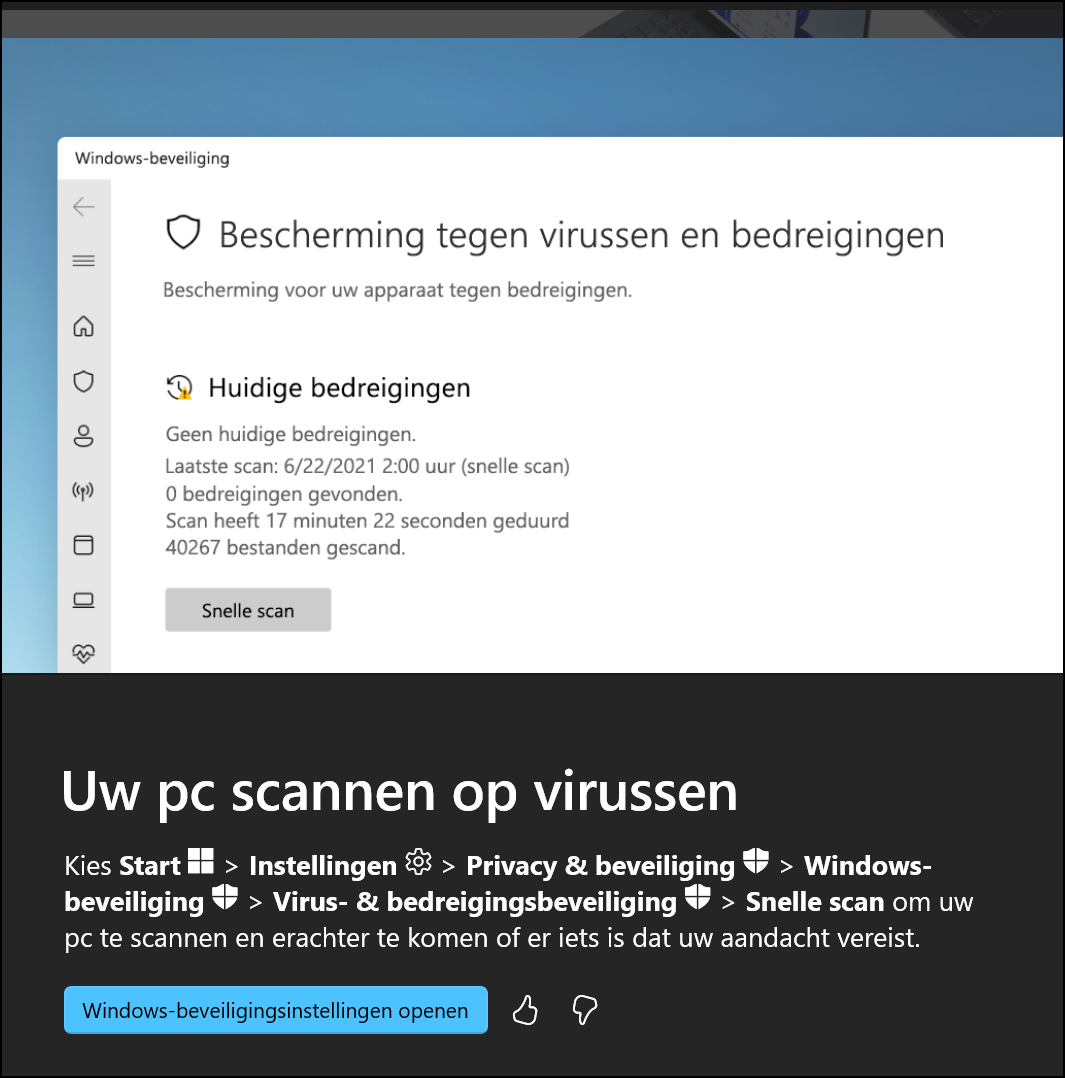
Are you using Windows 11? The youngest Windows member has an app that gives you more information about the operating system and is regularly updated with new information. You can find the app via the Start menu: type Hints to open the app. At the time of writing, the app has nine categories. Each category has several tips, for example to make the computer more to your liking, to better secure the PC or to perform common tasks.
The app is regularly updated with new topics and tips. You can always search within a category, but you can also use the search box at the top right of the window instead. Many of the tips are accompanied by a short video that shows the necessary steps. Sometimes there is some inconsistency. For example, not all explanation videos have been translated into Dutch and certain information is shown in English. Via the main window you can quickly switch to a separate section in which the latest tips and facts are housed. You can also give each tip a rating via a comment system, but the app does not make it clear what happens to these ratings.
Windows 11 Tips (built into Windows)

Price: Free
System Requirements: Windows 11
Language: Dutch