

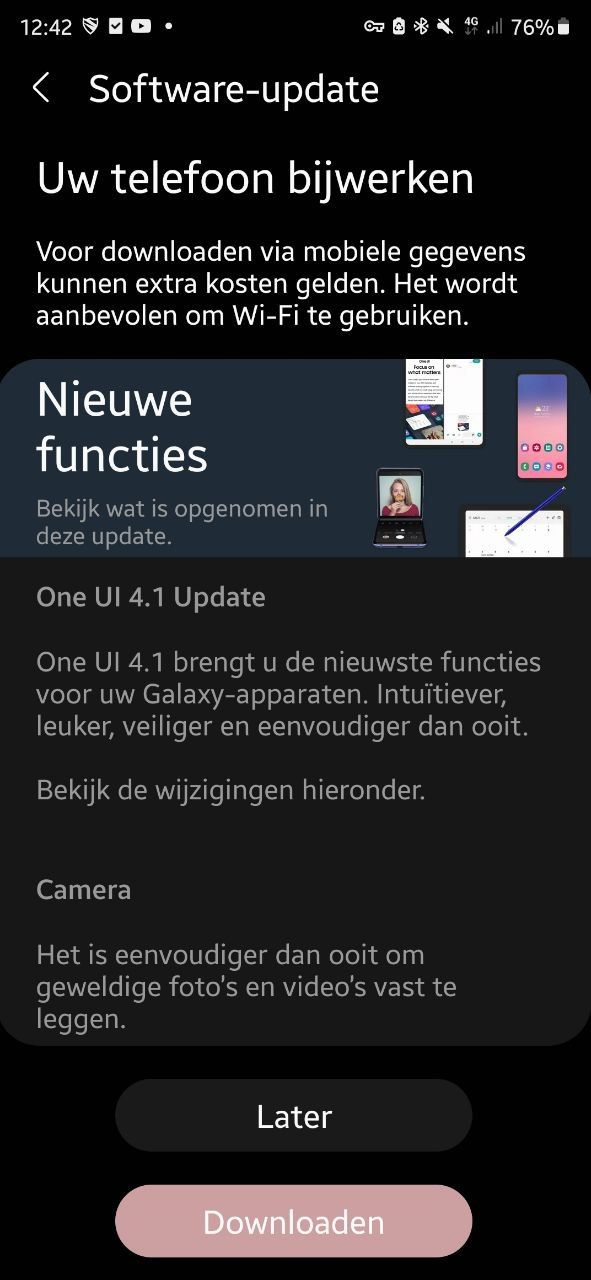
We receive several tips from the editors about the One UI 4.1 update for various Samsung phones. We have put them all in a handy overview for you.
Samsung phones with One UI 4.1
One UI 4.1 is Samsung’s new software shell that was introduced with the Samsung Galaxy S22 series this year. Samsung then shared a list of candidates who will also receive an update to One UI 4.1. You can find that list here. Samsung is now busy rolling out this update. Owners of the Samsung phones and tablets listed below have already received the update or can expect it any moment.
- Samsung Galaxy S21
- Samsung Galaxy S21 Plus
- Samsung Galaxy S21 Ultra
- Samsung Galaxy S20 FE
- Samsung Galaxy S21 FE
- Samsung Galaxy Note 20 Ultra
- Samsung Galaxy A52
- Samsung Galaxy Z Fold 3
On the way
For these Galaxy devices, the rollout of One UI 4.1 update has started worldwide. It is not the turn of the Netherlands and Belgium yet.
- Samsung Galaxy Tab S6
- Samsung Galaxy Tab S6 Lite
- Samsung Galaxy Tab S7 FE
- Samsung Galaxy Note 10+
New in One UI 4.1
One UI 4.1 is the software version that the new Samsung Galaxy S22 phones run on. Samsung’s One UI 4.1 isn’t a huge upgrade over the Android 12-based One UI 4.0 version. Still, there are a number of nice new functions in this version, including expanding the working memory and new Smart widgets. Another important new feature is the Pro mode in the camera app. Thanks to One UI 4.1, it can be used for all lenses. In addition, there are improvements for the Portrait and portrait videopositions. In addition, users can also use the night mode and the ultra-wide angle lens in third-party apps. Finally, the Color palettefeature applied to multiple apps.
- These are the new Smart widgets in Samsung One UI 4.1
- Expand RAM gets more options in One UI 4.1
- List of Samsung Phones Getting One UI 4.1
Will you receive the One UI 4.1 update on your Galaxy phone or tablet? What do you think of the improvements and the new features? Let us know in the comments below this article!
Thanks for the tips, Sil, Nanny!
– Thanks for information from Androidworld. Source