Microsoft has announced the availability of the Windows 11 2022 Update, the first major update to Windows 11 since the operating system launched in 2021.
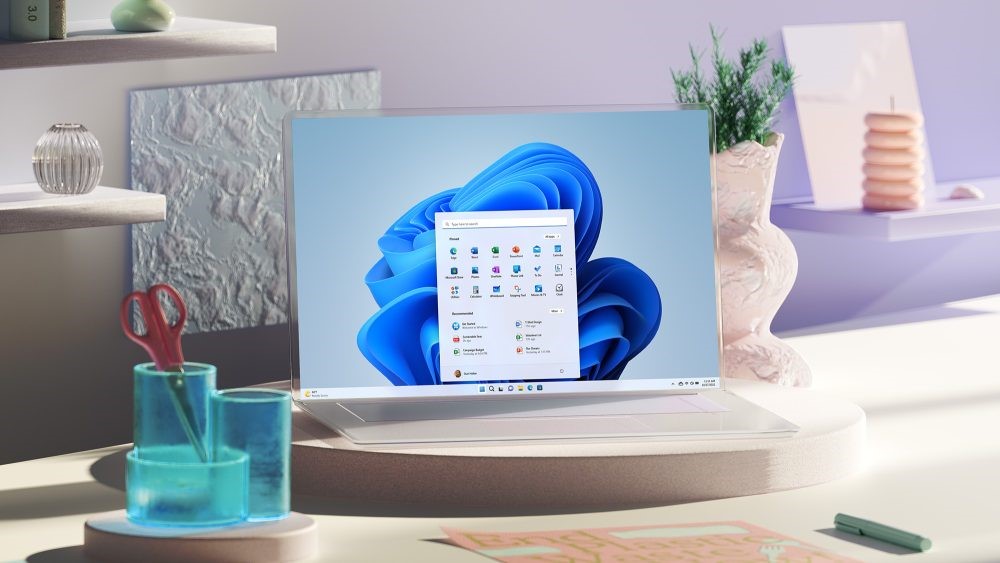
Last year Microsoft released Windows 11, the successor to Windows 10. One year later comes the first major update for Windows 11, which is called Windows 11 2022 Update (also called Windows 11 22H2). The most important changes and improvements are the redesigned Start menu, an especially visually redesigned Task Manager, better compatibility for touch controls and a better Taskbar. For example, you can open apps by dragging them to the Taskbar and the Taskbar now has a overflowfunction: apps are placed in a separate menu when there is no more space for an icon on the Taskbar. At the bottom of the article you can read what Microsoft wants to achieve with the Windows 11 2022 Update.
Get started or not?
As usual, Microsoft is rolling out the new update carefully so that it can respond quickly if problems arise. We always advise you to wait a little longer before installing such major Microsoft updates. Often there are still some bugs/ teething problems that then with a patch are being solved. Read the options below if you still want to download and install…
Download Windows 11 2022 Update
If you still want to get started with this and we advise against that for now, you can download Windows 11 2022 Update via Windows Update if it is available there (not yet with us). Go to the Start menuchoose Settings and then click at the bottom of the left column on Windows Update. By the way, there are several options for downloading and installing the Windows 11 2022 Update. If you still have Windows 10, we really recommend that you wait with upgrading until you receive a message via Windows Update that the upgrade for your computer is ready. Before installing, use the PC Health Check app to verify that your computer meets the minimum system requirements for Windows 11 and check the Windows release information status for known issues that may affect your device. If you want to download and install a completely new Windows 11, you can do so here via the Windows 11 Installation Assistant or creating a Windows 11 Disk Image (ISO).
Main improvements
• Making the computer safer and easier for everyone to use: To accommodate personal needs and save time, this release includes updates to the Start menu, more accurate searches, Quick Settings, improvements to the Widgets board, and much more.
O New accessibility features: System Wide live captions to automatically caption any audio in Windows 11, Voice Access (preview) that allows you to use your voice to control the PC and write text, and Natural Voices for Narrator that improves speech and more natural, which makes reading online web pages a lot more pleasant and realistic.
• Empowering people to be more productive: With improvements to Snap layouts, new Focus sessions, Do Not Disturb and battery optimizations, the Windows 11 2022 update will have a positive impact on user productivity.
• Windows make the best placen to connect, create and play: The Windows 11 2022 Update includes Windows Studio Effects to improve the quality of video and audio calls, updates to the Microsoft Store experience, additional features for gaming and more.
o This update will improve the experience within the Improve Microsoft Storeincluding a Microsoft Store Ads pilot for developers and the expansion of the Amazon Appstore in international markets, allowing customers to enjoy more than 20,000 Android apps and games.
O Game Pass is built into Windows 11 through the Xbox app, giving gamers access to hundreds of the highest quality PC games.
o With a new controller baroptimizations for in-window games, and new HDR calibration options, there are now more gaming features than ever before on the Windows 11 computer.
• Extra safety, comfort and flexibilityt in the workplace: To meet the ever-changing needs of this complex situation, the Windows 11 2022 Update delivers critical new security features and new management tools for greater IT efficiency.
o It Microsoft Defender Smart Screen will immediately warn users when they enter their details into an untrustworthy application.
O Smart App Control blocks untrusted or unsigned applications, script files, and malicious macros on Windows 11.