
With Dreamai, you enter a description of a desired image in words, after which it is created by the app.
Dennis Gandasubrata
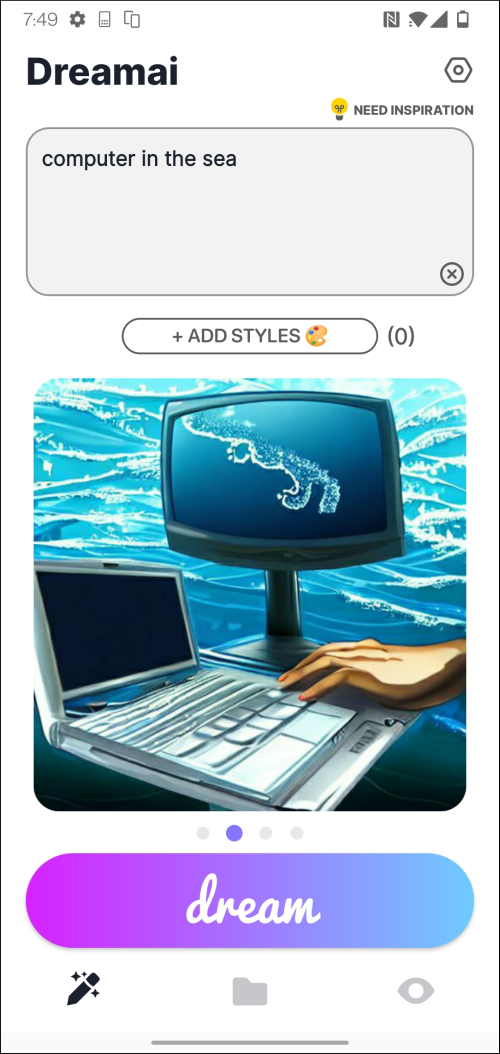
You can use AI not only to support writing texts, but also to create images. With Dreamai, you enter a description of the desired image in words, after which it is created by the app.
The app also provides access to other users’ creations. You can also share your designs yourself. Via the app you publish the material on social networks such as Twitter, Instagram and TikTok. You can also share the material via email.
Creating an image is simple: in the box at the top you enter the description of the image, based on keywords. Through Need Inspiration request an example description for an image. Next we find the button Add Styles On. Here you choose from a number of predefined styles, such as anime and digitalart.
Once created, images are housed in your personal archive, which can be accessed via the center button in the main window. To avoid losing track, you can add specific images to a favorites subsection.
The third and final tab of the app provides access to the community’s creations.
Dreamai (via Google Play)

Price: free
System requirements: Android (varies by device)
Language: English