
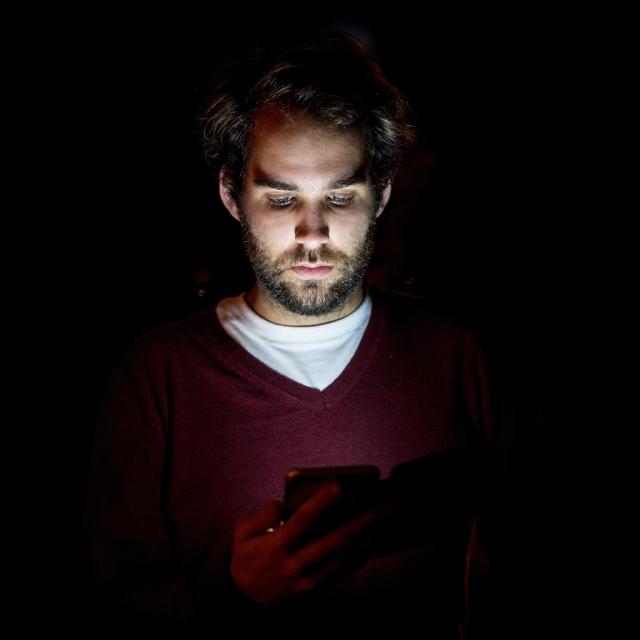
I keep my smartphone on on my bedside table next to me at night. Is that safe or should I put it on airplane mode or turn it off completely? And what if I look at my smartphone in bed for an hour, is that harmful? Sjors. S
Quinten Jochems
Many people leave their smartphones next to them or on their bedside table at night, so that they can easily and quickly pick up their phone to see if they have any messages or if they receive a call. We will explain later whether it is safe to put your smartphone on the bedside table while sleeping. We first look at the influence of looking at your smartphone before going to sleep. For example, the light from smart lamps can help you sleep, but blue light can disrupt your night’s sleep.
Effect of blue light
Many people regularly check their smartphones in the hours before going to sleep and even in bed. However, smartphones can emit blue light, which can disrupt the production of melatonin, the hormone that regulates your sleep. When you are exposed to blue light just before going to sleep, it can signal your brain that it is not yet time to sleep. This allows you to stay awake longer and sleep less deeply.
This is evident from, among other things, this research by the RIVM, in collaboration with the Amsterdam Medical Center, the Netherlands Brain Institute and Lifelines. This shows that “many Dutch people use light-emitting screens in the evening and that use is highest among adolescents (13-18 years) and adults. Use in the evening often also takes considerable time (more than two hours). This Research confirms previous findings that frequent or prolonged screen use in the evening is associated with disturbed sleep. Awareness of use is therefore important, especially when a computer, smartphone or tablet is used in the hour before bedtime.”
However, it has not been proven that if you place your smartphone, for example, on your bedside table or next to or under your pillow (we do not recommend this, see below), this blue light emits radio waves. So you can put your smartphone on your bedside table and don’t have to put it on airplane mode or even turn it off.
Turn off blue light
Fortunately, you can reduce blue light with this function Comfortable screen for your eyes to turn on. You do this in the search window (which appears when you swipe up from the bottom of your screen) on your Android smartphone by typing ‘comfortable screen’. Then press Comfortable screen for your eyes after which the following screen will appear on the Samsung Galaxy S24 Ultra:
(text continues below image)
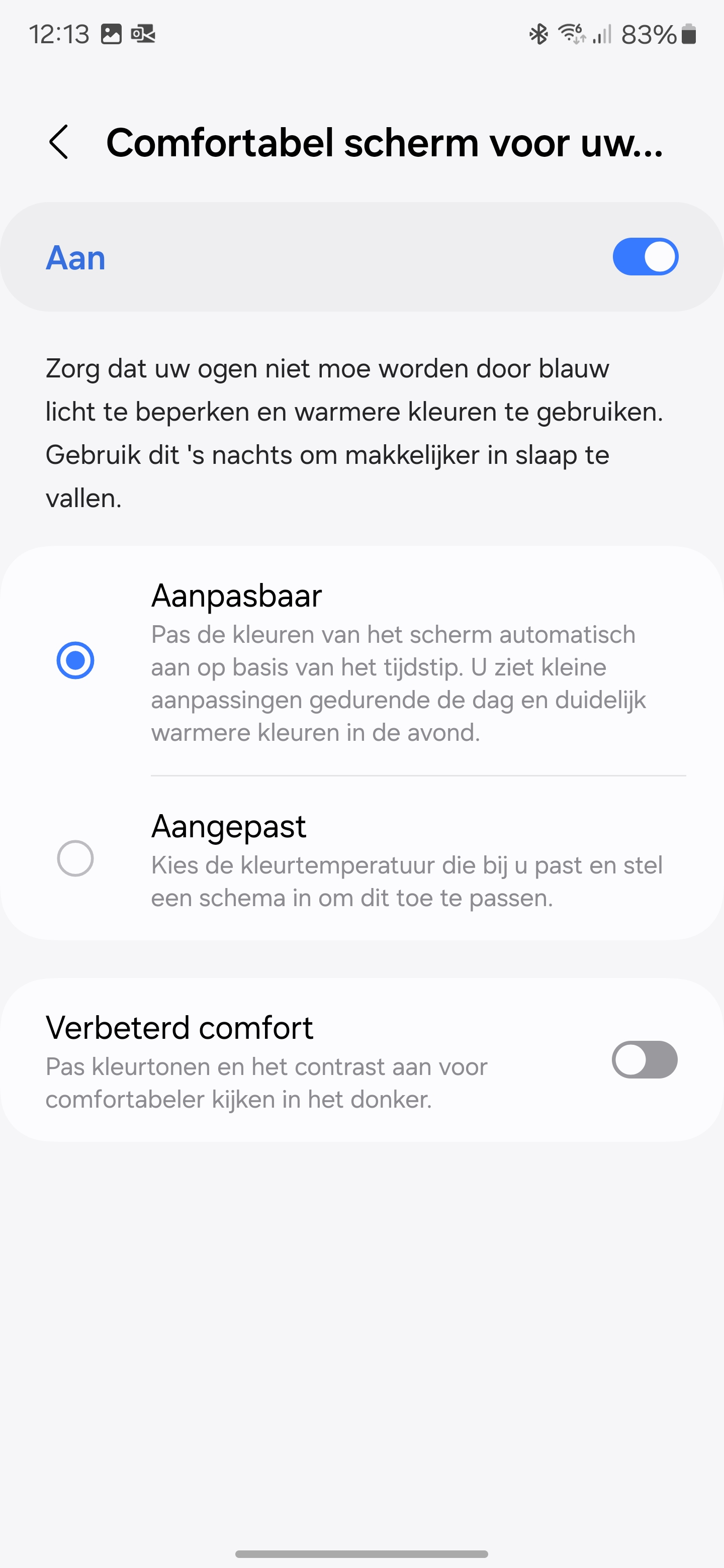
So here you can limit the blue light and use warmer colors so that your eyes don’t get tired. This makes it easier for you to fall asleep.
Safety and heat production
If you charge your phone overnight, it may get warm. Charging a phone works by converting electrical energy into chemical energy that is stored in the battery. Heat is created during this process. To prevent overheating, phones often have cooling systems, such as metal plates or heat-dissipating materials. This way the heat is distributed and you can use the phone safely. Placing the phone under your pillow or too close to bedding can disrupt heat dissipation, which in extreme cases could pose a fire hazard while your phone is charging. If the phone gets too hot, it can even cause your phone’s battery to explode in extreme cases. Of course, you don’t want that under or next to your head when you’re sleeping. So make sure the phone has sufficient ventilation.