
With the arrival of iOS 26.4 beta 2, Apple is finally adding a long-awaited feature to your iPhone that makes communicating a lot safer.
This long-awaited feature is coming to your iPhone
iOS 26.4 beta 2 is currently rolling out to developers and finally brings a long-awaited feature to your iPhone. We are talking about support for encrypted RCS messages.
When Apple recently released iOS 26.4 beta 1, it added support for testing RCS encryption, but only for messages between iPhones. In iOS 26.4 beta 2, Apple extends support to messaging between iPhones and Android devices.
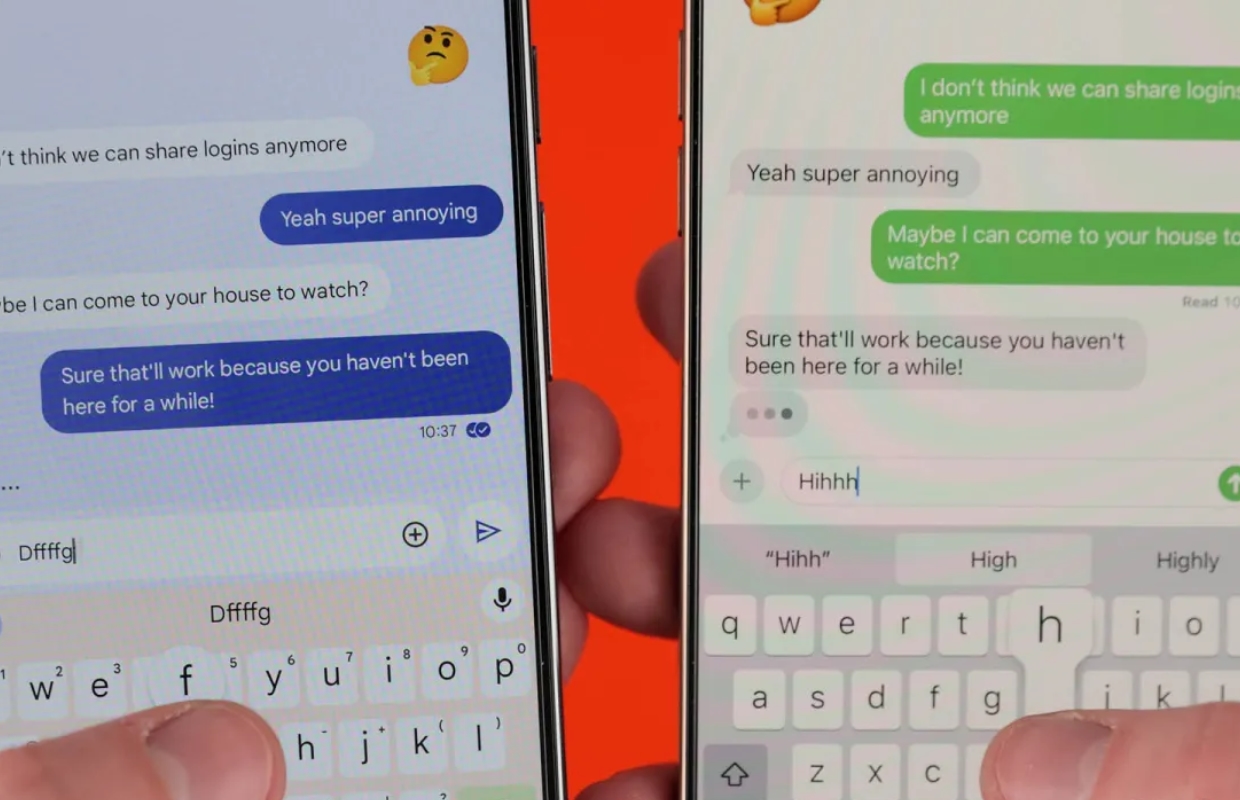
RCS encryption
Support for testing RCS encryption is gradually rolling out to iPhone users running iOS 26.4 beta 2. Android users should have the latest beta version of the Google Messages app have installed. Please note: availability also varies by provider. So you may not see the long-awaited new feature even if you have iOS 26.4 beta 2 installed.
In any other case, there will be a new switch in the Settings after the update. This should be enabled by default and can be found in the following location:
- Open the Settings app and tap ‘Apps’;
- Tap ‘Messages’;
- Tap ‘RCS messages’;
- Search for ‘End-to-End Encryption (Beta).
Apple has also updated the Messages app interface to reflect these changes. From now on, when you message someone with RCS encryption enabled, you’ll see a new lock icon in the chat. Android users will see the same lock icon in their chats.
Not yet in iOS 26.4
The long-awaited RCS end-to-end encryption feature will unfortunately not be available as part of iOS 26.4. So it is only included in this beta version for testing purposes. Apple says the feature will be available in a future iOS 26 update.
Apple first added RCS support to the iPhone with the arrival of iOS 18.1, adding things like typing indicators and read receipts to messaging between iPhone and Android users. Last March, Apple announced its plans to add end-to-end encryption support for RCS messages.

Download the iPhoned app
