

In practice, you will soon end up with (paid) software such as Adobe Illustrator for editing vector graphics. You may also come a long way with a program like Inkscape.
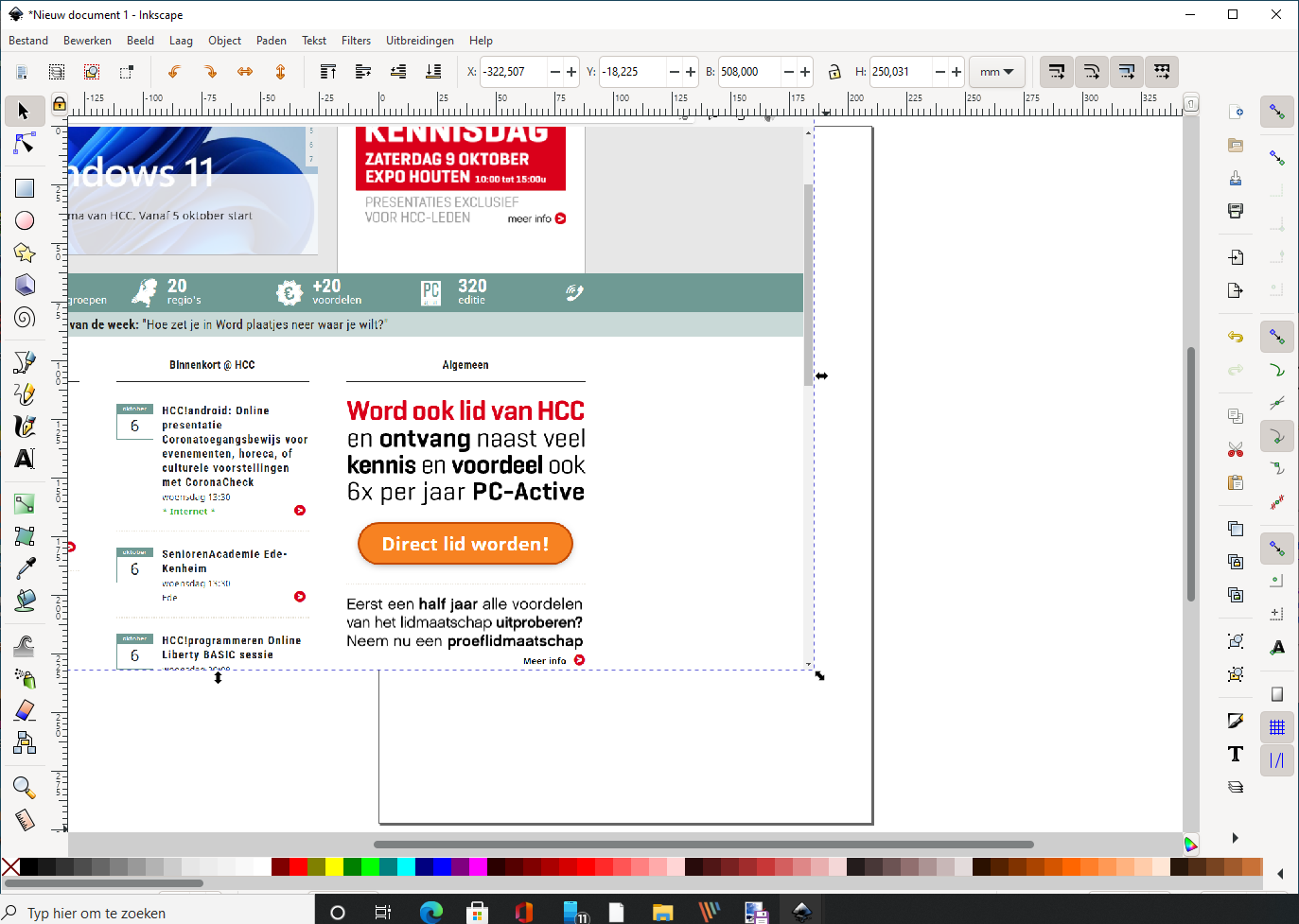
This is an open source program that you can use for free and that works with the SVG (Scalable Vector Graphics) format. This also distinguishes the program from a program such as Paint (or Photoshop or the also free GIMP): they primarily use the bitmap format. Incidentally, with Inkscape you are not bound to the SVG format. The program also supports exporting images to alternative formats, such as png, pdf, and eps.
When you get started with Inkscape, reserve some time to learn the program. The number of options is large and not all functions speak for themselves. This also immediately shows the two faces of the program: it is not only suitable for simple editing, but also lends itself to more advanced editing functions. Fortunately, the makers have created an extensive section on the website with all kinds of information and step-by-step plans. You will also find examples here. In terms of functions, the software compares well with established names such as Adobe Illustrator. Features that are not present can optionally be added using extensions: small add-ins provided by the community are made.
Product: Inkscape, inkscape.org

Pros:
* suitable for beginners and advanced
* background information and step-by-step plans
* extension support
Cons:
*requires learning process