
With the Windows Media Creation Tool you can create a bootable disc, USB stick or DVD with which you can ‘clean’ boot your computer to install Windows 11.
By: Dennis Gandasoebrata
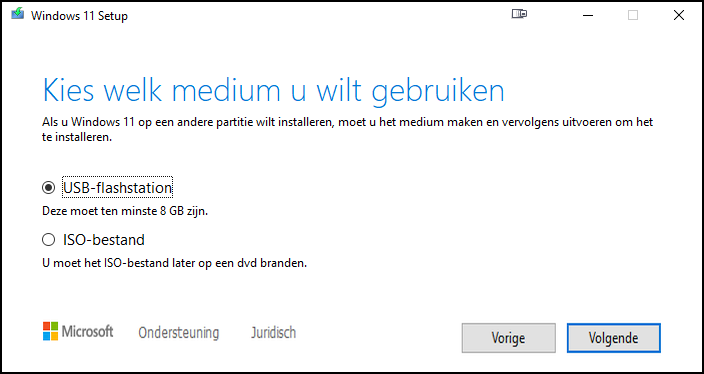
In practice, the USB stick is the most suitable. In addition, you can create an ISO disk image file, which you can later copy to a writable DVD. An ISO disc file contains all the necessary files and, as such, the entire contents for the DVD.
This Tool is also suitable for making a ‘backup’ of the Windows 11 installation files, for example on a USB stick that you store safely. The app always downloads the installation files in the background. This way you can be sure that you have the most recent Windows 11 installation.
Incidentally, you will also find two other installation sources for Windows 11 on the download page: with the Installation Assistant you install Windows 11 directly on the computer and via the downloadable ISO disk images you create a bootable installation medium yourself.
Product: W11 Media Creation Toolmicrosoft.com/nl-nl/software-download/windows11

Price: free
System requirements: Windows 10, Windows 11
Language: Dutch, English