

Whether you use the availability of Windows 11 to upgrade your existing system or take the opportunity to buy a new computer, you will be faced with the demands of the latest Windows version. We have listed everything you need to know.
Dennis Gandasoebrata
As with every new version, Microsoft has also drawn up a list of minimum system requirements for Windows 11. However, do not expect a fast computer with such a configuration: the official requirements apply as the ultimate lower limit. The processor must offer a minimum speed of 1 GHz and have 2 cores. In addition, it must be a 64-bit processor. On the page docs.microsoft.com/nl-nl/windows-hardware/design/minimum/windows-processor-requirements you will find references to the lists of supported processors from AMD, Intel and Qualcomm. That list is regularly updated. Furthermore, Windows 11 requires at least 4 GB of RAM. The storage capacity of the hard drive must be at least 64 GB. Windows 11 also requires the computer to support UEFI Secure Boot. This is a security feature designed to protect the computer from malicious programs during startup. Typically, modern computers support Secure Boot, but sometimes the feature is disabled by the manufacturer. This will block the upgrade to Windows 11. At support.microsoft.com/nl-nl/windows/windows-11-en-secure-boot-a8_1202-c0d9-42f5-940f-843abef64fad you will find information on how to enable Secure Boot.
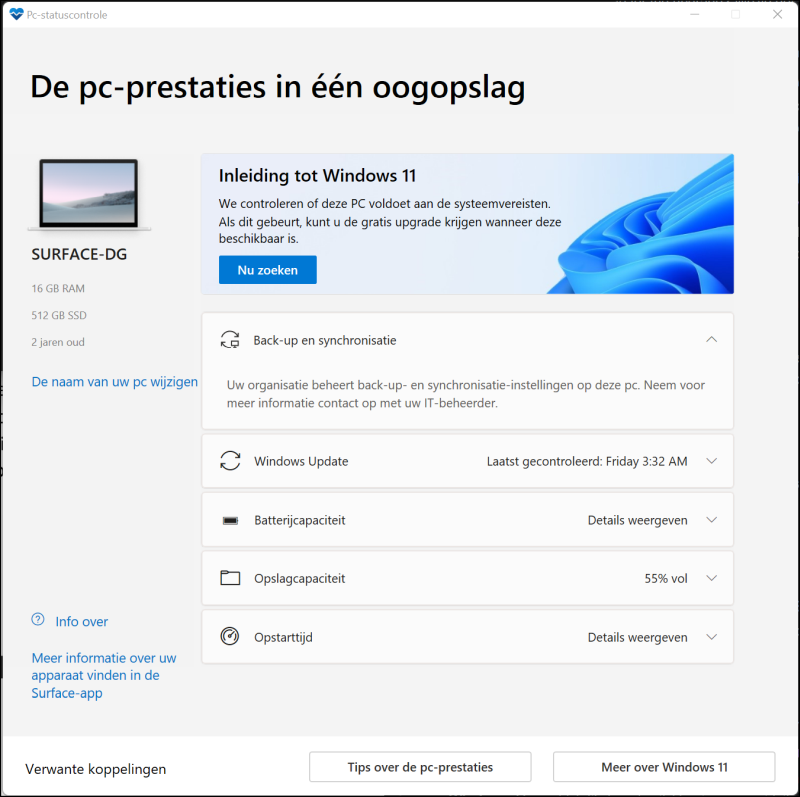 |
| Use the PC Health Check app to assess the fitness of the computer |
TRUSTED PLATFORM MODULE
During the introduction of Windows 11 and the announcement of the system requirements, by far the most to do was around the Trusted Platform Module, TPM for short. The TPM consists of a separate or built-in chip on the motherboard and provides extra security for the data and the computer. An encryption technique is used for this, among other things. In practice, the TPM is used by Windows for security-related functions, such as Windows Hello and BitLocker. Windows 11 requires the presence of TPM 2.0. According to Microsoft, most computers released in the past five years have this module. However, in practice the TPM is not present in all computers, even if they are relatively young. A good example of this are home-built computers. In other cases, TPM is available, but disabled by default. The computer’s video card must be compatible with Windows 11 with DirectX 12.0 or later and use a WDDM 2.0 driver. The screen must be at least 9 inches and have a minimum HD resolution of 720 pixels.
PC HEALTH CHECK APP
To quickly find out whether an existing computer is suitable for Windows 11 (and what steps you can take to make it right), you can use the PC Health Check app. You can find the most recent version at microsoft.com/nl-nl/windows/windows-11. The app checks the most important parts of the computer and indicates whether you can expect any problems. Have you ever used the app in the past 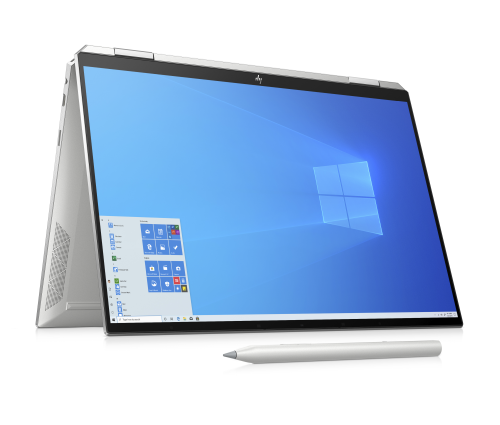
used? Then check whether you now also have the latest version. The app was taken offline for some time and then Microsoft released a more reliable version. PC Health Check checks almost all computer components except the video card and monitor used. If you decide to update an existing computer to Windows 11 via an upgrade (whereby you replace Windows 10 with Windows 11), then the computer must be running Windows 10 version 2004 or later. Check this: Open the Run window with the Windows + R key combination and type Winver.exe followed by Enter. Is the computer suitable for Windows 11, but you are still not offered the upgrade via Windows Update? You can also start the installation yourself (via microsoft.com/nl-nl/ software-download/windows11) and download the Windows 11 installation assistant. This program downloads the installation files and starts the installation. However, we advise you not to do this, but to wait until the teething problems of the system are gone.
MOMENTUM
Computer manufacturers are also using the arrival of Windows 11 to introduce new hardware. In addition to ensuring that these machines meet the minimum system requirements of Windows 11, the new models often include additional hardware that can handle Windows 11 functionality. A good example of this are the built-in cameras in laptops, which can work together with Windows Hello facial recognition. Later in this article we will discuss some laptops with Windows 11.
NEW COMPUTER WITH WINDOWS 10
The ‘older’ computers on the store shelves may still be equipped with Windows 10. Are you in the market for a new computer and have you come across an attractive Windows 10 machine in the store? Windows 11 is offered as a free upgrade for eligible computers. You can update the current Windows 10 installation to Windows 11 immediately after purchase. Of course, this step is only offered if the computer in question has the correct hardware. But here too the following applies: wait a while before upgrading manually.
At your own risk
|
||
|
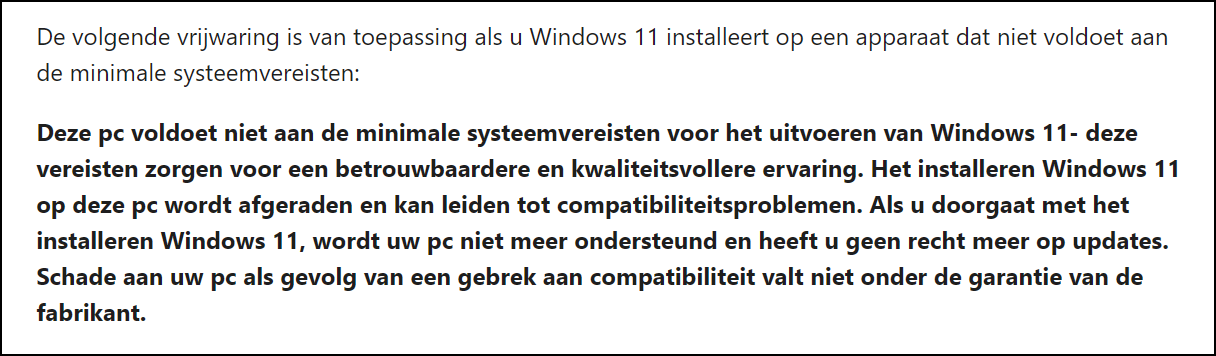
During the installation of Windows 11 on an unsupported computer, you will be notified via a notification. In practice, an unsupported installation means that you are not entitled to updates via Windows Update. It remains to be seen to what extent you will actually be deprived of updates in practice. After all, Microsoft does not want a group of poorly secured Windows installations. You will probably still receive the well-known safety and security updates in practice. But to be honest, that is not certain. So be careful with unsupported installations.
|
||
| Serious words if you decide to install Windows 11 after all… |
NOT SUPPORTED
Do you now have a computer that does not meet all the requirements of Windows 11? That does not always mean that the computer cannot run Windows 11. Although the upgrade is not offered by Windows Update, there are alternative ways to switch the computer to Windows 11. It is important to realize that Microsoft does not support such installations. The reason Windows 11 can still be installed on unsupported hardware is primarily to give companies the opportunity to test Windows 11.
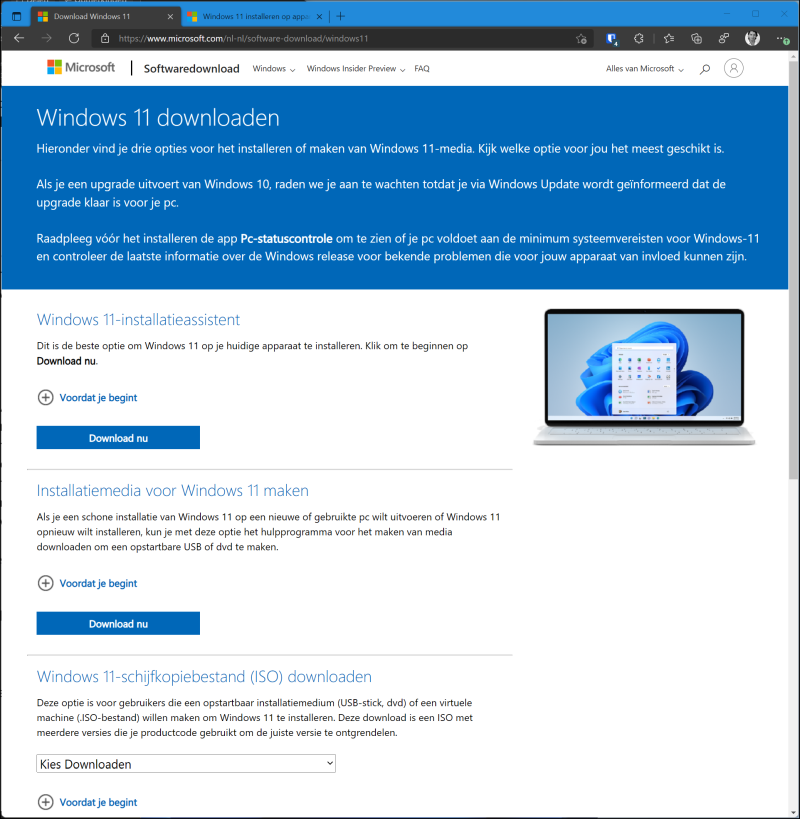 |
| There are alternative ways to install Windows11 on unsupported hardware |
To still install Windows 11, perform a clean installation. An upgrade is not possible. You can use the Media Creation Tool to do this, which can be found at microsoft.com/nl-nl/software-download/windows11. click on download now Bee Create installation media for Windows 11† The wizard will help you create a bootable USB stick or DVD, which you can use to boot your computer into installation mode. Instead, you can also download a Windows 11 disk image (more commonly known as ISO). With an ISO you can create a bootable USB stick or DVD yourself. Click at Download Windows 11 Disk Image (ISO) File on To download†
REVIEWS
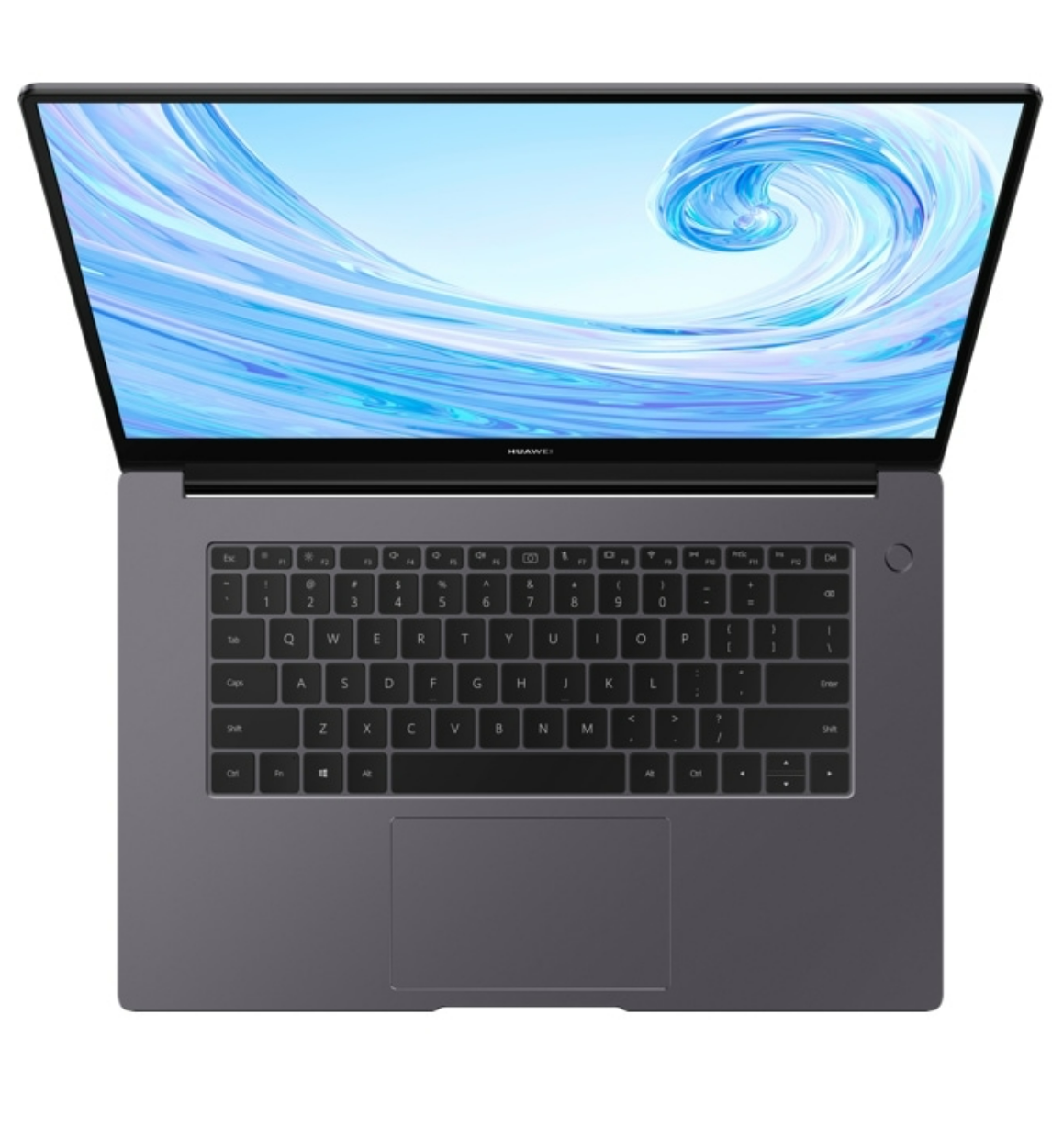
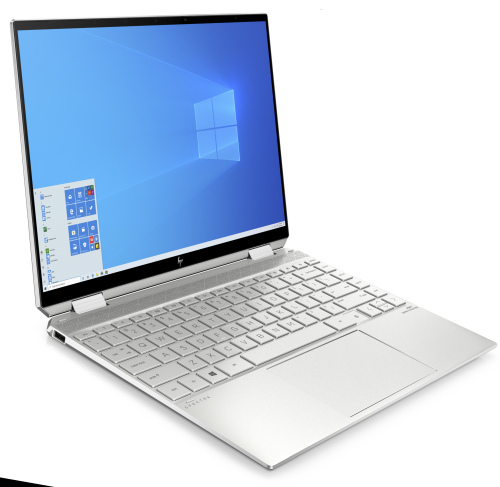
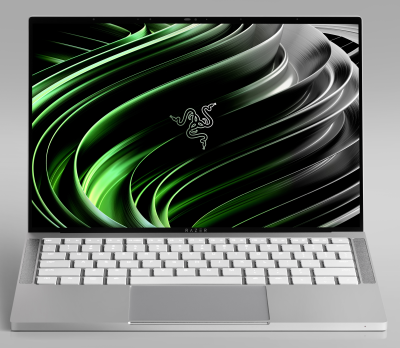
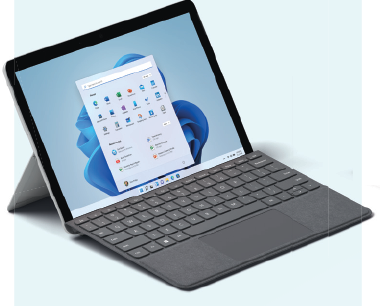
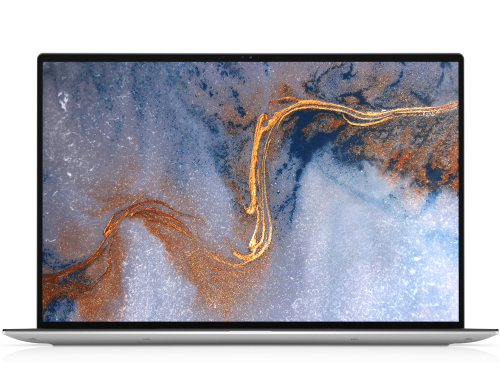
Below you will find some laptops on which Windows 11 comes into its own.
| Windows 11 laptops | ||||
 |
 |
 |
 |
 |
|
huawei |
HP Spectre |
Razer Book |
Microsoft Surface |
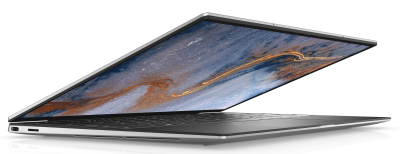
Dell |