
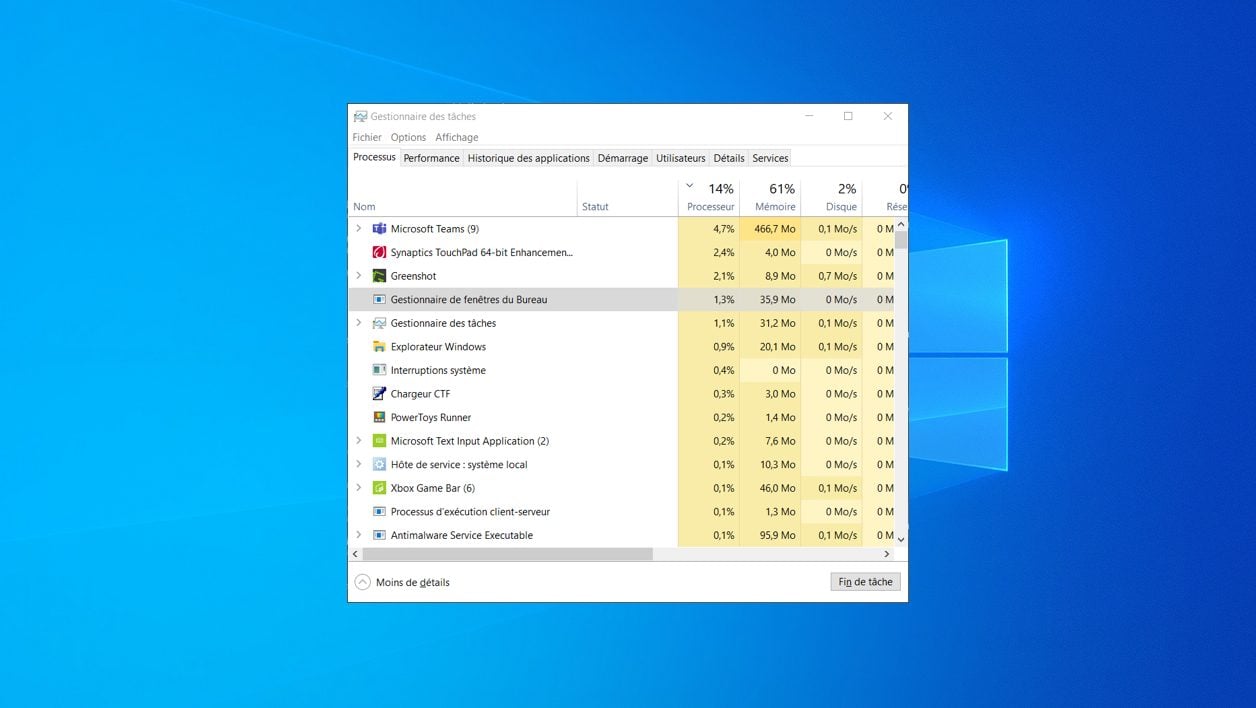
Directly open the Windows Task Manager using a dedicated keyboard shortcut.
The Windows Task Manager is an essential tool for all users who encounter problems with their machine. It is indeed from this window that it is possible to monitor the running processes and to force the closing of a task when an application for example no longer responds.
For most Windows users, access to Task Manager is done by using the keyboard shortcut Ctrl + Alt + Del, then clicking on the menu dedicated to Task Manager in the control window that is displayed in full screen.
Also see video:
If this manipulation is quite functional, there is a much faster way to directly open a Task Manager window in Windows. This is still a keyboard shortcut, but different from the one used most of the time.
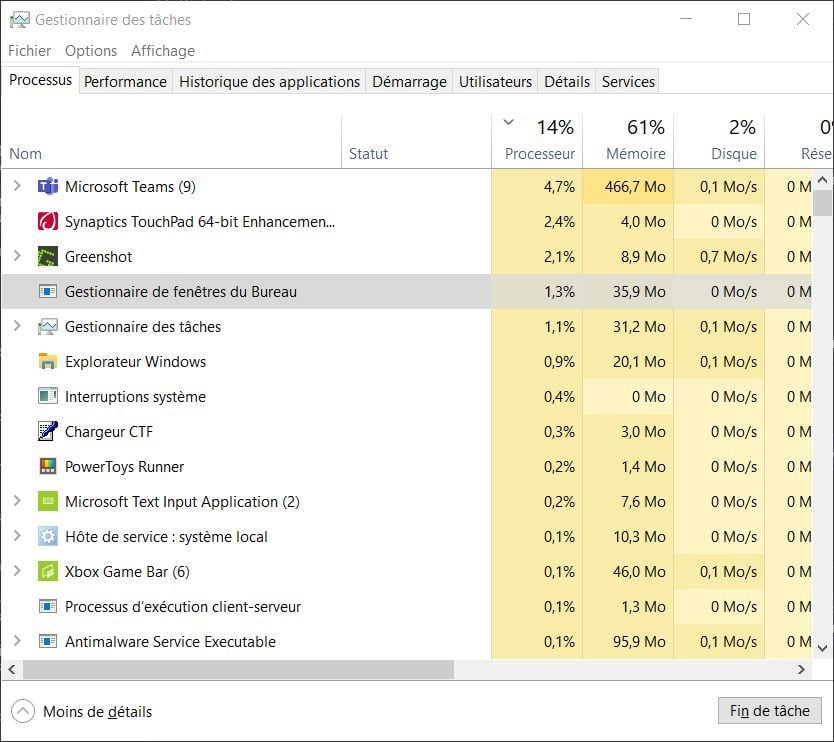
To directly open a Task Manager window in Windows, just use the key combination Ctrl + Shift + Esc. The utility window should open directly without displaying an intermediate screen and without you having to click on a specific menu.