
© Microsoft
Microsoft forces you to sign in with a Microsoft account by default to set up Windows 11 on a new PC. However, there is a technique to bypass it.
Whether on a brand-new PC or a fresh install of Windows 11, it’s theoretically not possible to set up Microsoft’s operating system without logging in using a Microsoft account. In theory only, since in fact, there is a very simple hack to put in place to overcome this obligation.
The procedure is to be carried out directly in the Windows 11 configuration wizard, when you start your machine for the first time. Once done, you can choose to configure your machine using a local account. Here’s how.
1. Run Windows 11 Setup
Start your freshly unpacked machine, on which you have just carried out a clean reinstall of Windows 11, or which you have just reset to its factory settings. Begin Windows 11 setup by selecting your region and keyboard layout.
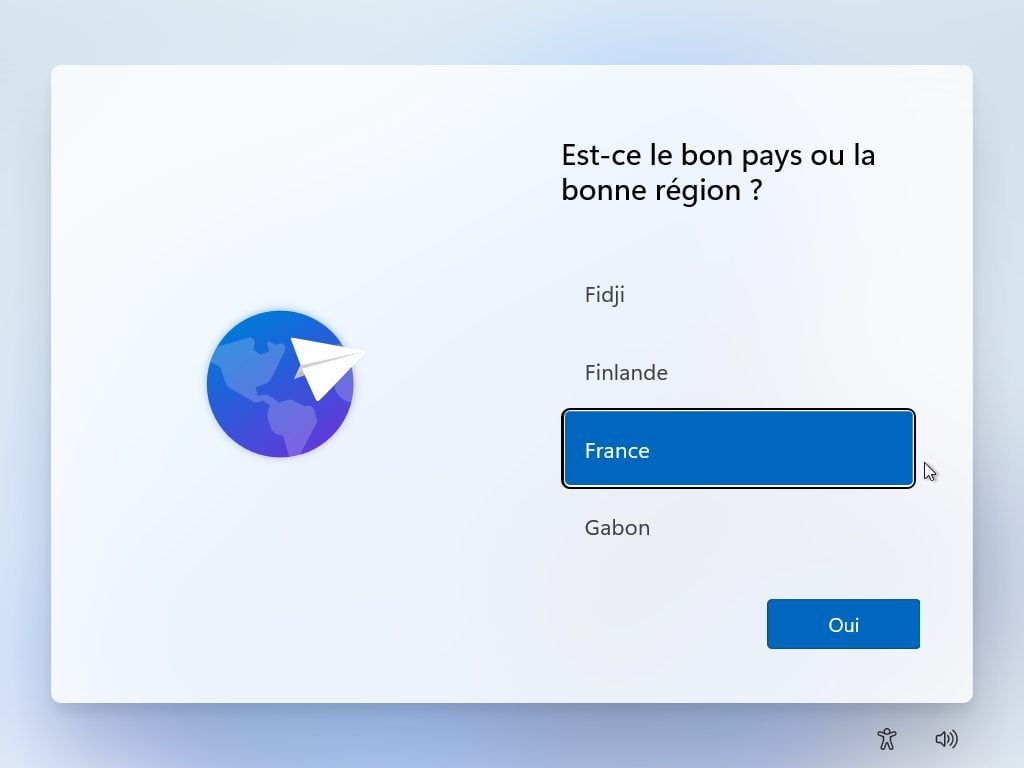
Then give your computer a name and choose how you want to use your device. You should then come to the screen asking you to add your Microsoft account.
2. Enter the connection options
If your Microsoft account sign-in screen displays a Sign-in options line, click it.
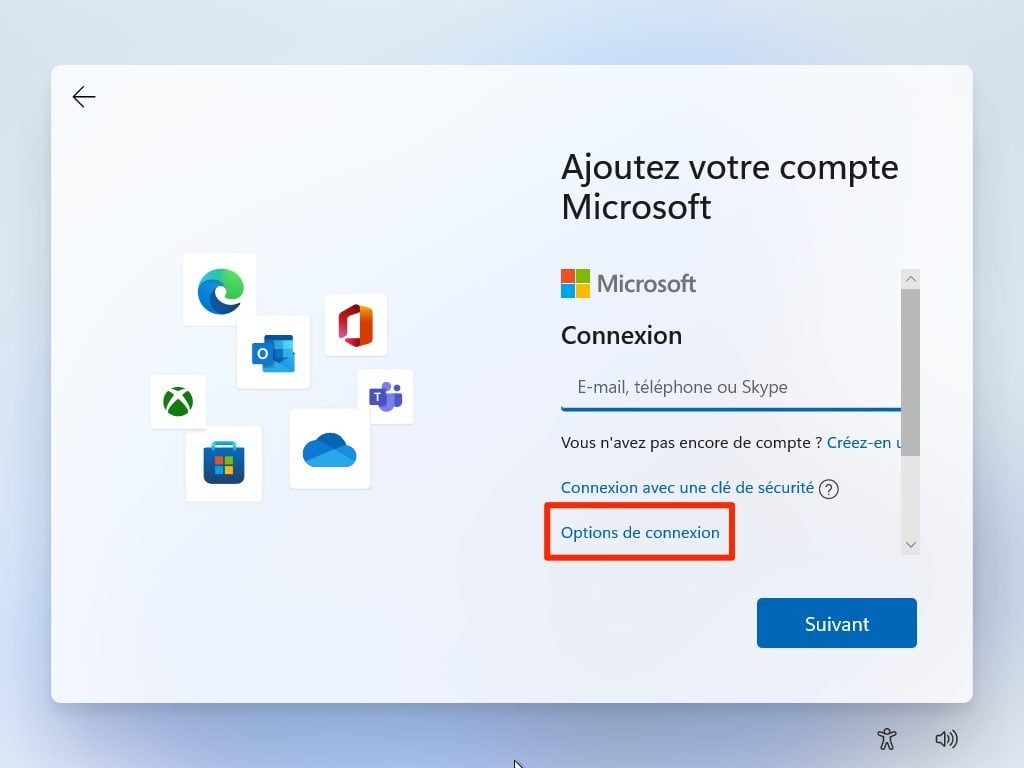
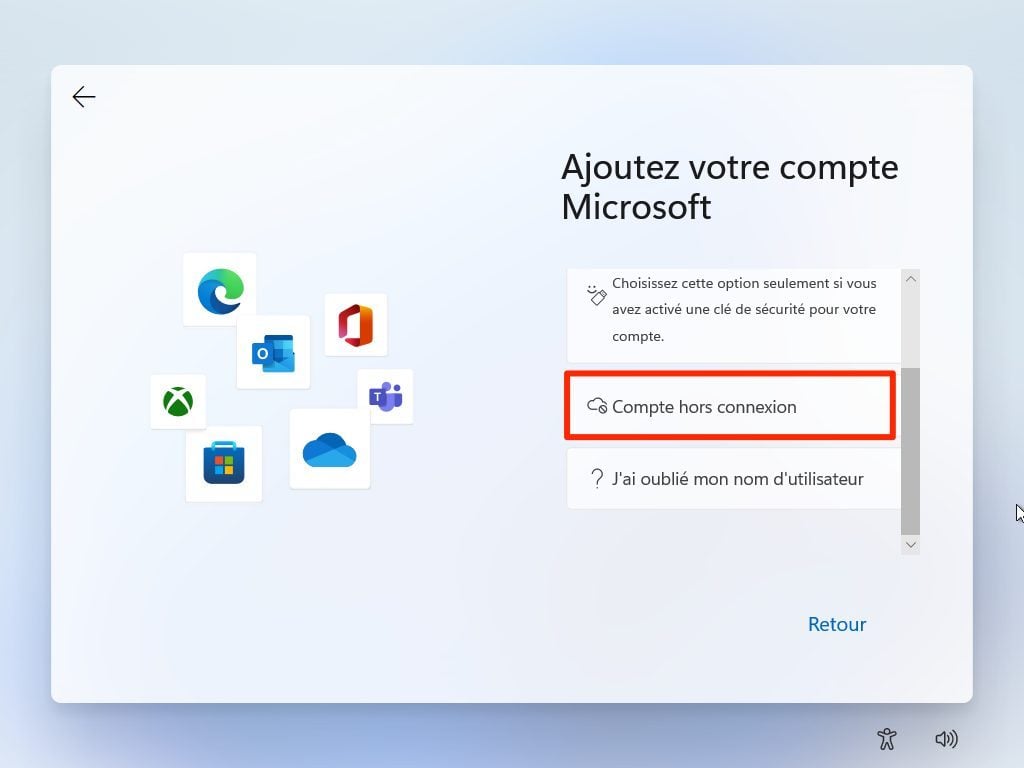
In the next window, if the Offline account option is displayed, click on it. If the option is not available, proceed to step 3.
Then choose to Ignore for now when the Windows 11 setup wizard prompts you to find out what a Microsoft account is.
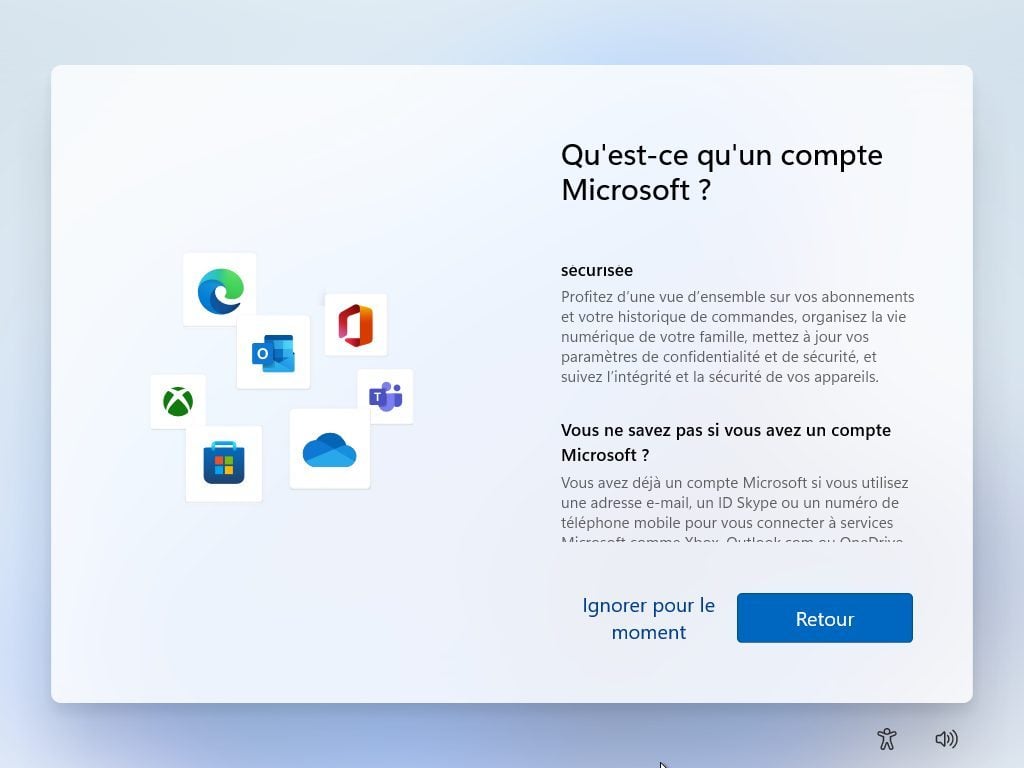
You can then create a Local account. To do this, enter your name in the Who will use this device window and click the Next button.
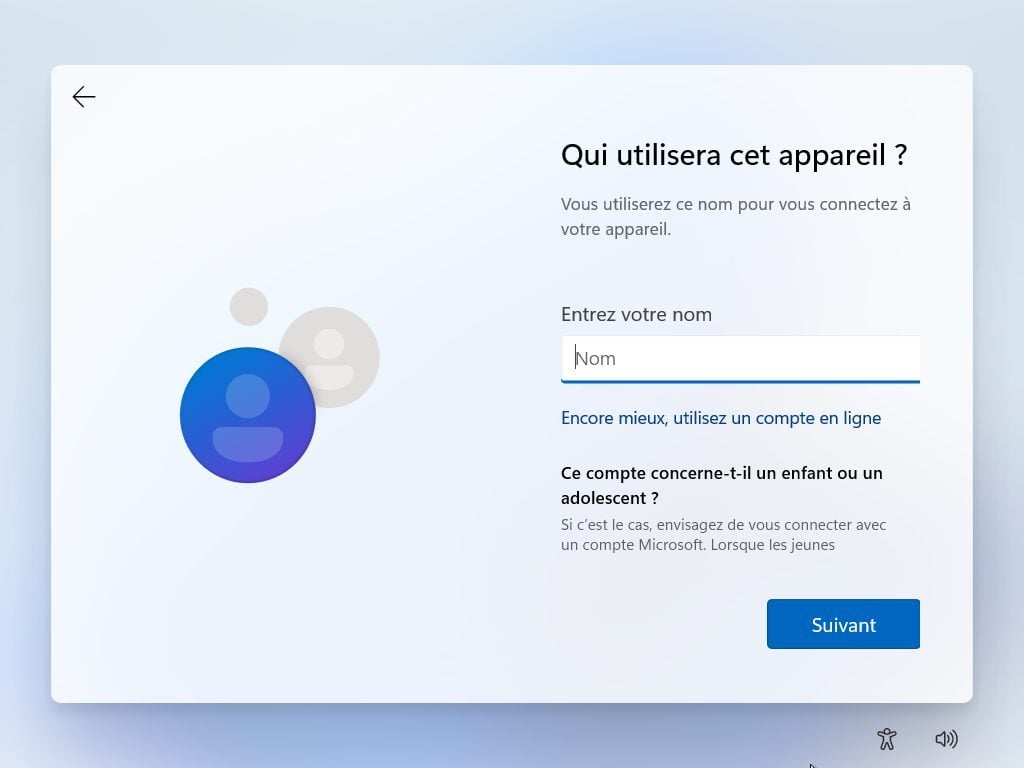
Then enter a password that will be used to protect your session and press Next. You just have to complete the Windows 11 configuration by following the instructions displayed on the screen.
3. Log in with a fake address
In the username field, enter a fake email address. Make sure it’s in the correct format. [email protected].
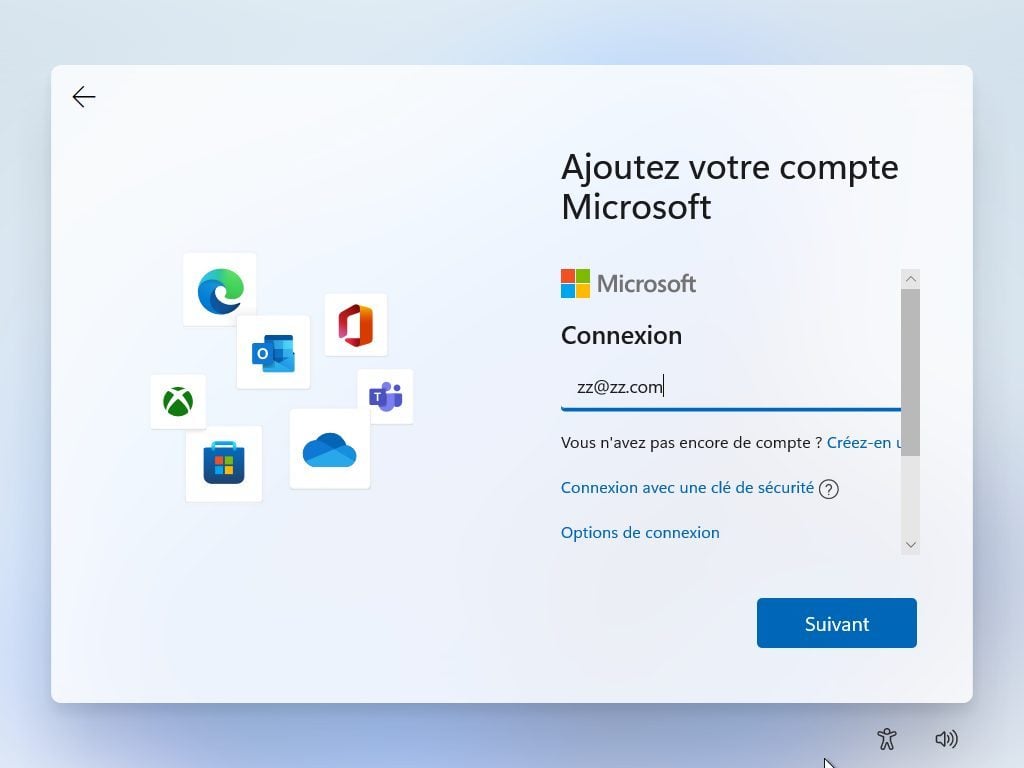
Then enter any password and click Connect.
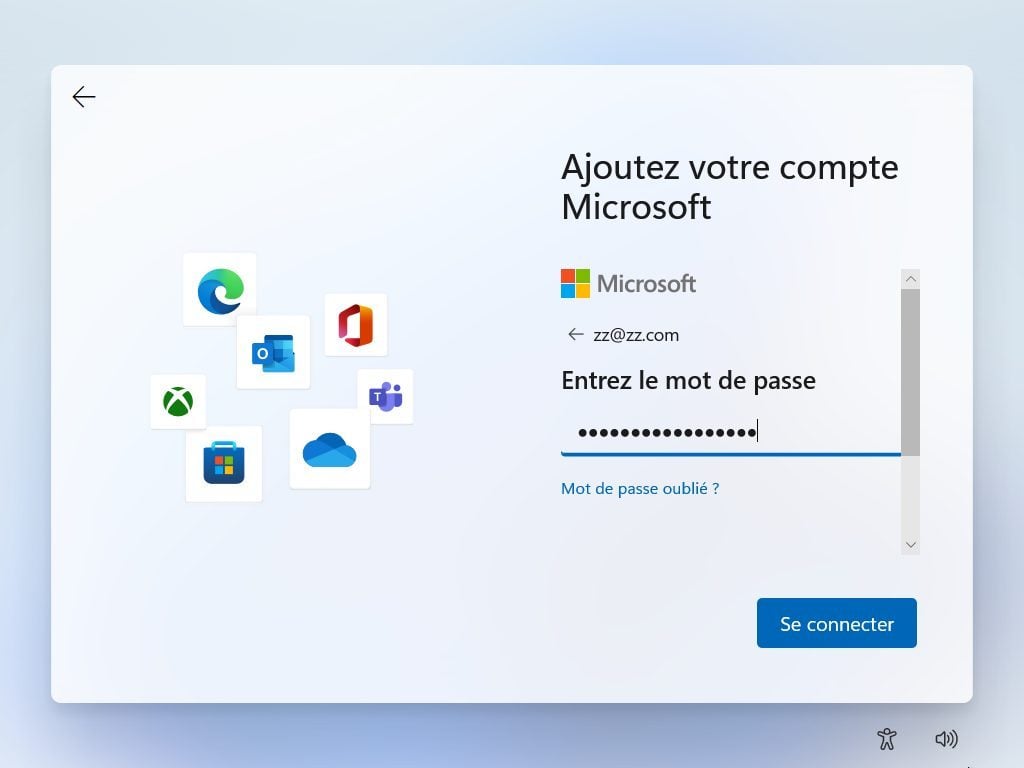
The Windows 11 setup wizard should then show you the message “Sorry, an error has occurred”. Click the Next button.
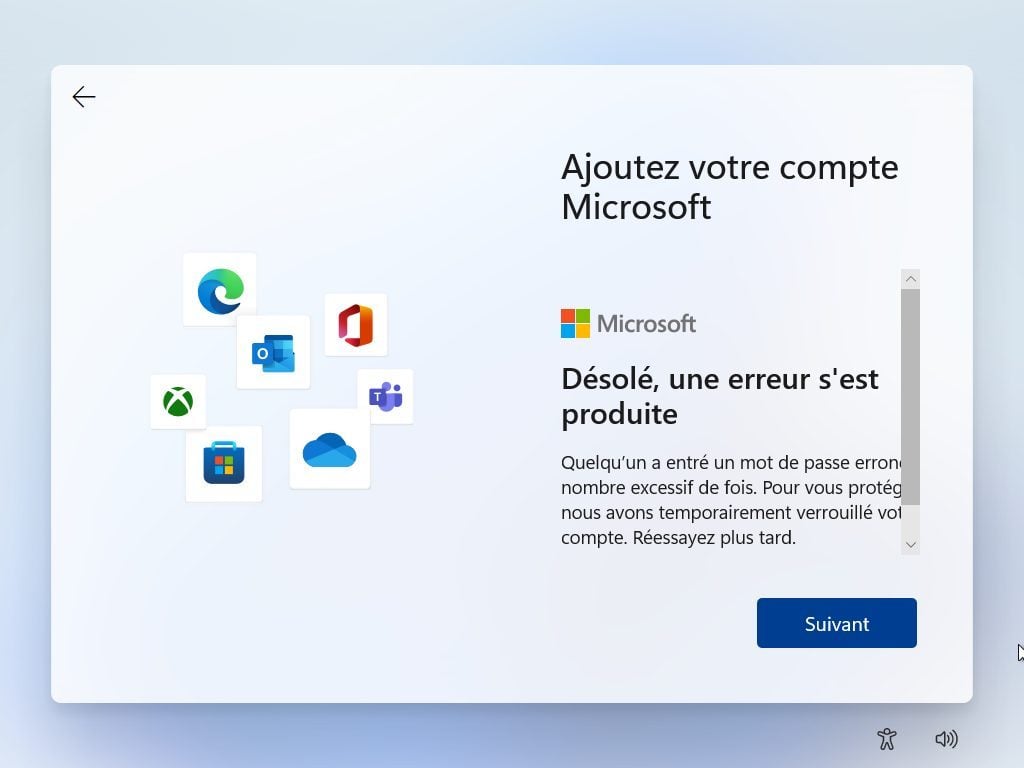
You should then arrive on the window allowing you to create a Local account. Enter your name, click Next, then set your password which will be used to unlock your user session.
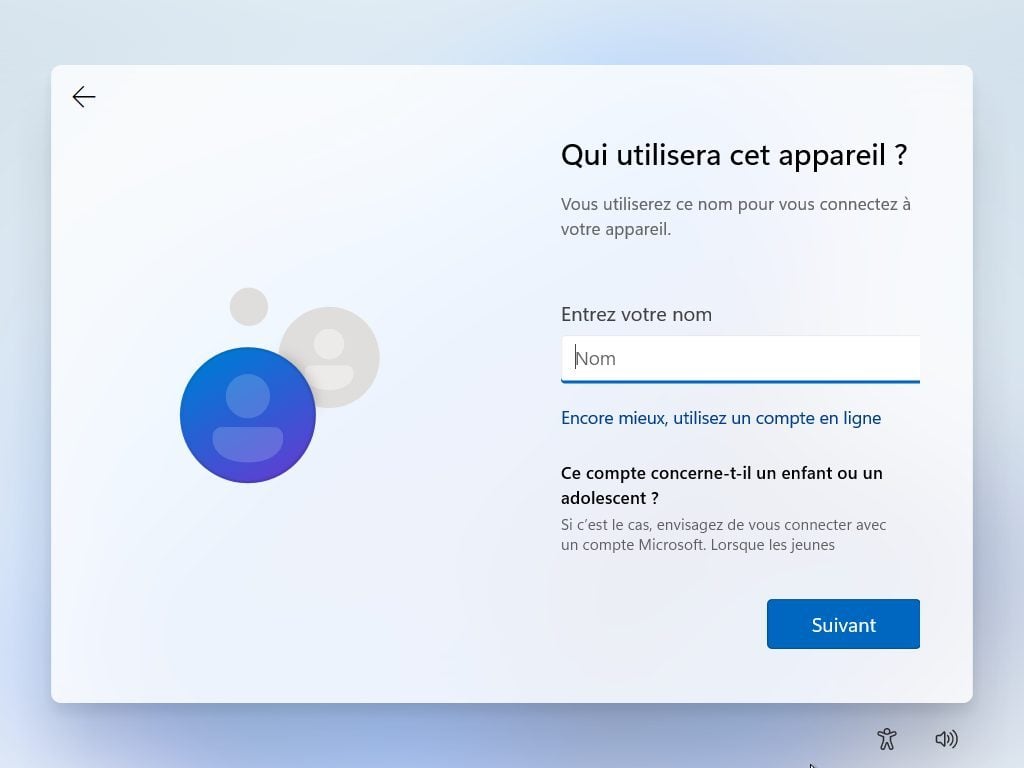
Then finish setting up Windows 11 by following the instructions displayed in the operating system setup wizard.