The Huawei MateView 4K+ Ultra-HD display has spectacular specifications, does this large 28.2-inch display really live up to that? Read the review of the Huawei MateView 4K+ here.
Aad Munsterman and Rob Coenraads
Huawei has many different products, including laptops and monitors. PC-Active 326 contains the review of the Huawei Matebook 16 that we tested simultaneously with the Huawei MateView 28.2 inch screen. Both products have a 3:2 aspect ratio that provides more usable workspace than a standard 16:9 aspect ratio display.
Design and colors
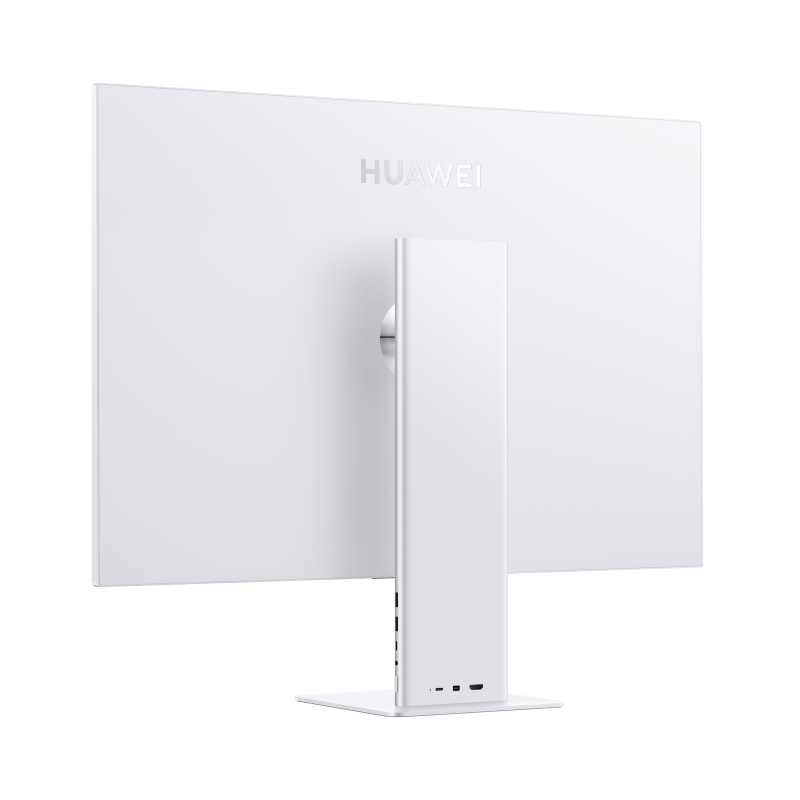
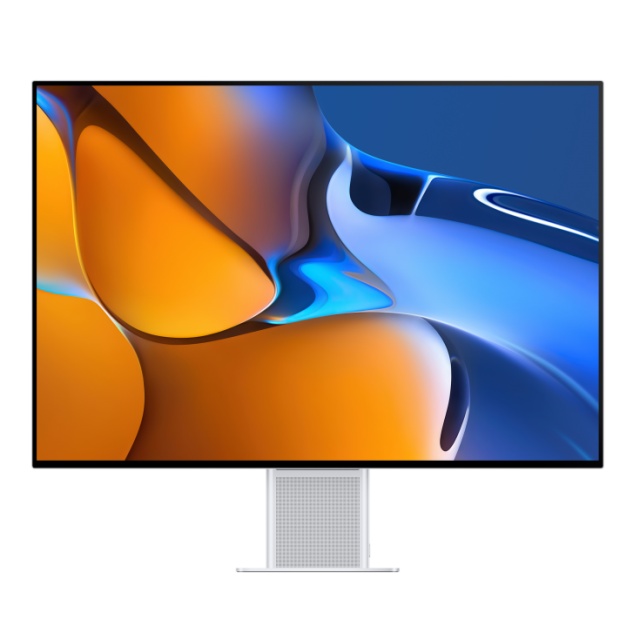
The Huawei MateView 28.2-inch display looks sleek and stylish in silver-grey, which may have looked at Apple devices with a slanted eye. The 4K+ 60Hz IPS screen has no less than 3840 x 2560 pixels and therefore a 3:2 ratio for more work surface: you have 1.5 million extra pixels compared to a standard 4K screen with 16:9 ratio. Due to the 94% screen-to-body ratio, the edges (bezels) along the top and sides are only 6 mm.
The colors look sparkling thanks to the wide color support (98% DCI-P3 and 100% SRGB) and high brightness of 500 nits. HDR400 is also possible for an even more realistic image. In test images, it is noticeable that the left and right sides show slightly less brightness.
Wireless projection
This model also supports wireless pairing, unfortunately only with other Huawei products. For example, if you have a Huawei smartphone and you tap it on the MateView base, the display of your smartphone will then appear on the large screen. The Desktop Mode allows you to see your home screen of your smartphone in a beautiful desktop format. With your mouse and keyboard you can now use your apps and everything you do with them is automatically saved on your Huawei smartphone.
For Apple’s Retina-like display, macOS HiDPI is supported for extra sharp display.
Connections
The Huawei MateView 4K+ 28.2-inch screen has multiple connections: USB-C, HDMI and Mini Displayport. These connections can be found in the back of the foot. The multifunctional USB-C port also immediately offers 65 watts of power for a laptop, for example. The OSD operation (OSD = On Screen Display) is done via a smart touch bar (Smart Bar) that is located at the bottom center and that takes some getting used to, but works well. The sound from the speakers in the base is acceptable at low volume. There are also two sensitive microphones in the base.
The ergonomic settings are fine.
All in all, a unique 3:2 screen that comes into its own in both a Windows and/or Apple production environment.

Product: Huawei MateView Wireless
Recommended retail price: € 649,-
+ sleek stylish design
+ beautiful and bright 3:2 screen with HDR
– image consistency
– no gaming aspirations