The computer landscape is full of three-letter words. In the vast majority of cases, these are abbreviations and file extensions. We have gathered a complete alphabet and you can let your light shine on it!

John Vandeart

1

Q Picture 1

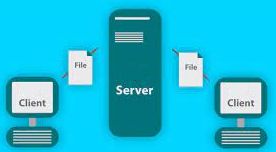
This technique but it possible
that different programs
able to communicate with each other.
In particular internet applications
make good use of it.

  1. AAC
  2. API
  3. ASP
  4. ATM

2

This is a file formatQ Picture 1
developed by Microsoft to
store digital images.

  1. BIN
  2. BASS
  3. BAT
  4. BMP

This well-known image is stored in the file format
that we are looking for.
So that shouldn’t be too difficult

3

You just put this abbreviationQ Picture 2 2
on the wrong foot.
On the one hand, a serial
port indicated.
On the other hand, it is the
predecessor of the EXE file

  1. CMD
  2. CMS
  3. com
  4. CRM

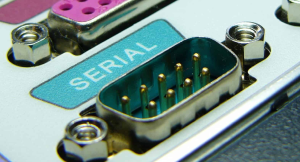
This one comes from the very old box: A serial port!
To which we have connected our modem, among other things

4

Q Figure 3 2

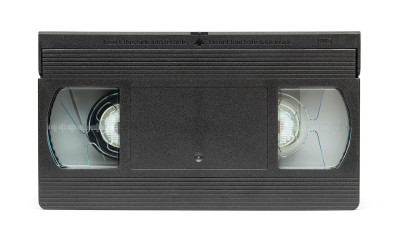
This technical find from 1995 has
made sure that the VHS video tape
virtually extinct. Its predecessor made the floppy disc obsolete.

  1. DNS
  2. DOS
  3. DTP
  4. DVD

The video stores are full of them: VHS video files.
Now old-fashioned and – almost – superfluous.

5

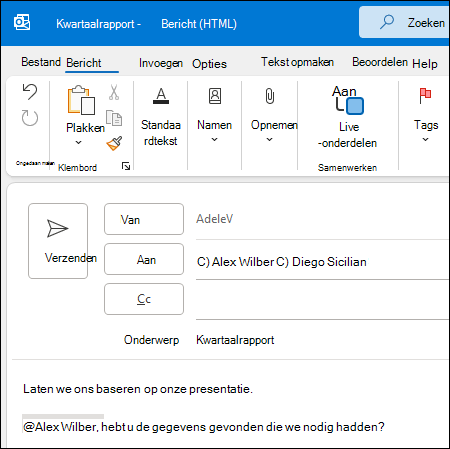
You can also send an e-mail message from theQ email message 5
write email client to a
loose file. The answer to this one
question is one of the most used
formats to do that.

  1. EMD
  2. EML
  3. eps
  4. EXE

6

q ftp server 6

You can save files on quite a few
ways to move from A to B.
The technology we are looking for is becoming
mainly used on the internet;
for example to a website of
the local computer to the
transfer web server

  1. FAB
  2. FAT
  3. FLV
  4. FTP

7

Q Figure 4 2

This storage format makes it
possible to move moving objects
save images.
You can check your email messages there
and your apps great along
brighten up!

  1. gif
  2. GMK
  3. GPX
  4. GRP

A moving picture says more than a thousand words. And on
giphy.com you will find a thousand (and more) of those moving pictures

8

Q web page 8

If you do it right, then you can
this way web pages
make them behave
like a real computer program.

  1. HDI
  2. COURT
  3. HTA
  4. HTML

9

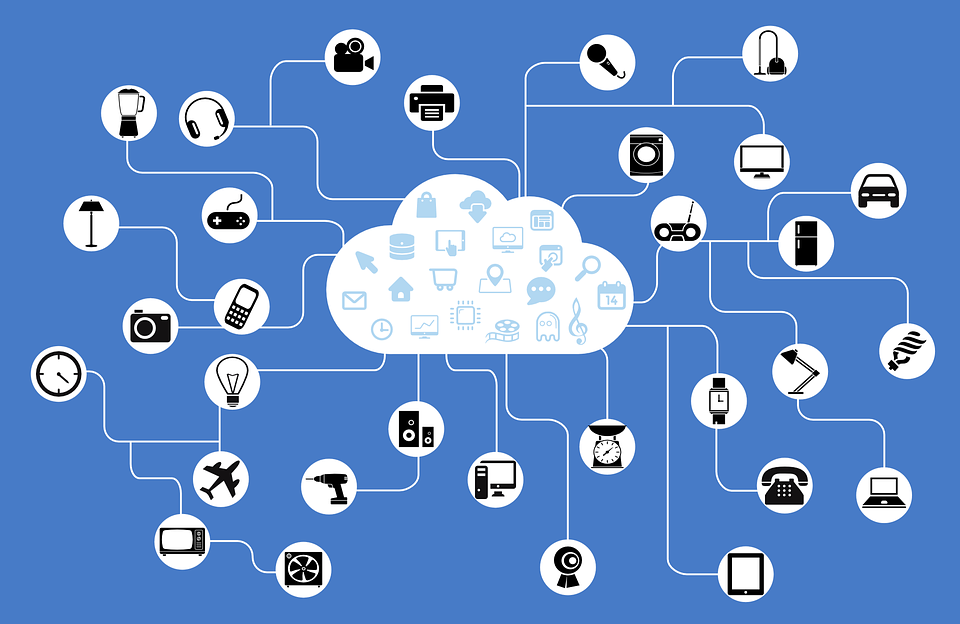
The Internet is much more than just the
web browser and the websites. internetQ Figure 5
is now all-encompassing.

  1. DOC
  2. DOCM
  3. DOCX
  4. DOT

Forget the web browser and the
website, because the internet is a lot
more than surfing and emailing

10

Q jpg 10aJust an easy question!
This file format is mainly
become popular because of you
big images can be small
save. That saves
storage space and download time.

  1. J2C
  2. JAR
  3. JAV
  4. JPG

11

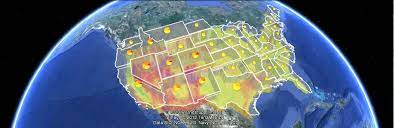
Q kml 11

You can use this file for the
coordinates of a route
to beat. To turn that route into a
other program to appear
can get.

  1. KDZ
  2. KEY
  3. KML
  4. CVE

Google Earth, among others, uses this file format. Map, coordinates, route, things like that…

12

Q LAN 12

Everyone who has a network at home has access to it. It can be wired or wireless.

  1. LAN
  2. LCS
  3. LED
  4. LNK
13

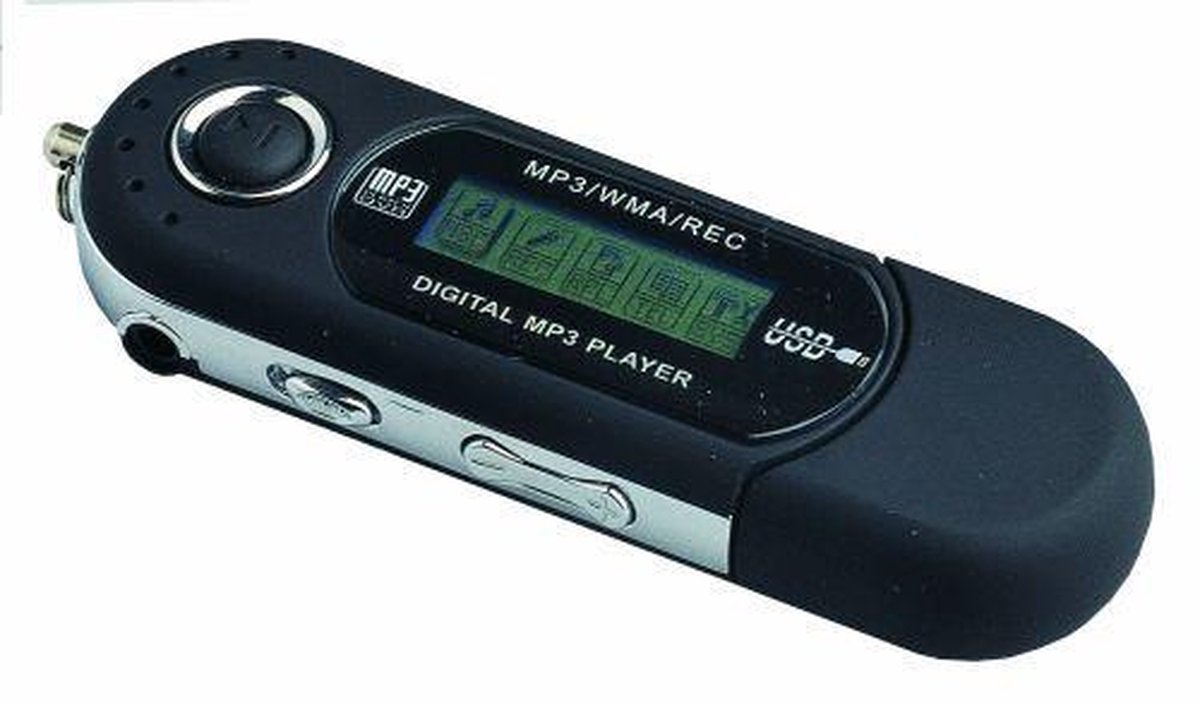
This file is used for a
create playlist. Such a playlistQ Figure 7
is meant to your favorite songs
to play in the correct order.

  1. M3U
  2. MHz
  3. MP3
  4. MSI

An MP3 player knows what to do with a playlist that is intended
to play your favorite songs the way you want

qr code quiz

Part 2

The second part of this quiz, with the letters N to Z, can be found on pcactive.nl Scan the QR code to go to the quiz.


Quiz-327: Answers