
Google replaces the well-known HTTPS lock from the Chrome browser. Read here why and when Google does that and which icon will appear.
Browsers have displayed a lock icon since the early versions of Netscape in the 1990s when a site is loaded over HTTPS. Many people think that the HTTPS lock means that there is a secure connection. Research by Google in 2021 showed that only 11% of the study participants understood the precise meaning of the lock icon, which is an encrypted connection (https) to the website. Because many internet users think that the lock indicates that the site in question is safe and reliable, it is a very important reason for Google to remove the HTTPS lock from the Chrome browser. Another important reason for removing the HTTPS lock is that almost all phishing sites also use HTTPS and therefore display the lock icon.
Click on HTTPS lock
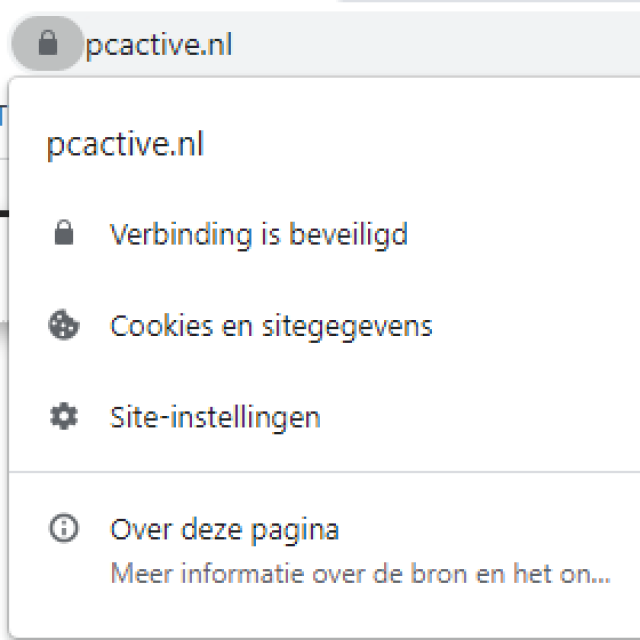
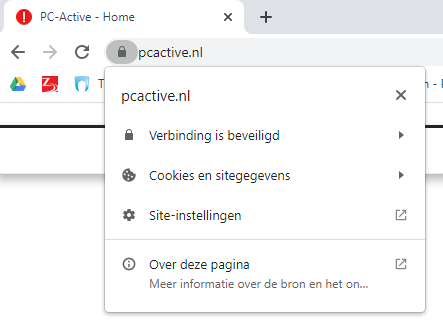
Few people know that you can click on the HTTPS lock. By clicking on the lock, you will see the drop-down menu below. Here you can find, among other things Site Settings see, whether the connection is secure and also find more information about the source and topic via About this page. (text continues below the image)
By the way: if you use Chrome for iOS, clicking the lock will not work. That’s why Google is taking it away from Apple’s mobile platforms.
New icon: tune
Google indicates that with Chrome version 117, the HTTPS lock will be removed from the Chrome browser and replaced by another icon. Google indicates that for Chrome 117, the expected release date will be sometime in early September, as part of the Chrome Refresh 2023 update — a general design refresh for desktop platforms.
Google wants to use this new icon: the tune icon (text continues below the image)

Google thinks that this variant of the tune icon
• does not imply “reliable”.
• is more clickable
• often associated with settings or other controls.
Unencrypted connection warning remains
The lock icon with a line through it means the connection is not encrypted. This will not disappear for the time being, because Chrome wants to warn users when the connection is not secure.