
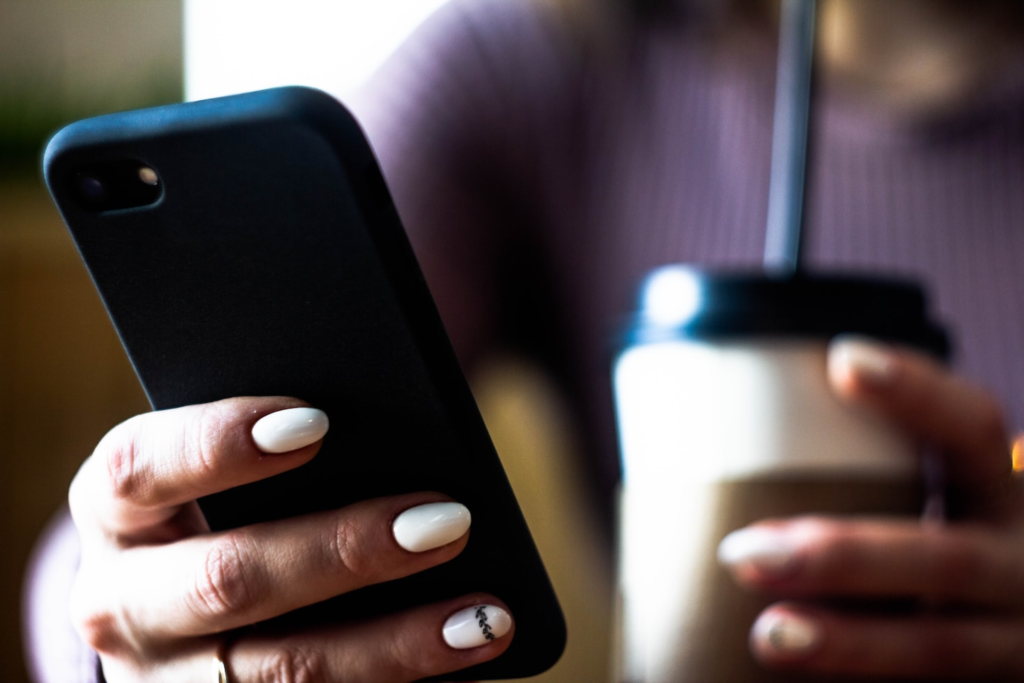
Mobile banking is becoming more popular nowadays, thanks to its convenience. More people are also using mobile devices than before, resulting in a rise in mobile banking users.
However, you must know how to protect yourself and your financial information when using a mobile device for online transactions. Here are some tips on how to stay safe while using your mobile banking app:
1) Keep your passwords strong and updated.
It’s not uncommon for hackers to try to steal your personal data by hacking into your account, so be sure that you have a good password in place. If hackers can get access to your password, they might be able to take over your account and make unauthorized purchases.
You need to have a strong password to prevent this from happening. A strong password should contain at least eight characters and include numbers, letters, and symbols.
In addition, your password should also be different from the one you use for other accounts. For instance, don’t use the same password for all accounts if you have multiple online banking accounts. You should also use a different password from any social media accounts you have.
2) Use two-factor authentication (2FA).
Two-factor authentication is an extra layer of security that requires you to enter another code when logging into your bank account. This helps ensure that only you can access your account.
2FA works by sending a text message or email containing a unique code. The code must then be entered along with your username and password when logging into your account. As a result, hackers will find it more difficult to access your account.
3) Update your phone’s OS and mobile banking app regularly.
Installing the newest version of your phone’s operating system or software will keep your device updated with the latest security patches. Hackers often target older versions of software because those are easier to exploit.
Developers release new versions of their apps every few weeks or so, so it’s important to check for updates as soon as possible. In fact, most phones now offer automatic updates, so it’s easier to install them. With a newer OS, you can ensure that your device has the latest security fixes.
A newer version of your mobile banking app may also provide additional security features. Make sure to turn on updates and notifications so you’ll always be aware of any changes in your app.
4) Keep your phone secure.
One way to keep your phone secure is to never leave it unlocked in public places. Leaving your phone unattended is risky. It’s easy for someone else to pick up your phone and log into your account without your knowledge.
Many apps leave your phone unlocked even when you’re not using it, which means anyone could easily access your account. So when using these apps, make sure you are nearby to monitor whether your phone is being used.
In addition, you can improve your phone’s security by using a code or password. Using biometric capabilities, such as fingerprint scanning and facial recognition, is another option to help keep your phone secure.
5) Avoid using public Wi-Fi.
While public Wi-Fi is convenient, it isn’t always secure. Hackers may use public Wi-Fi networks to spy on users’ activity. They can also intercept user credentials and send fraudulent emails. Only use public Wi-Fi if you really need it.
To avoid this problem, make sure you’re using a private, secure internet or data connection instead of public Wi-Fi. When connected to a private network, there’s minimal risk of hacking since your information stays within the network’s confines.
6) Don’t click links in suspicious messages.
When you receive a suspicious email or text message, don’t click on any links included in the message. Hackers often disguise themselves as trusted sources like banks, credit card companies, and government agencies.
If you feel unsure about something, contact your financial institution directly. They will inform you if they believe that you’ve been hacked. If necessary, they can investigate further to prevent similar incidents from happening again.
7) Be careful when downloading apps.
It’s tempting to download an app that seems useful, but before doing so, think twice. Some apps may contain malware, which is malicious software designed to steal personal information and infect devices.
Be wary of downloads from suspicious sources. If you aren’t sure where an app came from, look at its ratings and reviews first. If people have reported problems with the app, consider avoiding it altogether. Hackers can sometimes disguise themselves as legitimate developers to trick unsuspecting users into installing malware.
8) Review app permissions.
Apps request permission to read your contacts, record audio, and take pictures. However, before granting permission, be sure that you understand what each action entails. Apps should explain why they need certain permissions, so you know exactly what they’re going to do with your information.
If you don’t review all of the permissions requested by an app, you may give hackers unnecessary access to your device. You can also turn off these permissions later if needed.
The Bottom Line
Mobile banking apps are a convenient way to manage your finances. However, hackers can take advantage of them just like they do other online accounts. By following these tips, you can protect your mobile banking app and reduce your risk of online fraud.