
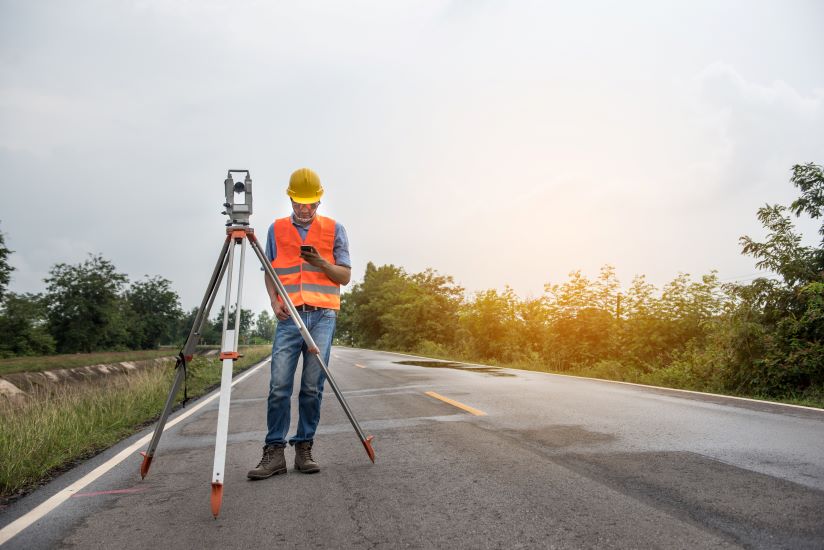
When it comes to ensuring the safety of lone workers, employers have a responsibility to make use of every tool available to them. Luckily, as technologies continue to develop, the variety of advanced solutions available to this end continues to expand.
One of these solutions that can be incredibly effective is the lone worker app. Here, we take a look at some of the most important features to look out for when choosing a lone worker app, from man-down features to location monitoring.
True man-down detection
Lone workers can often find themselves in environments where a simple trip or fall can spell disaster. Without anyone around to provide assistance, a situation that could be relatively minor elsewhere can rapidly escalate.
That’s why it’s important to choose an app with true man-down detection. This feature means that if a lone worker falls down, the app detects the motion and sends an alert out to whoever’s monitoring the system. The worker can then disable this alert if it’s a false alarm – if it’s not, a team can be on its way to provide assistance.
Location tracking
It’s almost impossible to ensure the safety of a lone worker if their location is unknown. It means that even if they do send in an alert signal, it can be incredibly difficult to find them, wasting precious time in which their condition could further deteriorate.
As a result, it’s important that you choose a lone worker app that features a variety of tracking solutions. As the environments that lone workers can find themselves in vary so much, the best apps use GPS/GNSS, Indoor Positioning Without Tracking, and Timed Check-ins. Taking this varied approach means the app is more likely to cover all scenarios.
Low power usage
A lot of location-based apps can use a significant amount of power. If this means that the app rapidly drains the lone worker’s phone battery, the app will be less effective. The lone worker can carry a backup power bank, but this isn’t ideal.
Luckily, well-designed lone-worker apps only need a relatively low amount of power. Some of the apps also have low power modes, which means that they can still be used when lone workers are on long shifts and out in the field for prolonged periods of time.
Alarms
While the most basic lone worker apps only provide alarms that indicate the worker is in danger, more advanced solutions go beyond that. They also facilitate raising the alarm over other issues. These might be based on urgent machine maintenance, logging a hazard that needs dealing with, or a wide range of other scenarios. Choosing the right lone worker app is important to ensure the safety of your lone and remote workers. By providing advanced features like a variety of alarms, remote worker apps can also decrease the risk of damaged assets, helping to increase the overall productivity of a business.