
© Apple
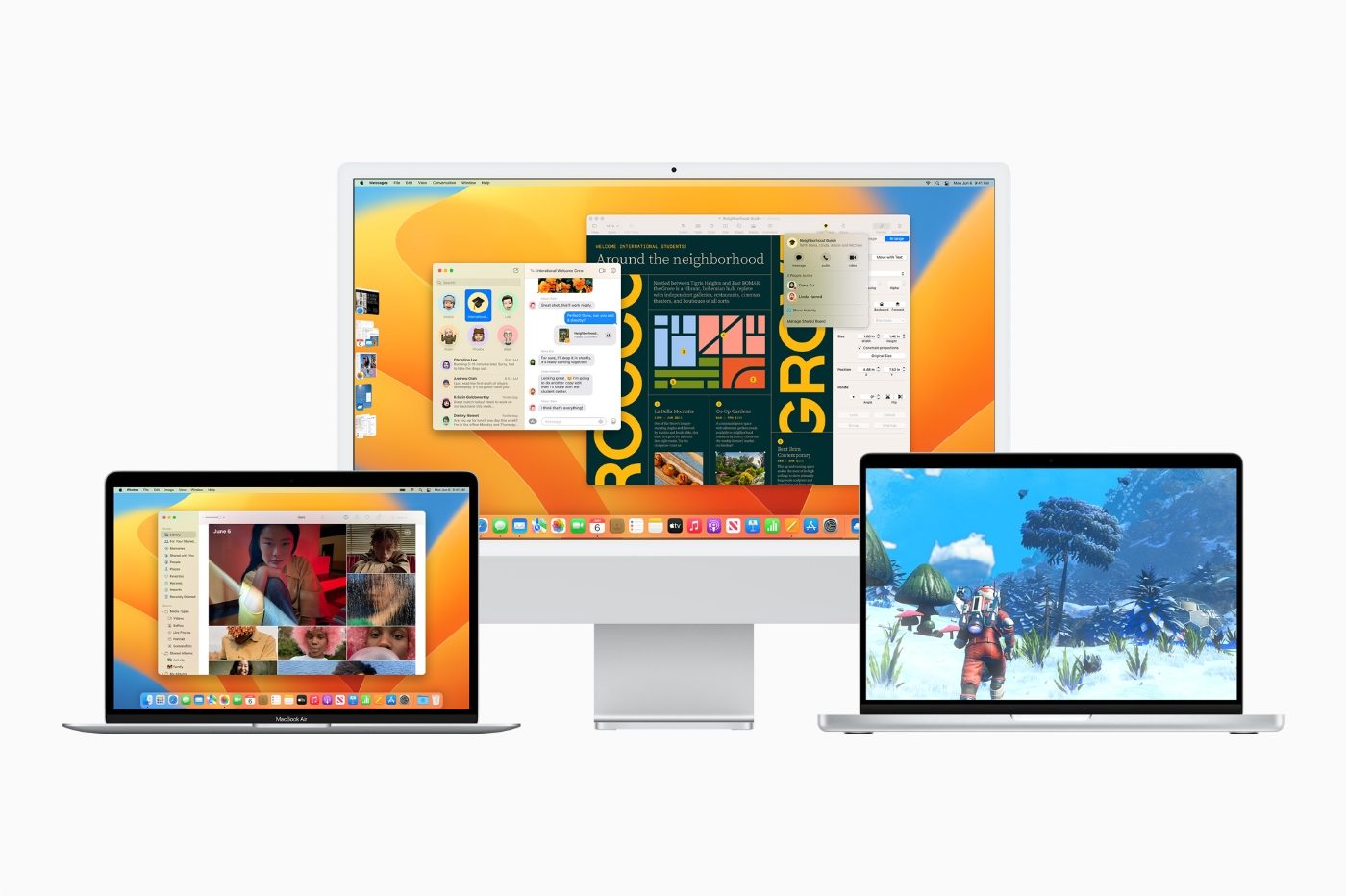
The new version of macOS, which will be available in public beta next month, emphasizes integrating Macs into a larger and richer environment, while improving its most important applications.
During its recorded and staged keynote, Apple obviously announced a new iteration of macOS, called Ventura, like Ace or Lino, but unrelated. The Mac operating system is full of many new features, which all or almost all aim to strengthen the continuity of experience or functions with the other strong ecosystems that have become iOS and iPadOS.
The summary of WWDC 2022 in video
Stage Manager, to channel window tidal waves
Between browsers, productivity applications, photo processing tools, etc., we quickly find ourselves juggling dozens of windows in macOS. If workspaces and full screen can be a solution, however, they mark their limit when too much becomes too much.
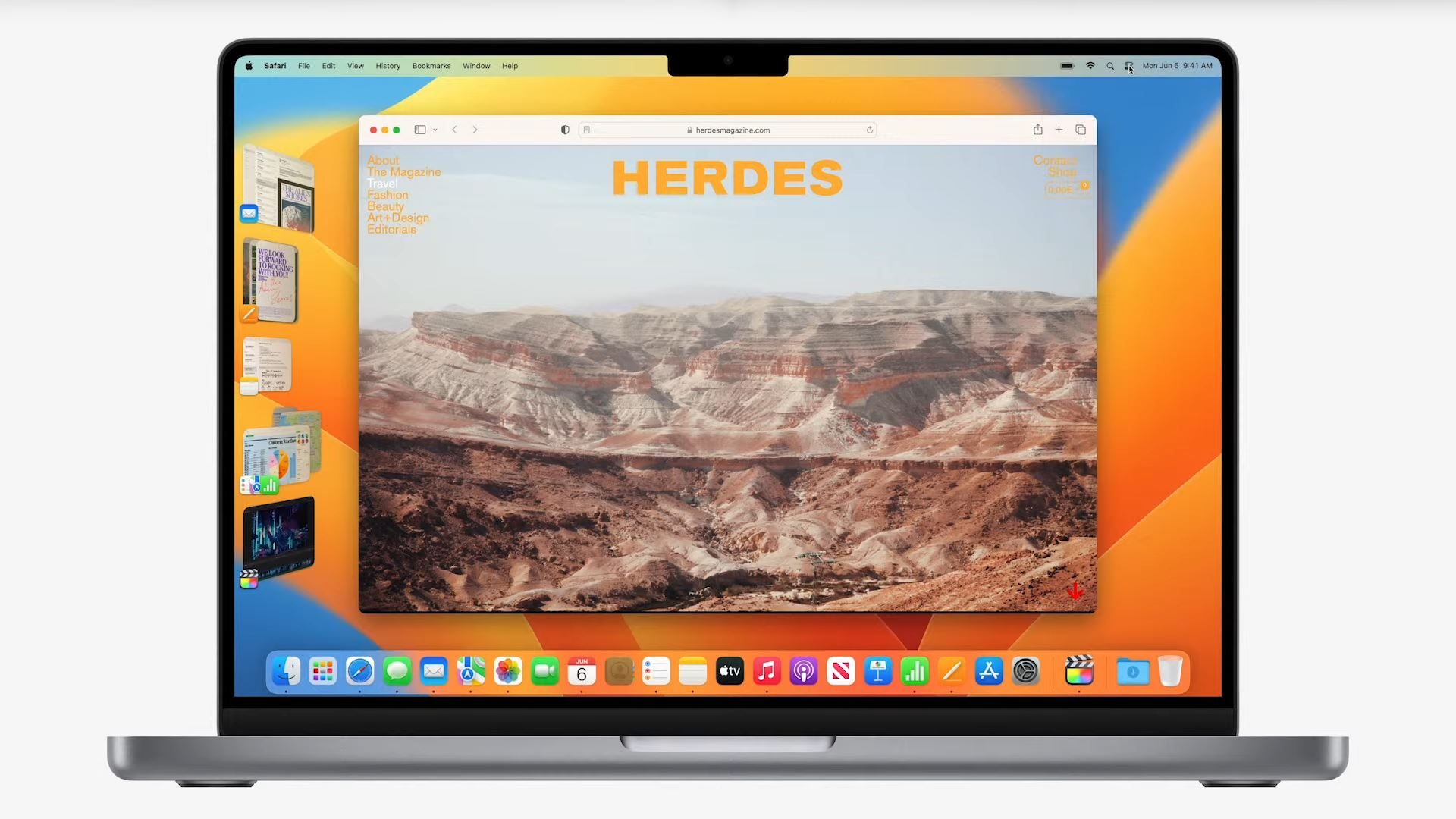
Apple offers a new solution to both stay focused on your work, keep an eye on the rest, while organizing space. Called Stage Manager, it ensures that the window in use is displayed in the center of the screen, visible, while the others are placed, as in miniatures, on the left side of the display.
It is thus possible to quickly switch from one application to another, from one task to another. Stage Manager also offers to group windows at will to complete a task or a project.
Ultimately, Stage Manager is a sort of extension of what Mission Control and Spaces already offered, knowing that it is possible to access the desktop with a single click when using this new function.
Note also that Stage Manager is available on both macOS and iPadOS, a way to standardize work reflexes, and thus contribute to enriching multitasking under both operating systems.
Change in Continuity
Aware of the strength of its functions placed under the Continuity banner, and which are regularly copied by the competition, Apple strives to enrich its offer which aims to abolish the boundaries between its different products in order to always be able to use the best peripheral for a task or to enrich a use by bringing together two products. For the latter case, the perfect example is Sidecar, launched in 2019, which turns an iPad into a secondary screen of a Mac, giving it an additional display surface.
In this case, this year Apple introduced Continuity Camera, which is going to make an iPhone replace the Webcam of a Mac. The photo modules of Apple smartphones being much better than those of the cameras embedded in the giant’s laptops, the potential is enormous.
When enabled, this feature causes a Mac to automatically recognize a nearby iPhone as a camera, without the user having to turn it on or connect it via a cable. It will thus be possible to take advantage of Centered frame, which ensures that a user is always in the center of the filmed shot, the background blur of Portrait mode, or even Studio lighting to uncover a face a little too dark due to poor quality light.
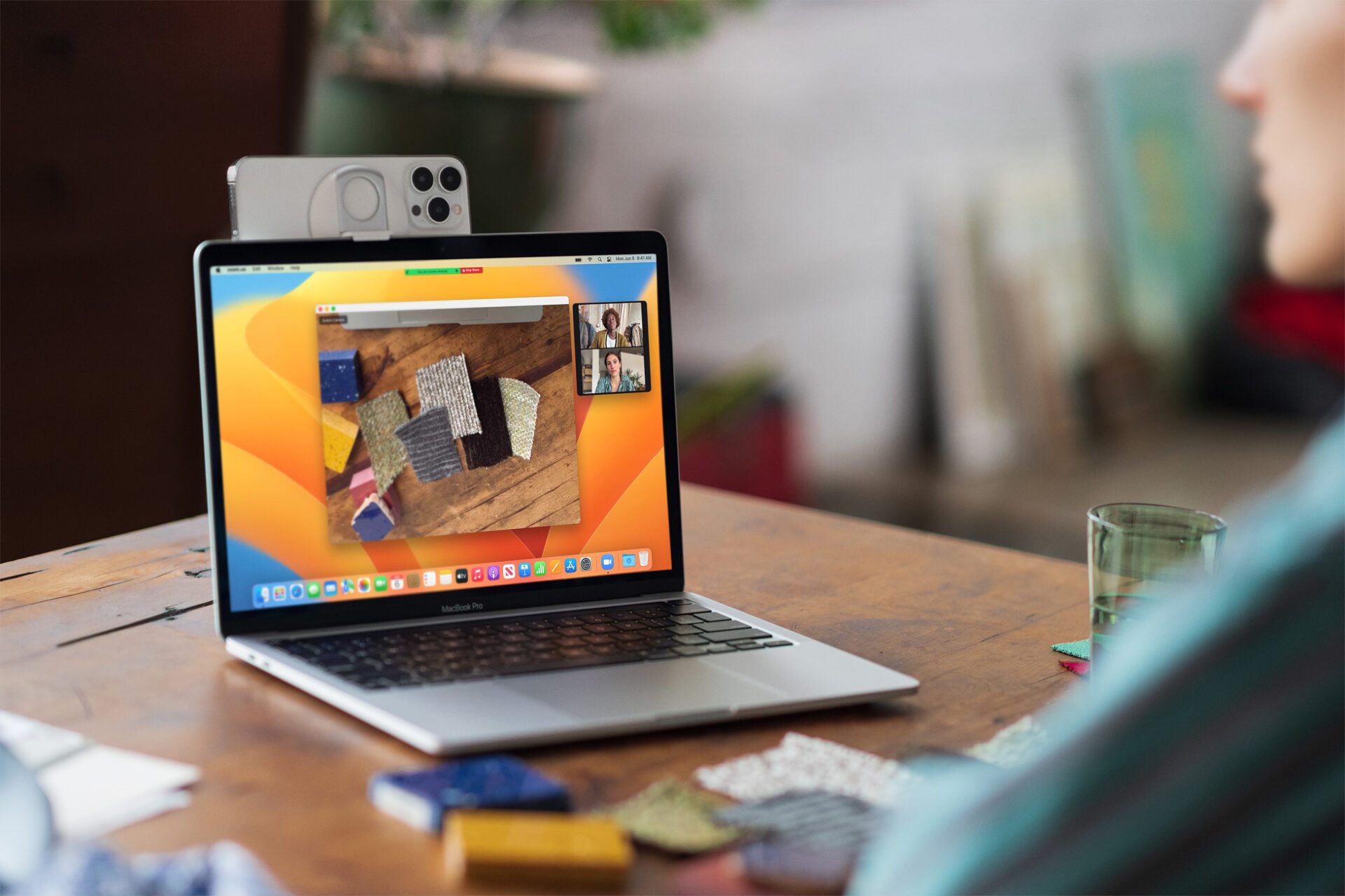
Finally, Apple has introduced an impressive function, Desk View, which, by using the ultra-angle of the iPhone and angular correction algorithms, will give the impression that the person who is filming himself is from a camera located above it, which is very practical for product handling demonstrations, for example. The Desk View function displays not only the bird’s-eye view of the desktop, but also the user’s face.
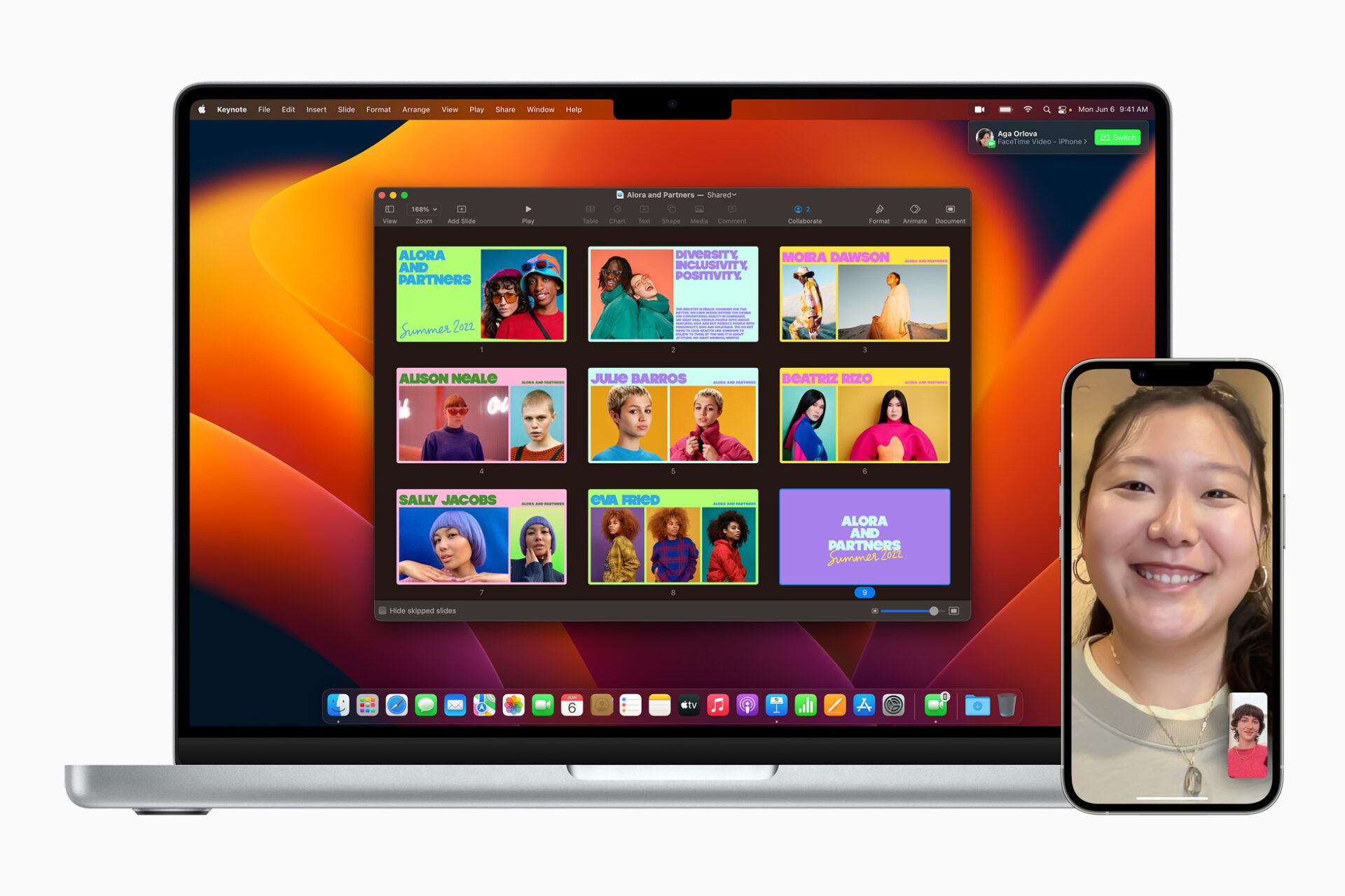
Apple has also improved its Handoff feature, adding it to FaceTime. Imagine that you come home conducting a video conversation with a loved one, once installed near your Mac, it will be possible to switch the call to your computer to benefit from a more comfortable screen.
Spotlight, under the spotlight
At the heart of macOS, there is an essential tool, Spotlight, which is both a search engine, an application launcher and a calculator. In Ventura, Apple has redesigned Spotlight to make it easier to navigate and view more content.
Thus, it is possible to search for images both in its photo library, on the entire disk or even online.
Even better, the Live Text feature, introduced last year, allows text searches within images.
Spotlight is also enriched with welcome new features, such as the display of results for artists, actors, films or TV series, or even athletes or companies.
It is also possible to launch a timer from Spotlight, or to create a new document. In short, the essential tool of macOS becomes even more so – and also extends its importance in iOS and iPadOS.
The enriched central applications
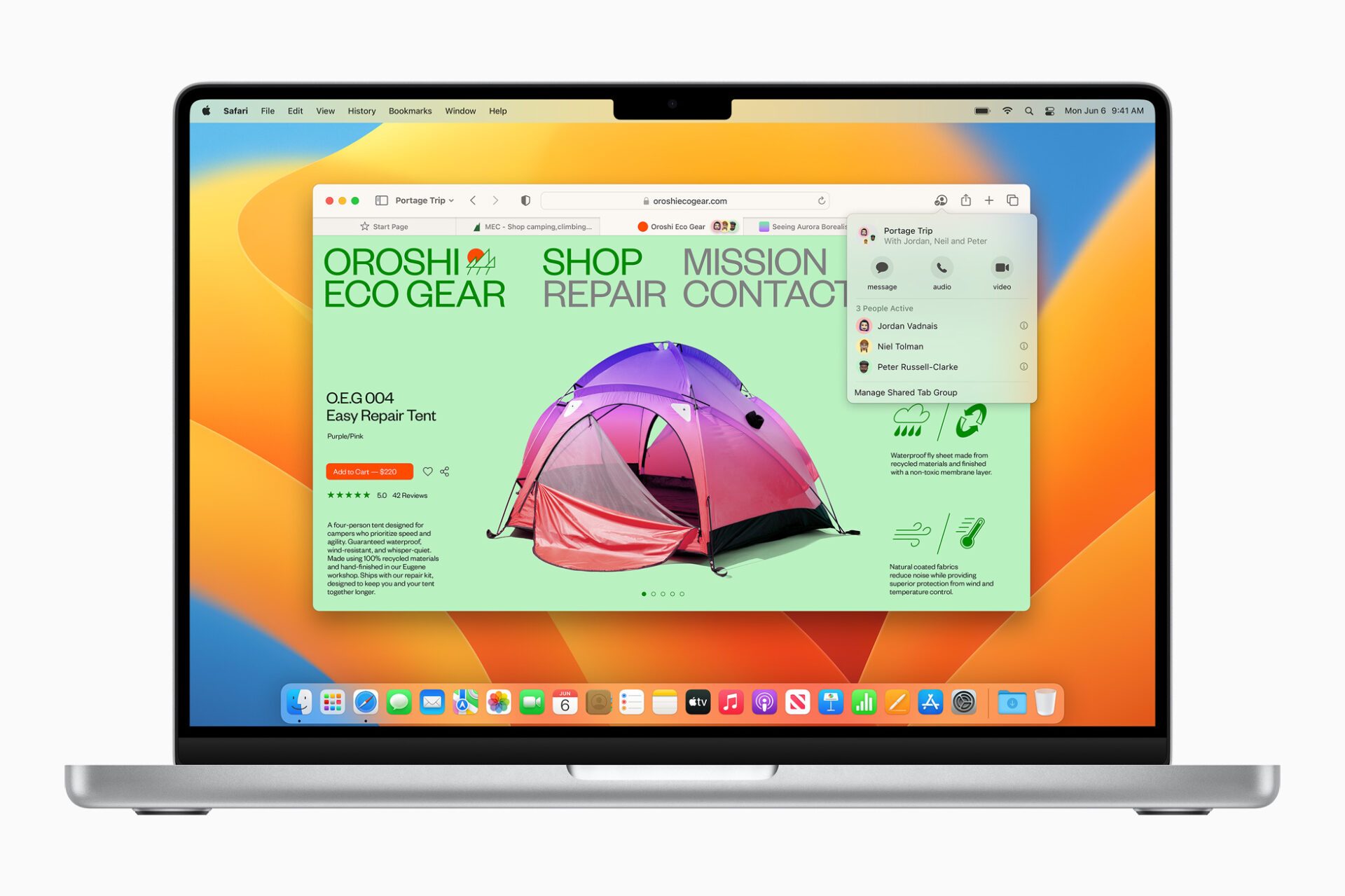
Moreover, as with each major update of the OS of our Macs, Apple has resumed its work on the most emblematic default programs. Thus, Safari is made to be even faster, and more effective in protecting your privacy online. This does not prevent it from offering a function of groups of shared tabs, to navigate to several friends or colleagues. We thus see in real time which tab is visited, but it is also possible to develop a shared list of reference sites on a point or a project. It is even possible to initiate a conversation through FaceTime or Messages directly from Safari.
Moreover, it was Apple’s turn to enter the dance of the end of passwords, after Google during its I/O. With Passkeys, the Cupertino giant intends to contribute to the end of passwords thanks to biometric authentication and Fido technology. The goal is to replace passwords with unique digital keys, which stay on the device and are end-to-end encrypted.
Apple, like Google and Microsoft, wants to be able to connect you to websites or applications on non-Apple devices, in this case, as long as you are within range of an iPhone, for example.
Mail, for its part, improves its search tool and ensures that even when you make a typing error, the search is carried out on the right keywords, for example. The search engine is able to search through the most recent emails, contacts, photos and documents.
Finally, Mail will also remind you to reply to an overdue mail at a predefined date or time. It is also able to detect when you forgot to add an attachment to an email. Finally, it now allows you to schedule emails or cancel them after sending.
Messages is also inspired by these functions and authorizes the modification or cancellation of the sending of a message within fifteen minutes of sending it. Messages is also becoming a central element of a collaborative tool, which aims to facilitate document sharing or its collective modification.
The game finally has a future on Mac?
In addition, several times during the almost two hours of keynote, Apple has highlighted its efforts to strengthen the attractiveness of its Macs as a gaming platform. This relative novelty is obviously made possible by Apple Silicon chips, which provide a real leap forward in terms of graphics performance.
To get the most out of it, Apple has introduced Metal 3, which incorporates different tools that increase the number of frames per second produced by a graphics chip by speeding up the rendering of complex scenes.
That could well lead to even more demanding games on the Mac.
The first beta for developers of Ventura is already available. A consumer version of the beta program will open next month, Apple said. The first definitive version of Ventura should be made available for free in the fall.