
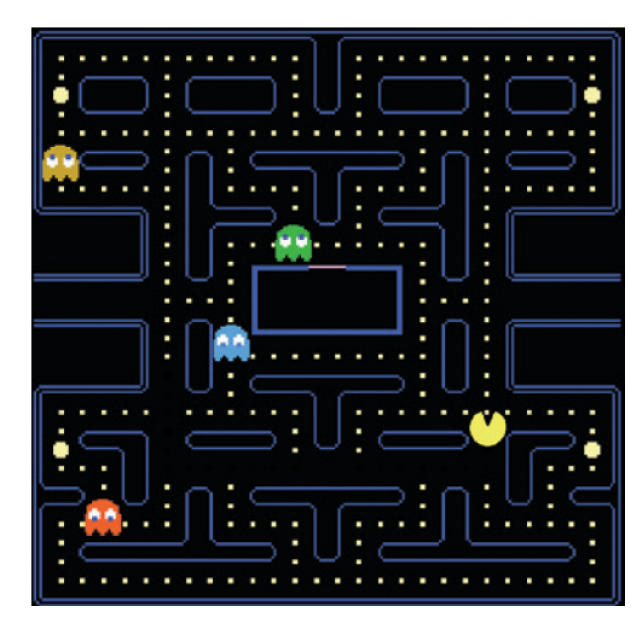
Space Invaders, Pac-Man, Sim City… They must bring back fond memories. Fortunately, it doesn’t have to stay with nostalgia. Thanks to the internet and with fun retro consoles and handhelds you can bring them back to life.
Show Van Dale
The game industry is a multi-billion dollar business worldwide. There’s the games themselves, there’s the digital distribution services, and of course, there’s the hardware, from smartphones over high-end game consoles to ultra-powerful PCs with expensive video cards. About forty years ago, gaming was an entirely different experience. Initially you could only game on large arcade cabinets and only in the decades that followed did game consoles come out and you could also play on personal computers. With this article we let you relive these experiences. We first introduce you to some fun online initiatives and then tell you which retro consoles and handhelds are available.
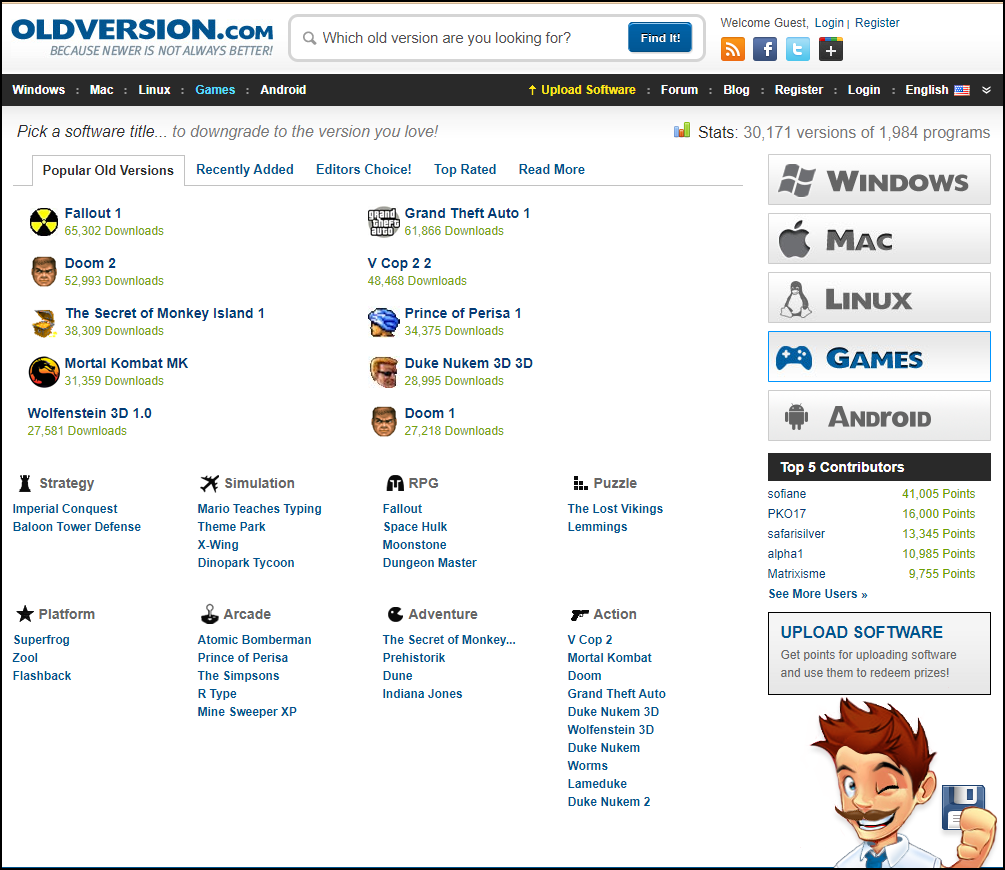 |
| There are 30,000 old software versions, but unfortunately a limited range of games |
Old versions
If you are looking for older software versions, you can visit www.oldversion.com. The site claims about 30,000 different versions of a total of about 2,000 programs. There is a variety of software available for Android, Mac, Linux and Windows. If you are specifically looking for games, there is the Games section, but unfortunately this selection is limited. The intended operating system is listed with each game, but not all downloaded games will simply want to run, so you will have to use some compatibility technique or emulator.
Internet archive (streaming)
The website The Internet Archive (https://archive.org) is a non-profit online library with millions of free books, movies, websites, music and software. When you open this last category, sections that point to retro games immediately pop up. Here we look at a few collections that you can usually play directly from your browser: MS-DOS Games (https://archive.org/details/softwarelibrary_msdos_games) and Internet Arcade. The first contains several thousand different games for MS-DOS, while the second mainly contains arcade video games from 1970 to 1990.
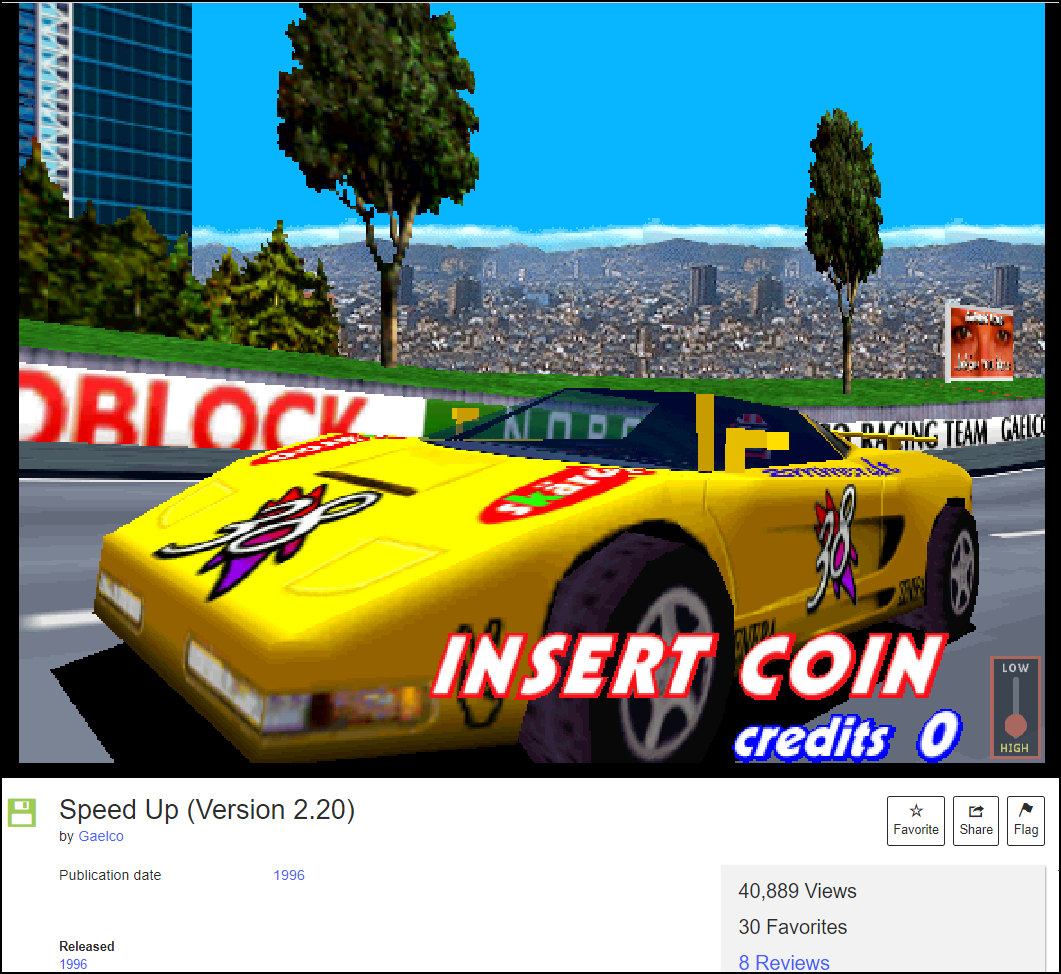 |
| Speed Up 2: racing with your browser |
You can sort the games in different ways and various filters are available. For example, you can only view the games from a certain release year or those in a specific language. After your game selection you will see a screenshot and you only have to click Click to Start button to start the game. In both cases, a built-in emulator is used for this, EM-DOSBOX (for MS-DOS Games) or JSMAME (for Internet Arcade). Unfortunately, these emulators are not perfect and it always remains to be seen whether the selected game works flawlessly. You can switch the sound on or off and call up a full-screen picture.
For first-time Mac users, we’d like to mention the online Macintosh emulator (https://archive.org/details/softwarelibrary_mac), which features a modest collection of software and games from the late ’80s.
Abandonware
|

Internet Archive (Download)
While most MS-DOS Games in The Internet Archive can be streamed through your browser, the Classic PC Games section usually involves applications that you have to download. Mind you, many games are demo, but this is also indicated in the title. Sometimes it is an exe file, but often you download the software in the form of a zip file that you first have to extract and then install. Keep in mind that this will often not just work on a modern (operating) system and that you will again have to resort to interventions such as virtualization or emulation.
-
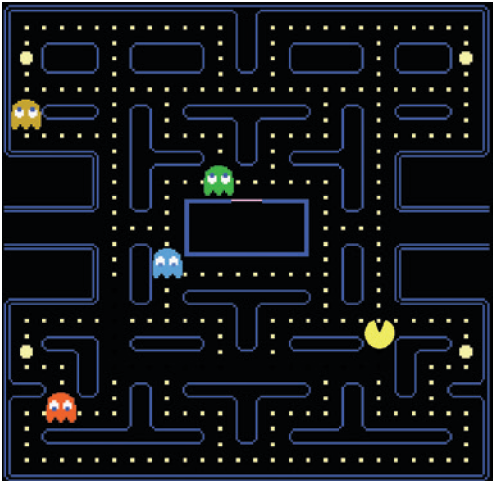
Pac Man 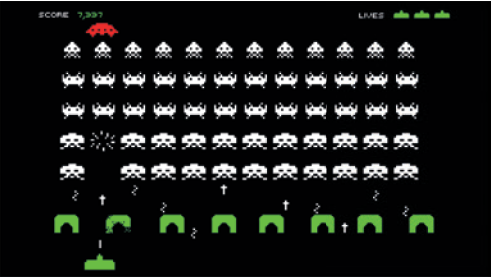
Space Invaders My Abandonware
A source of retro games not to be sneezed at is www.myabandonware.com. This site contains about 20,000 games from 1978 to 2010. Here you can also quickly zoom in on various criteria, such as name, year, genre and platform. In the latter you will find, in addition to more generic operating systems such as DOS (approximately 6,600 games), Windows 3.X (770), Windows (5,300), Linux (75) and Mac (1,100), more specific platforms such as Atari (various models ) and Commodore. Again, it remains to be seen whether you can get the games to work without further ado and whether you have to resort to certain interventions or extra tools.
It is useful that with most games you not only get screenshots, but also comments and reviews, often with useful tips to get the games working. With games from the DOS section this is usually possible with an emulator such as DOSBox, but with Windows games this can be a bit more difficult. Just one example: at 2002 Fifa World Cup you will hear that the game still works under a (virtualized) Windows XP, or under more recent Windows editions using nGlide (www.zeus-software.com/downloads/nglide), including a specific patch. Indeed, it sometimes takes some effort to bring your favorite game to life.Flash games
You probably remember Adobe Flash, a technology for animations and all kinds of web applications such as video games. Unfortunately, it has been over and over with Flash for several years now, and therefore also with the numerous Flash games. Fortunately, this is without counting sites such as the aforementioned Internet Archive (https://archive.org/details/softwarelibrary_flash_games; approximately 2,200 games) and Flashpoint (https://bluemaxima.org/flashpoint).
At Internet Archive, you start such a game with Click to Begin and additional options are often available via a right-click. The site uses the built-in Flash emulator Ruffle for this.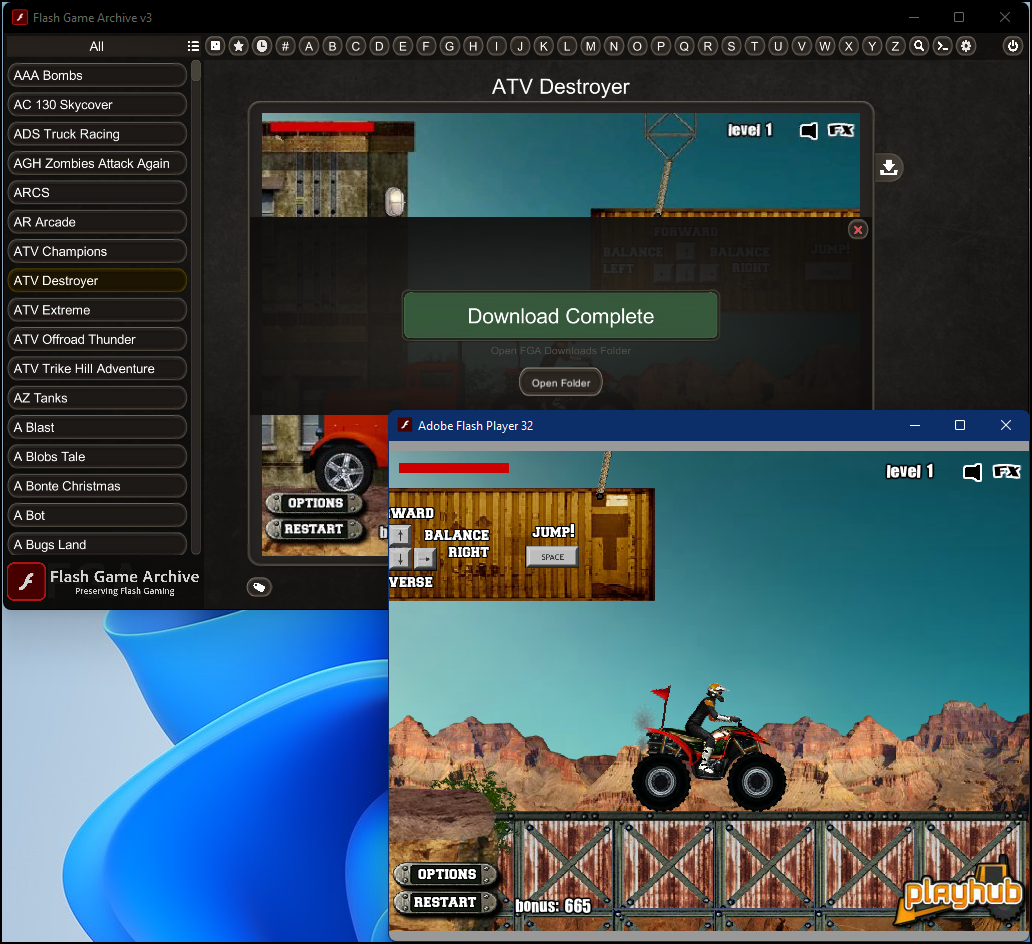
With a few mouse clicks you can play a Flash game from an impressive collection At Flashpoint you can download an archive of Flash games. Unless you find a download of approximately 766 GB for the Ultimate edition, with many thousands of flash games, quite manageable, you should download the Infinity edition (715 MB), which only downloads a game when you click the Play button press. A lighter alternative is the Flash Game Archive (www.flashgamearchive.com). Download this archive, run the extracted exe file and choose one of the approximately 4,000 available Flash games. Then press the Download button and download the corresponding swf file (ShockWave Flash). All you need now is a standalone Flash player such as Ruffle (https://ruffle.rs/#downloads) or the latest player from Adobe; you can still download this via https://weadventures.games/archive/step-1.html. Start the player, refer to the desired swf file and start gaming! You may do this from a virtual machine for security reasons.
Distribution Services
Finding old games, downloading them and getting them running locally often takes time and effort. A handy alternative is a digital video game distribution service. The best known is Steam, available for various platforms, both desktop and mobile (https://store.steampowered.com).
Install the app, launch it and sign in with your Steam account. From the app you can now download the games you want – there is a limited section for free games and there are (old) Windows and Linux games.
Another popular service is GOG.com and if you know that this acronym stands for Good Old Games, then you know right away that you can go here for a whole range of retro games (some 6,500) for Windows, macOS and Linux. By the way, some games come with built-in DOSBox emulation. The games are unfortunately not free but the prices are quite reasonable.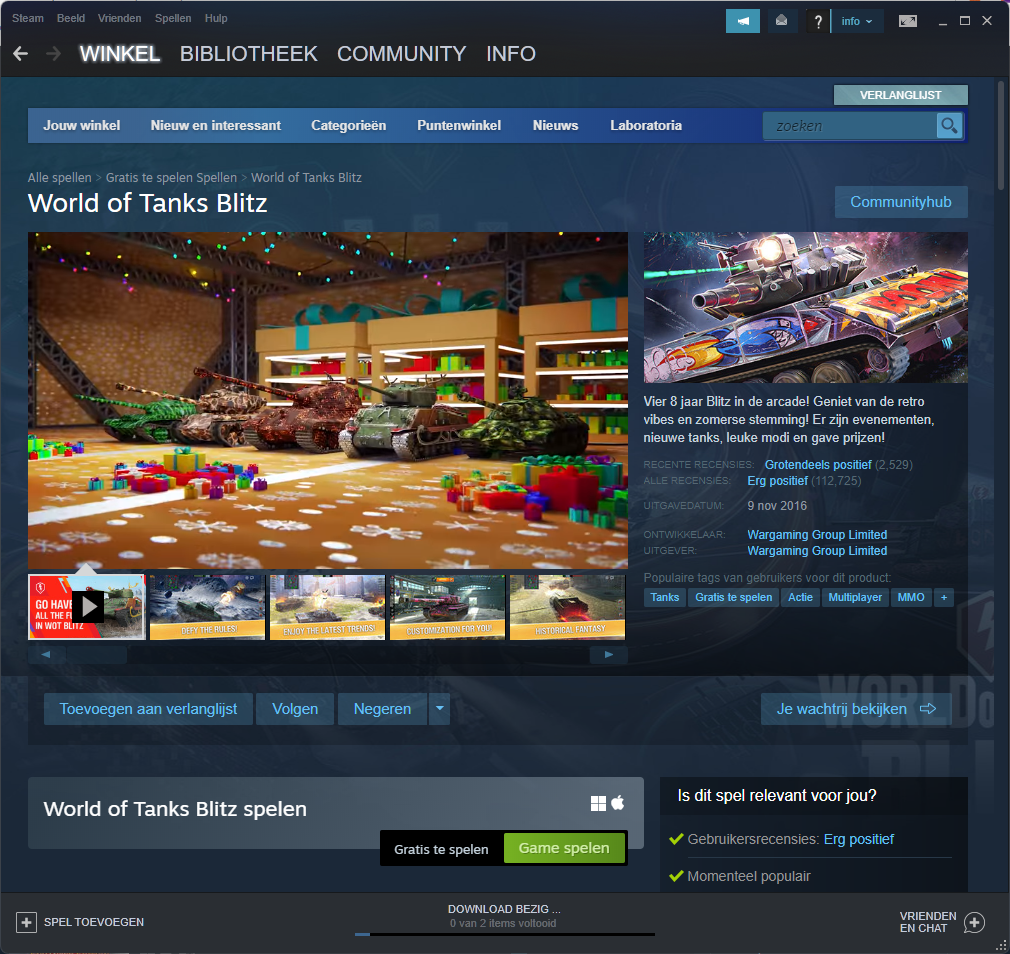
Steam is a popular and beautiful platform alias distribution service for gamers Hardware
Of course you can also just buy a real retro console or handheld. Such devices have been on the rise for some time now. There is plenty of choice and that also makes it more difficult to find the ‘best’ console or handheld. Before you make a purchase, check a few things first. Do you prefer a console that you connect to a TV or monitor or a compact handheld? Are (one or two) controllers included? Can you play simultaneously (co-op) with multiple players? Which video games are included as standard and do you prefer 2D or 3D games? Which games (consoles) are supported and can you upload your own ROMs? What amount are you willing to spend (don’t forget that many old games now also have versions for smartphones – see also www.techradar.com/news/best-phone-for-gaming).Retro Consoles and Handhelds
The choice of the ‘best’ retro console or handheld is therefore a personal matter, but we still want to introduce you to a handful of devices that can each be interesting for different reasons.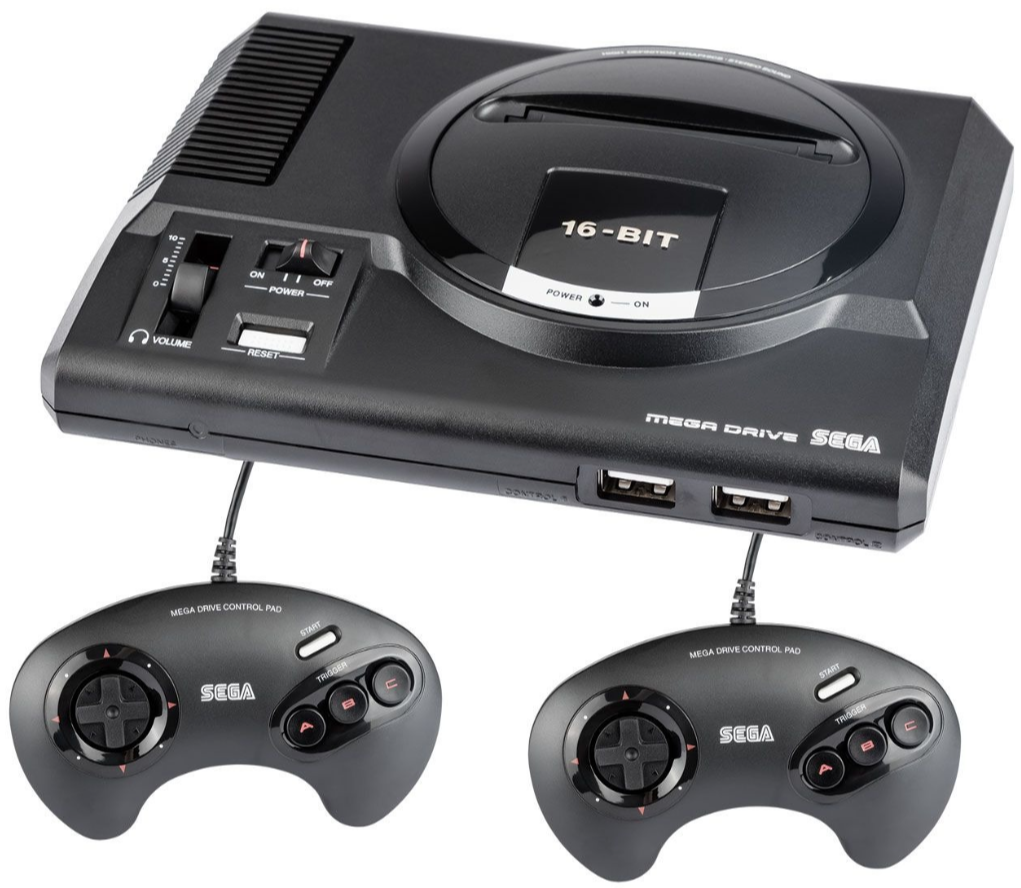
Sega Mega Drive Mini (Genesis Mini) SEGA Mega Drive Mini
(Genesis Mini)
(including 2 controllers; approximately 300 euros).
The iconic SEGA console for 16-bit gaming is back, albeit in a miniaturized version. The console comes with about 40 ‘all-time 2D classics’, mainly from the early 1990s. Notable titles include Sonic The Hedgehog, Gunstar Heroes, and Streets of Rage 2.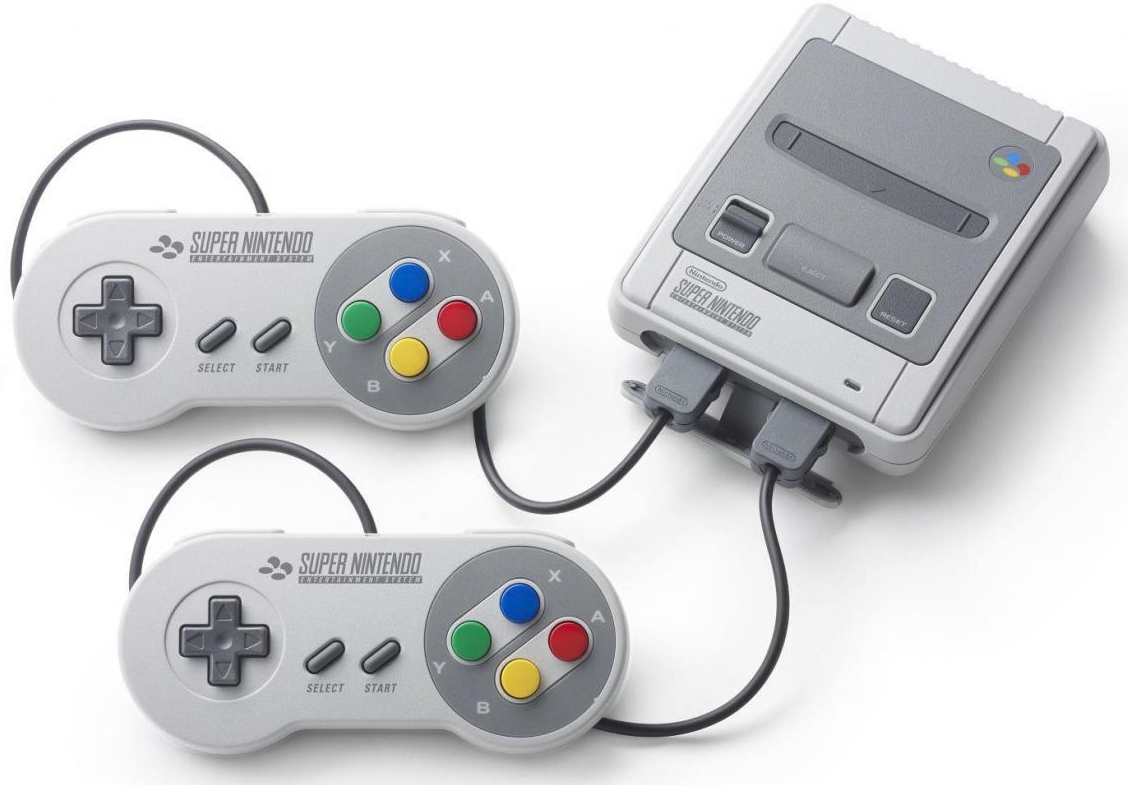
Nintendo SNES Classic Mini Nintendo NES Classic Mini /
SNES Classic Mini
(about 170 euros / 200 euros).
With the NES Classic Mini, Nintendo has released its first successful miniature console with 30 pre-installed NES games from the 1980s, including Super Mario Bros., PAC-MAN, and Donkey Kong. The device is supplied with one controller as standard. The SNES Classic Mini is the 16-bit ‘successor’ and contains 21 games from the 1990s. Thanks to the two included controllers, you can immediately play popular games such as Street Fighter II and Super Mario Kart.PlayStation Classic
including 2 controllers; approximately 60 euros).
If 3D games are your thing, you can consider this console (which is also available new here and there). This is also a miniature version of the original console. There are 20 classic games from the 90s pre-installed, including Final Fantasy VII and Grand Theft Auto.Evercade USA Home
(approximately 110 euros).
Unlike most other retro consoles, the Evercade works with separately purchased game cartridges. Each cartridge contains between 6 and 20 games and costs around 20 euros. The US edition can load two cartridges at once and includes 2 controllers. The device supports full HD and has WiFi, which is useful for updates.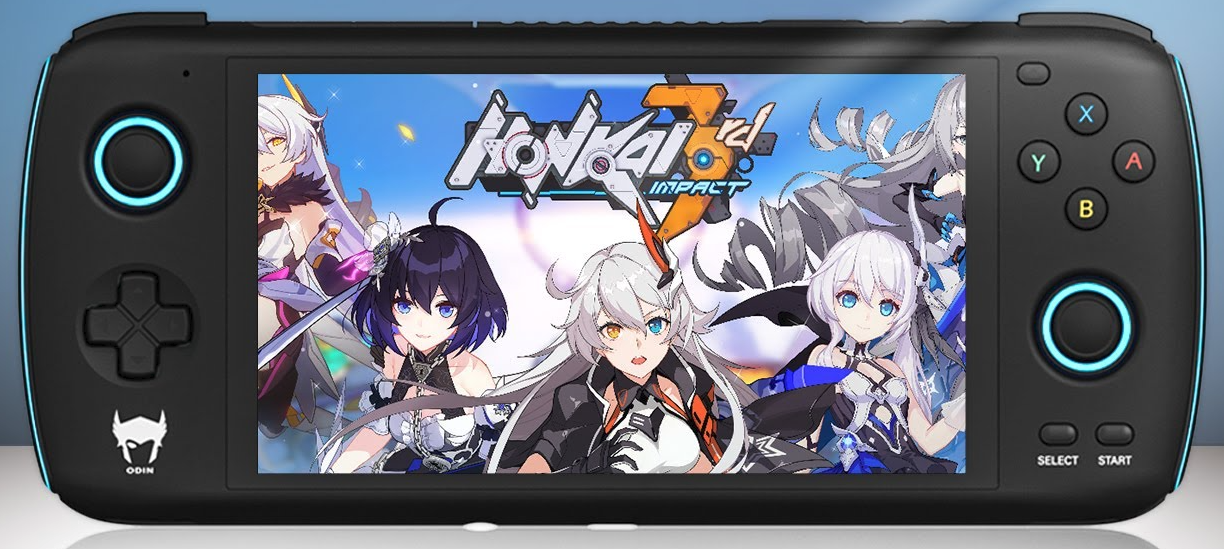
Ayn Odin (Pro) AYN Odin
(from about 200 euros).
A retro handheld on Android, with a 6 inch screen, in various editions (Lite, Base and Pro), and recently released on Indiegogo. The device supports several emulators which means that you can play a whole range of games, including those from (the difficult to emulate) Nintendo Gamecube, PS2 and Dreamcast. Hopefully the device will be readily available by the time you read this.