
Do you use an Android phone and need more control over the settings of specific apps? With Adaptive Controls you can configure a large number of settings at the app level.
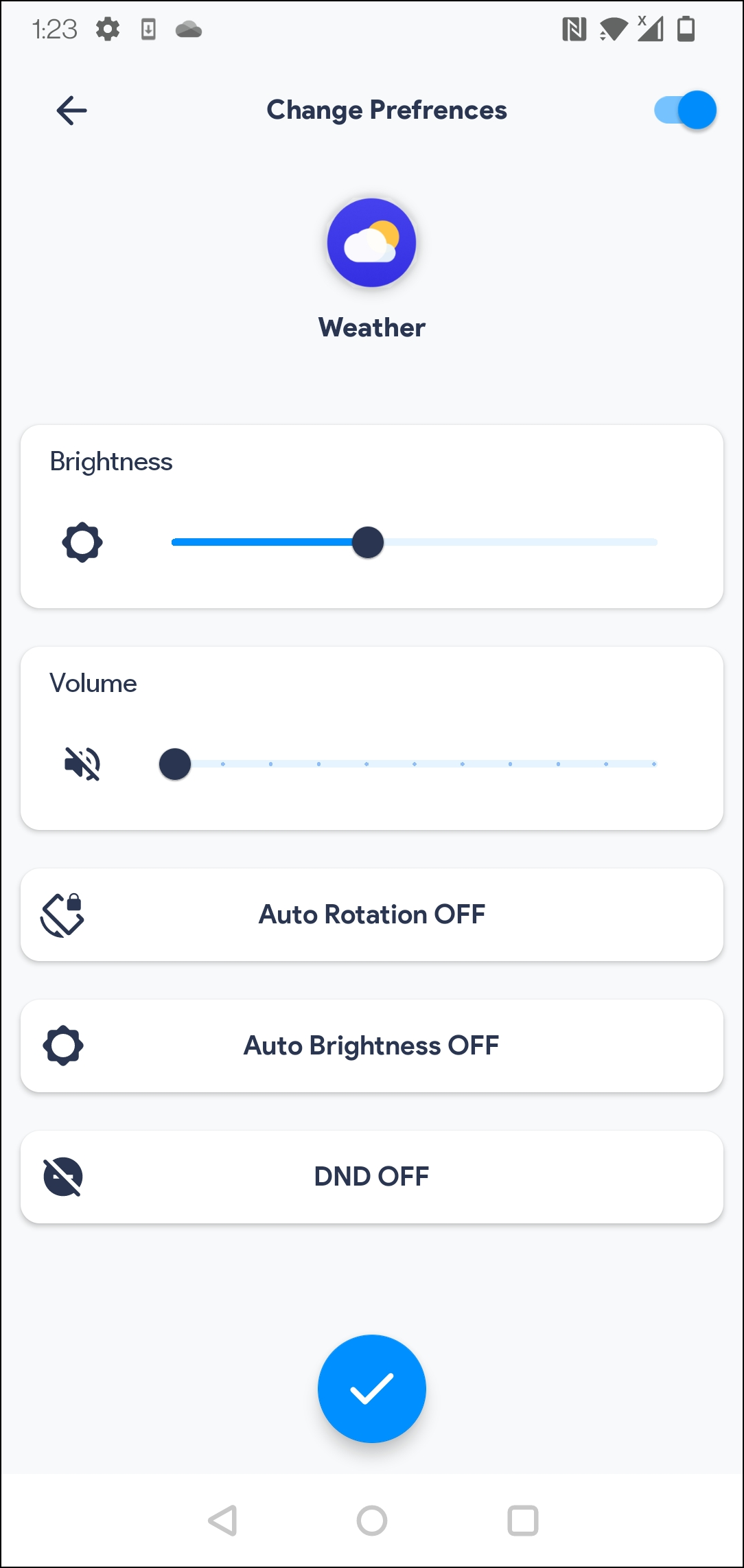
For example, you can specify that when opening a PDF reading app, the screen brightness should be increased or that the video playback app should always use a higher volume. Unfortunately, the number of available settings that you can influence is relatively limited.
First you choose the app for which you want to adjust the options. Then Adaptive Controls shows an overview of available settings. In addition to adjusting the screen brightness and volume, consider blocking automatic screen rotation and the ‘Do not disturb’ mode. Adaptive Controls can also show a privacy indicator when an app uses the microphone or camera. In addition, you can create different routines that are activated based on time or network: for example, you can set sounds to be muted at a certain time or when you connect to a specific wireless network.
Product: Adaptive Controls Google Play Store

Price: free
System requirements: Android 7.0+
Language: English