
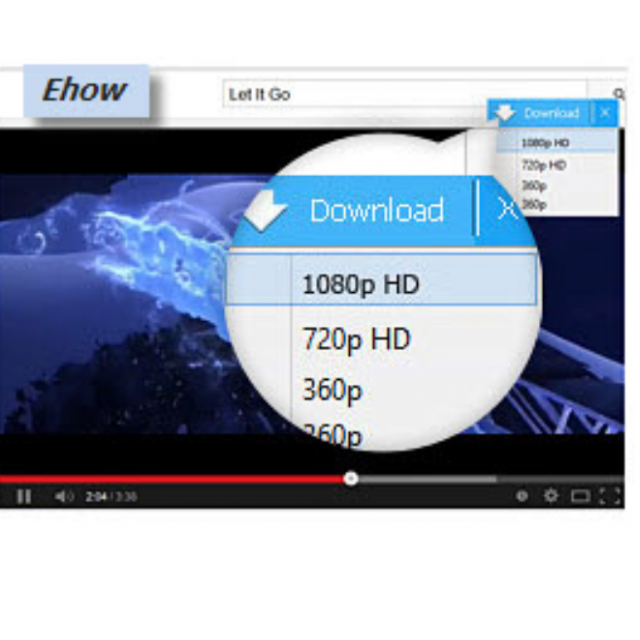
Allavsoft allows you to download video files relatively quickly from various websites, including YouTube.
By: Dennis Gandasubrata
The makers regularly expand support for new websites. Once you have downloaded the video, you can convert it through the same program.
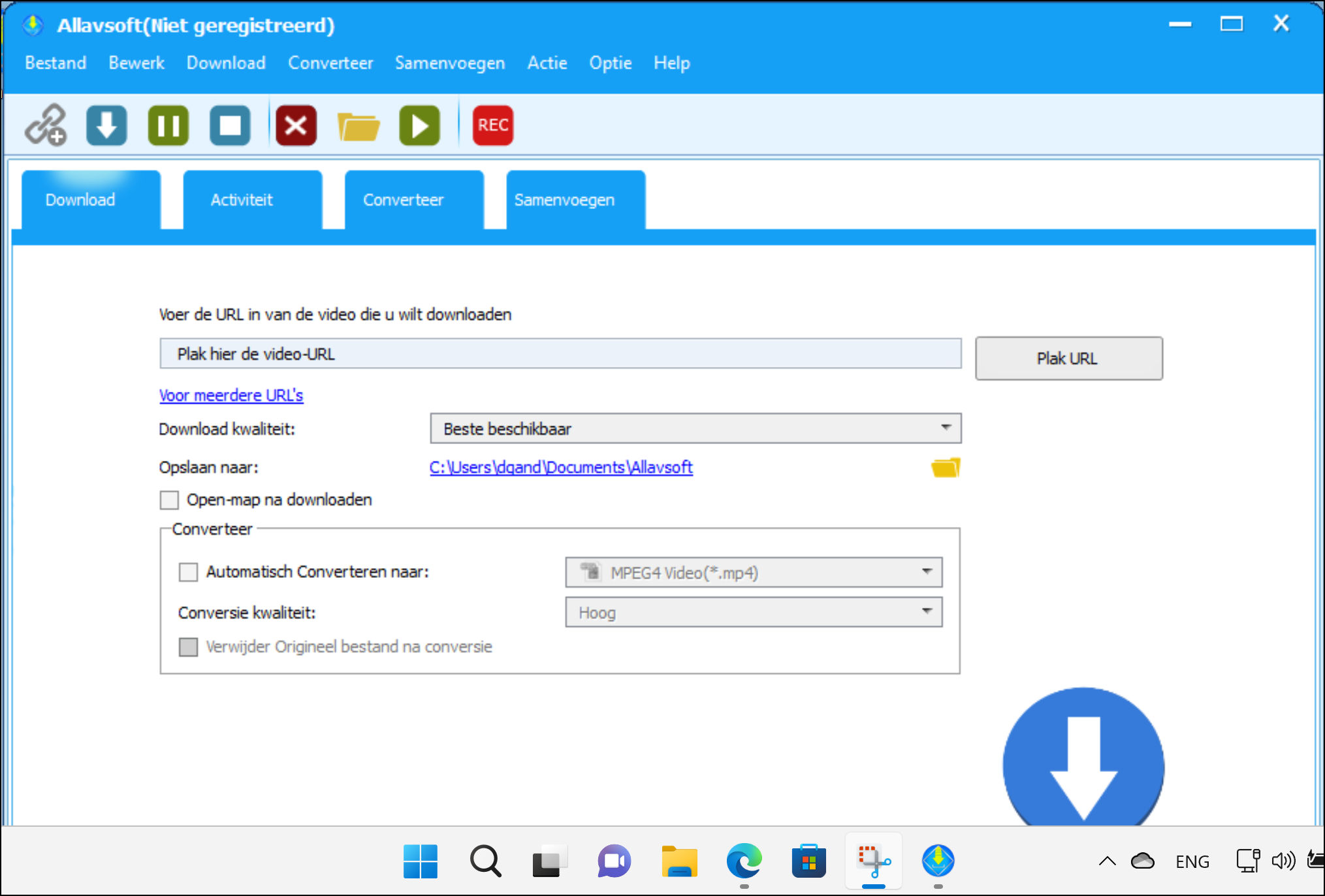
Before the download you can indicate which quality should be downloaded. You also indicate in which target format you want to save the video. In addition, Allavof has a built-in video player, so that you can view the files immediately.
The program window consists of a number of tabs. You can click the tab Download specify the url of the video you want to download, as well as the desired quality. You can download the videos at a time or specify a list of multiple videos. Allavsoft also takes into account less advanced users: for example, it offers a list of video profiles, from which you can quickly choose the desired format. Each profile has its own description. That conversion function is very useful in practice, because you can have the conversion take place immediately after downloading.
You can use the program for free, but you will soon run into the five-minute limitation. For unlimited use, the makers ask about 20 euros. In addition to a Windows version, a Mac version is available.
Product: Allavsoft www.allavsoft.com

Platform: Windows, macOS
Pros:
* clear file profiles
* built-in video player
* built-in conversion capabilities
Negatives:
* free version has 5 minutes limitation