
Not all useful programs have to be complicated or extensive, as Attribute Changer proves.
By: Dennis Gandasoebrata
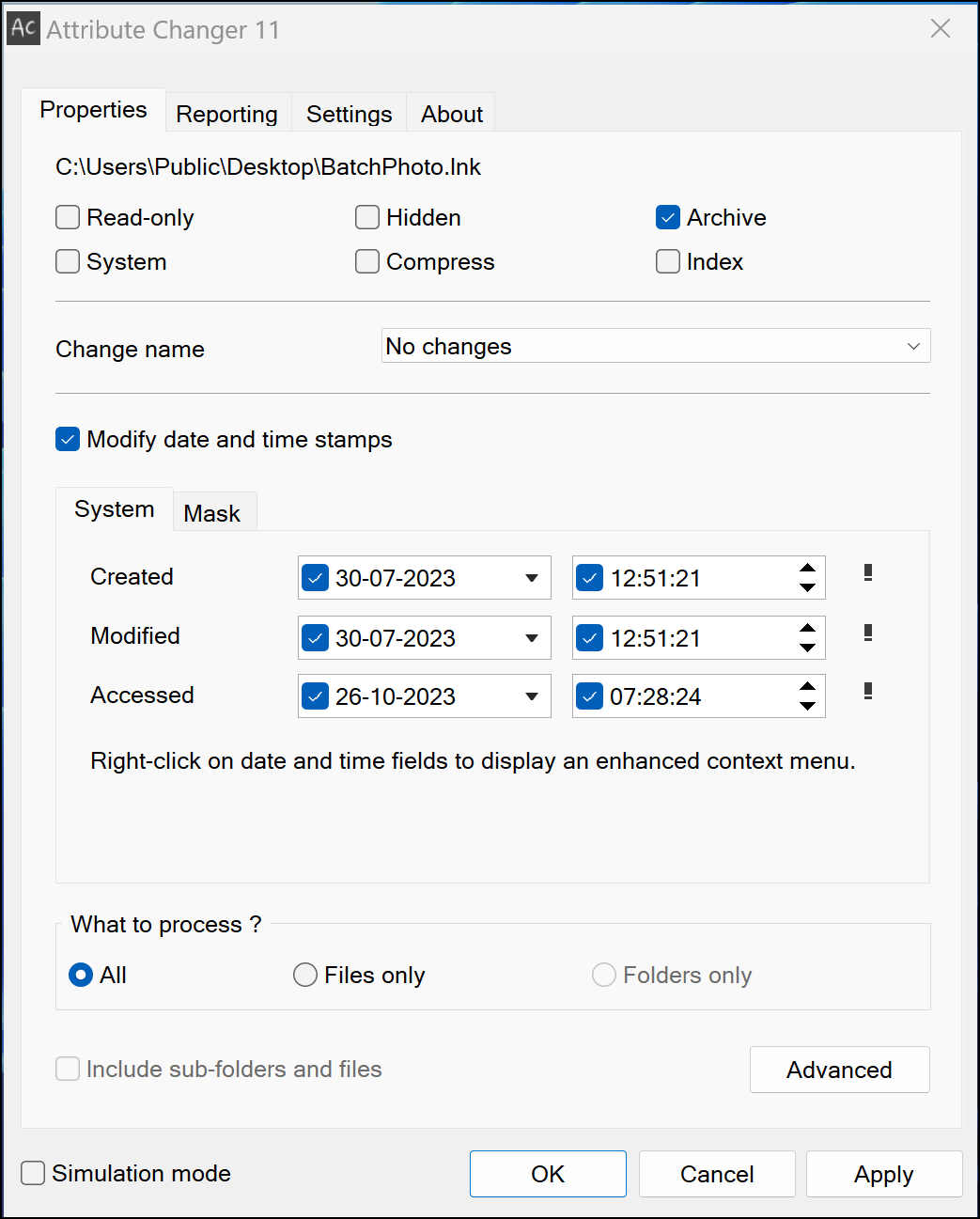
Attribute Changer integrates closely with the familiar Explorer and allows you to quickly and easily adjust all kinds of file properties. After installation, open the Attribute Changer window and drag the desired file to this window. The window will be filled with options depending on the type of file.
On the first tab you can adjust the file name, among other things, by converting it to all capital letters or all lower case letters. Moreover, you can adjust the date and time of the file in one go and use batchesso you don’t have to change individual files one by one.
You can also set files to read-only, so you don’t run the risk of them being overwritten without permission.
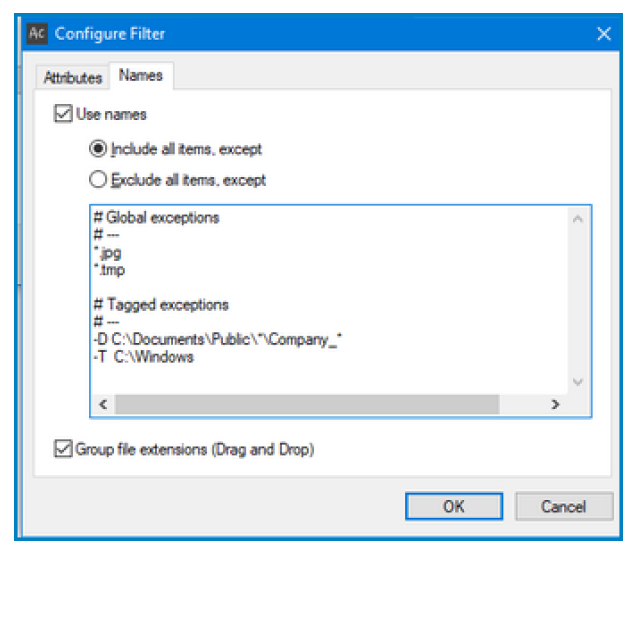
The possibilities in practice differ per file type. For example, you can also add additional data (such as the EXIFinformation). If you use the function to adjust multiple files at once, you have access to a filter with which you can exclude specific files from the action. After each action, the changes are saved in a log, which you can consult via the tab Reporting.
In simulation mode you can try actions in advance before actually applying them. Only when you are sure of your case do you actually carry out the action.
.
.
Product: Attribute Changer https://www.petges.lu

Platform: Windows 11
Pros:
* process multiple files simultaneously
* extensive logging functionality
Negatives:
* limited text and explanation per option