

Would you like to customize Windows 11 better? With BloatyNosy you can make quite a few adjustments from a central environment.
By: Dennis Gandasoebrata
Need to customize Windows 11 better? Windows itself often disappoints in this regard. With BloatyNosy you can make quite a few adjustments from a central environment. The program is intended for a large target group and has, for example, a wizard that guides you through important settings. If you do not need such a wizard, you can opt for a more thorough approach and have an overview shown of the individual components that you want to tackle.
The makers have paid a lot of attention to the explanation of each function: this distinguishes the program from similar tools, which often provide little explanation. If you use the program in advanced mode, you can read for each option to what extent it is recommended to enable or disable it.
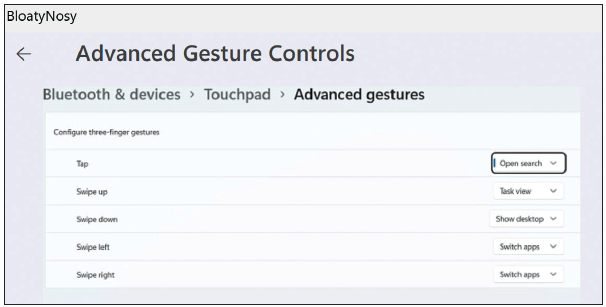
Moreover, in the app we find a debloater: a component that helps you remove potentially unnecessary Windows components, such as integration with OneDrive or Teams. This component – BloatPilot – is relatively powerful, but for those who really want total control, the maker has another program on offer: JunkCtrl. It is a pity that the two separate components are not integrated into one program. BloatPilot itself is a part that requires little additional explanation. The makers would do well to spend a little more time on this.
.
Product: BloatyNosy https://github.com/builtbybel/BloatyNosy

Platform: Windows
Pros:
* Mix between wizards and advanced mode
* Adjustments per part
Negatives:
* For real ones debloating separate app required